
AutoID Moldova · Label printers
Label printers for retail, warehouse, production and logistics
Zebra, TSC and CAB: desktop, industrial and mobile printers, print&apply modules and RFID models, direct thermal and thermal transfer. AutoID Moldova (POS Consulting) helps you choose the printer, labels and ribbons, prepares the quote and takes care of installation.
386 models in the catalog
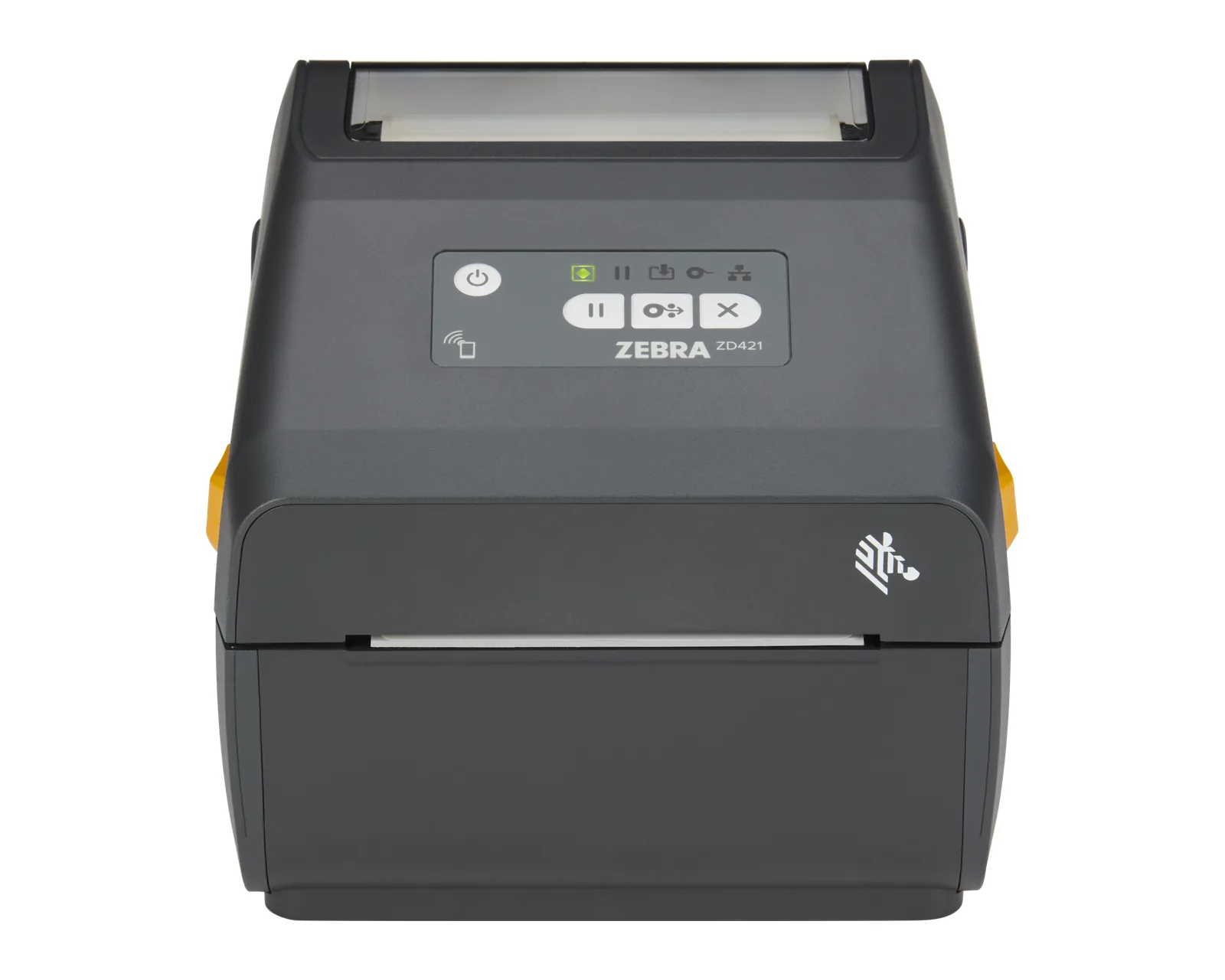
Print technologyDirect thermal, Thermal transfer
Print width4"
Resolution203 / 300 dpi
Applications


Manufacturing
Labels for traceability, parts and packaging: GS1, DataMatrix, durable materials, industrial printers and print&apply modules. Zebra, TSC, CAB.
Details
Brands
Zebra, TSC and CAB: from a desktop printer for the store to an automated labelling line, with one partner for selection, quote and installation.
- ZebraZebra label printers: ZD desktop, ZT industrial and ZQ mobile models, plus print engines. Selection, consumables, setup and service through AutoID.29 models
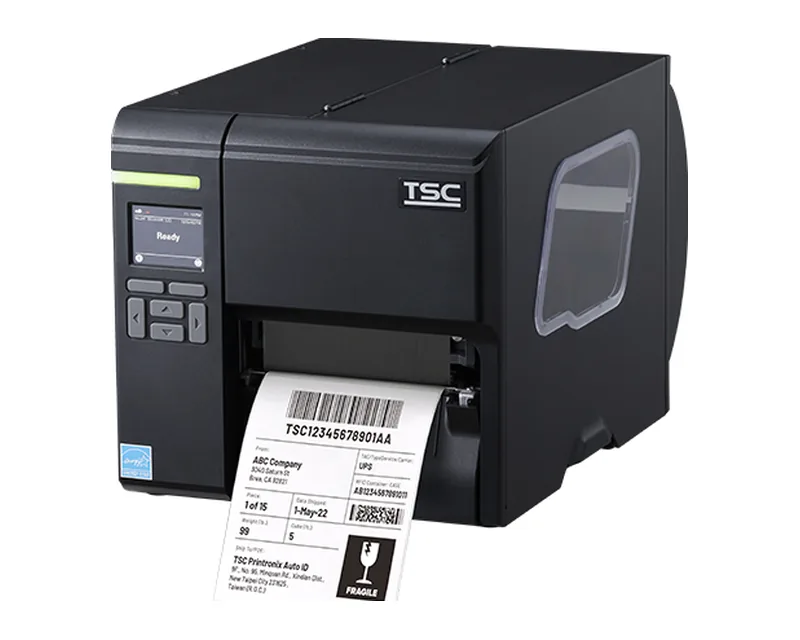
- TSCTSC and Printronix label printers: TE, DA, TC desktop, MB, ML and MH industrial, Alpha mobile. Selection, consumables and service through AutoID.68 models
- CABCAB label printers from Germany: MACH, EOS, SQUIX, XC Q/XD Q, print modules and Hermes systems. Selection and service through AutoID Moldova.25 models
Categories
-
01
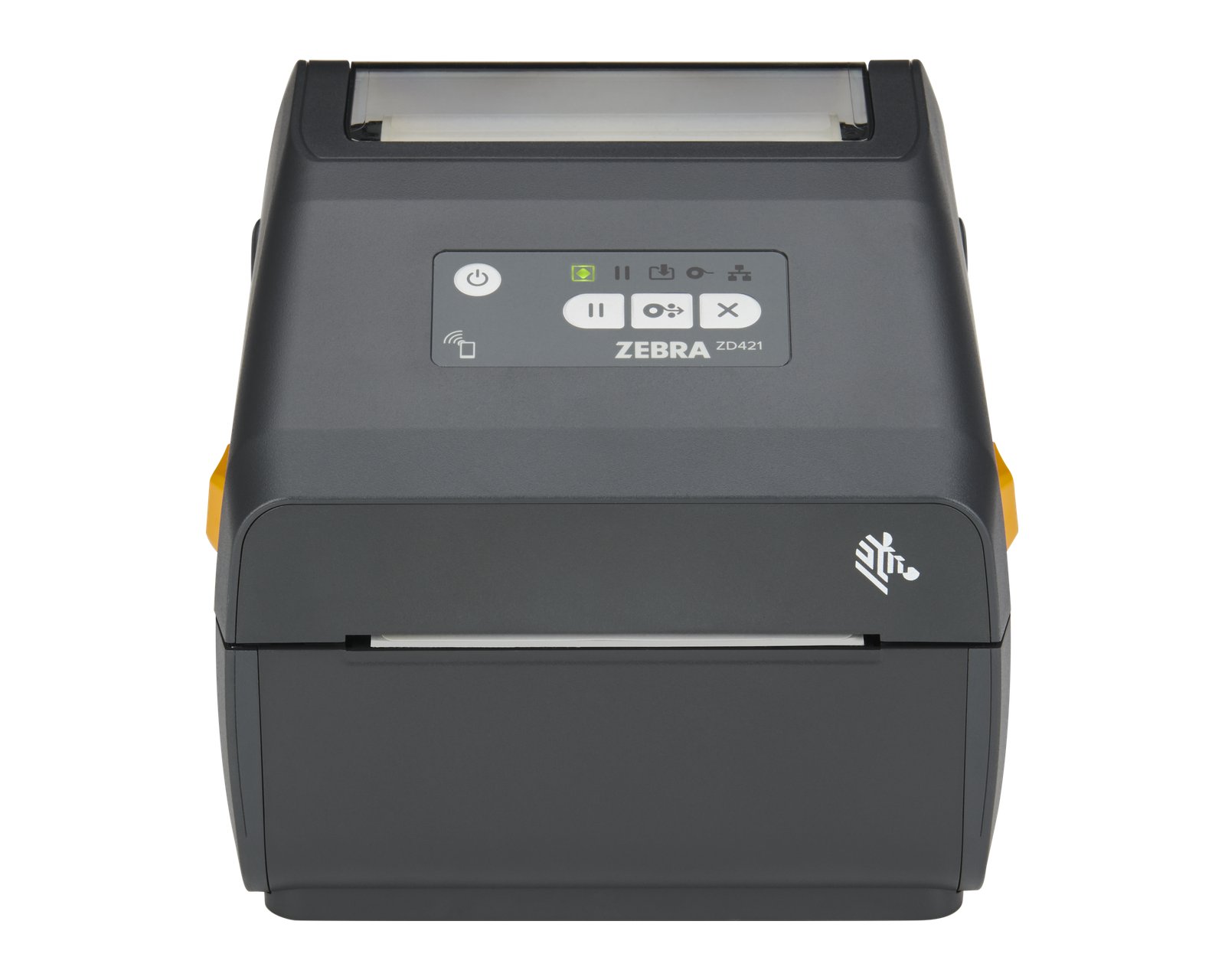
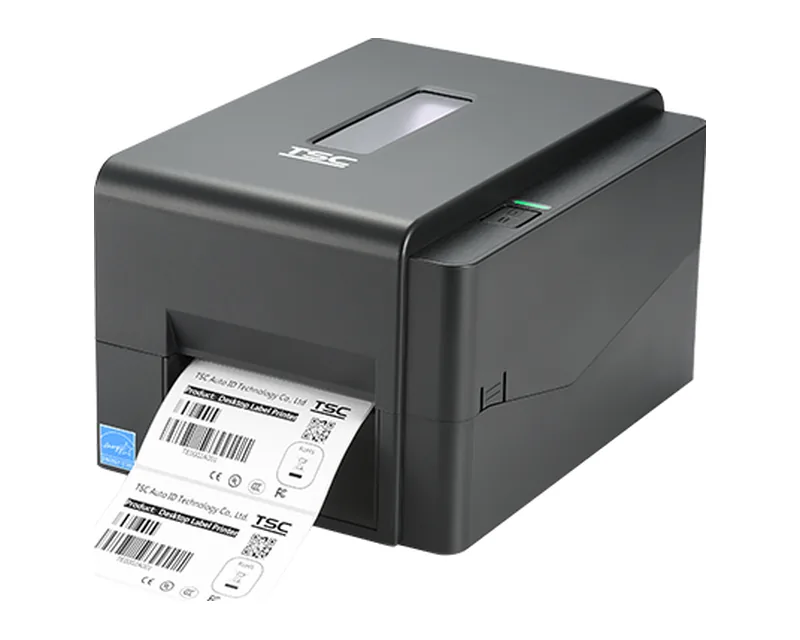
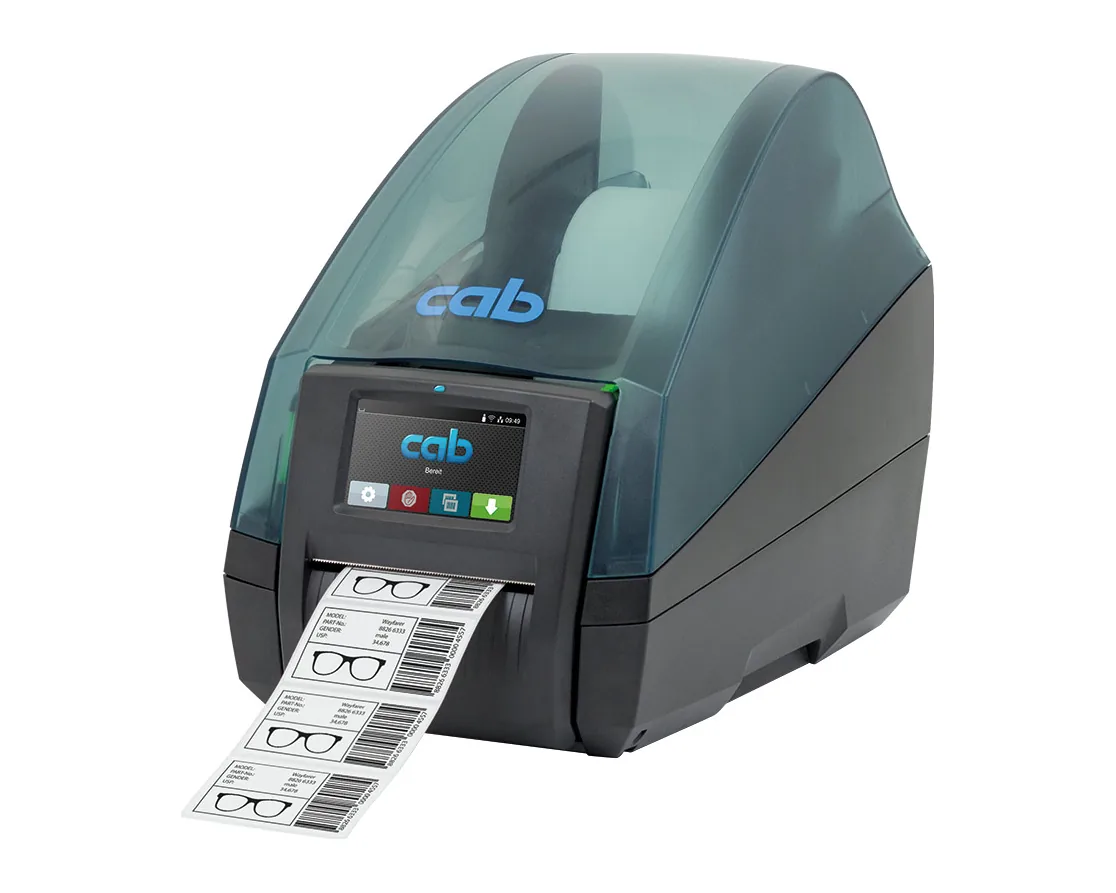
Desktop printersCompact printers for the office, store and dispatch desk
45 models
-
02
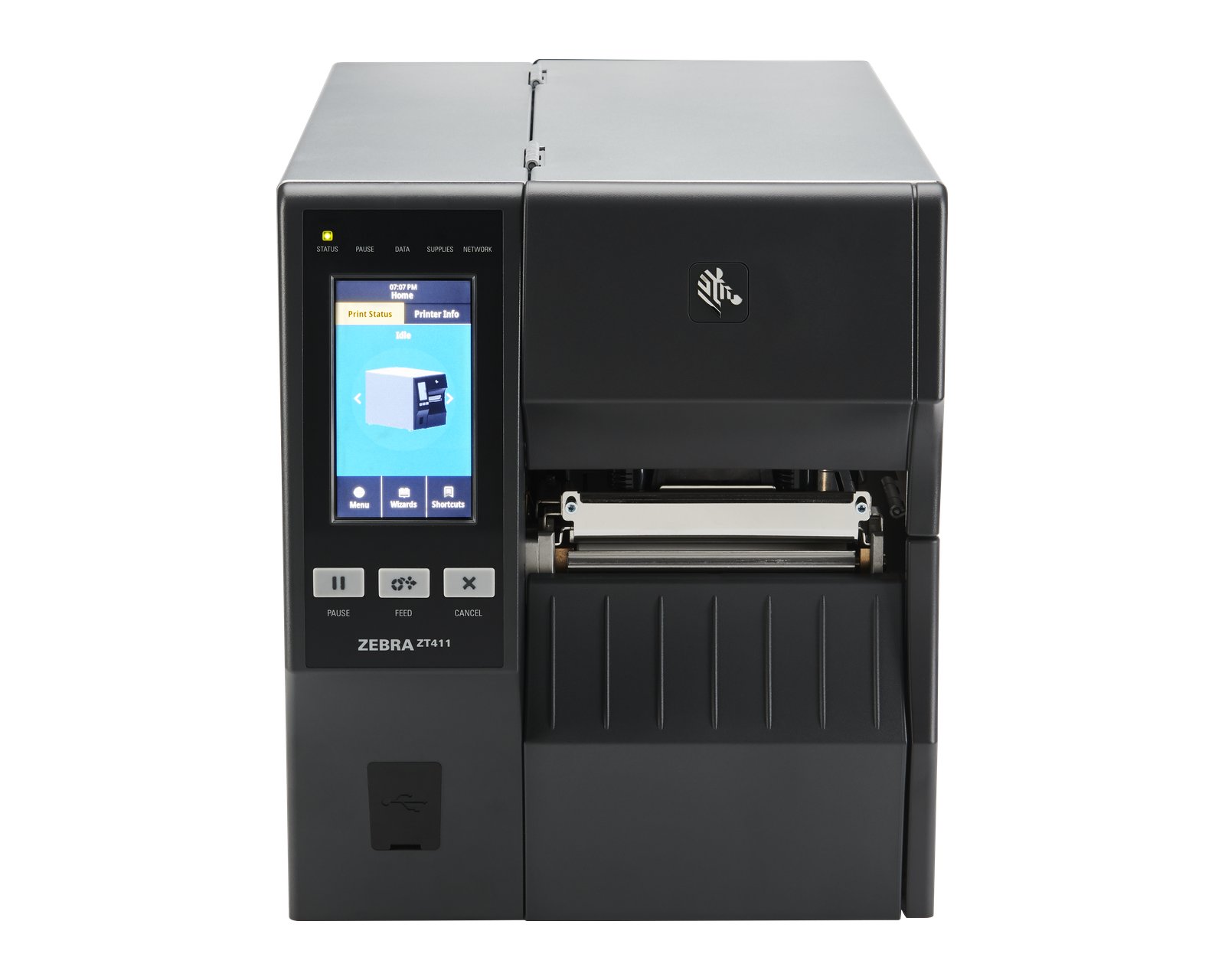
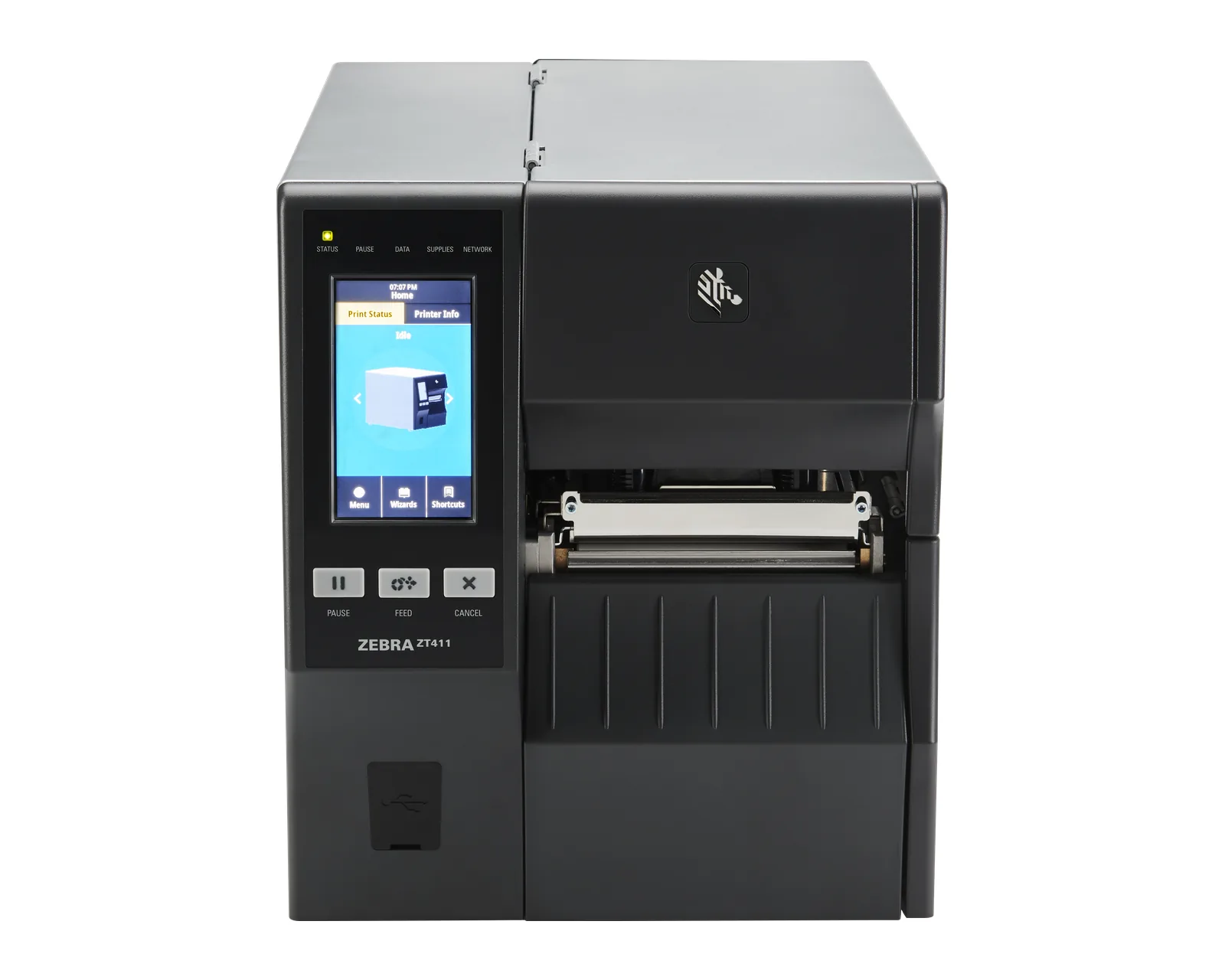
Industrial printersRugged printers for warehouse, production and logistics, continuous duty
43 models
-
03
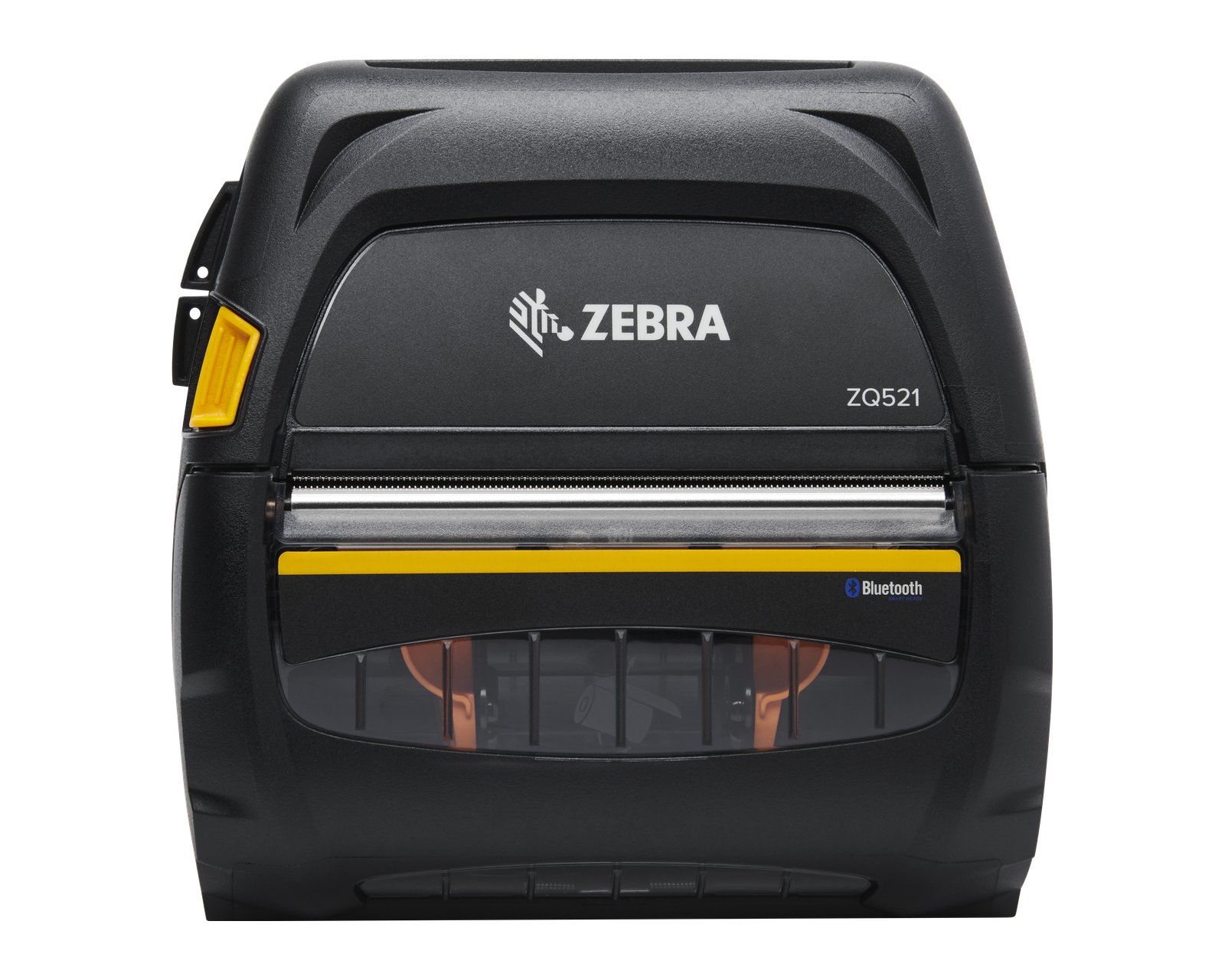
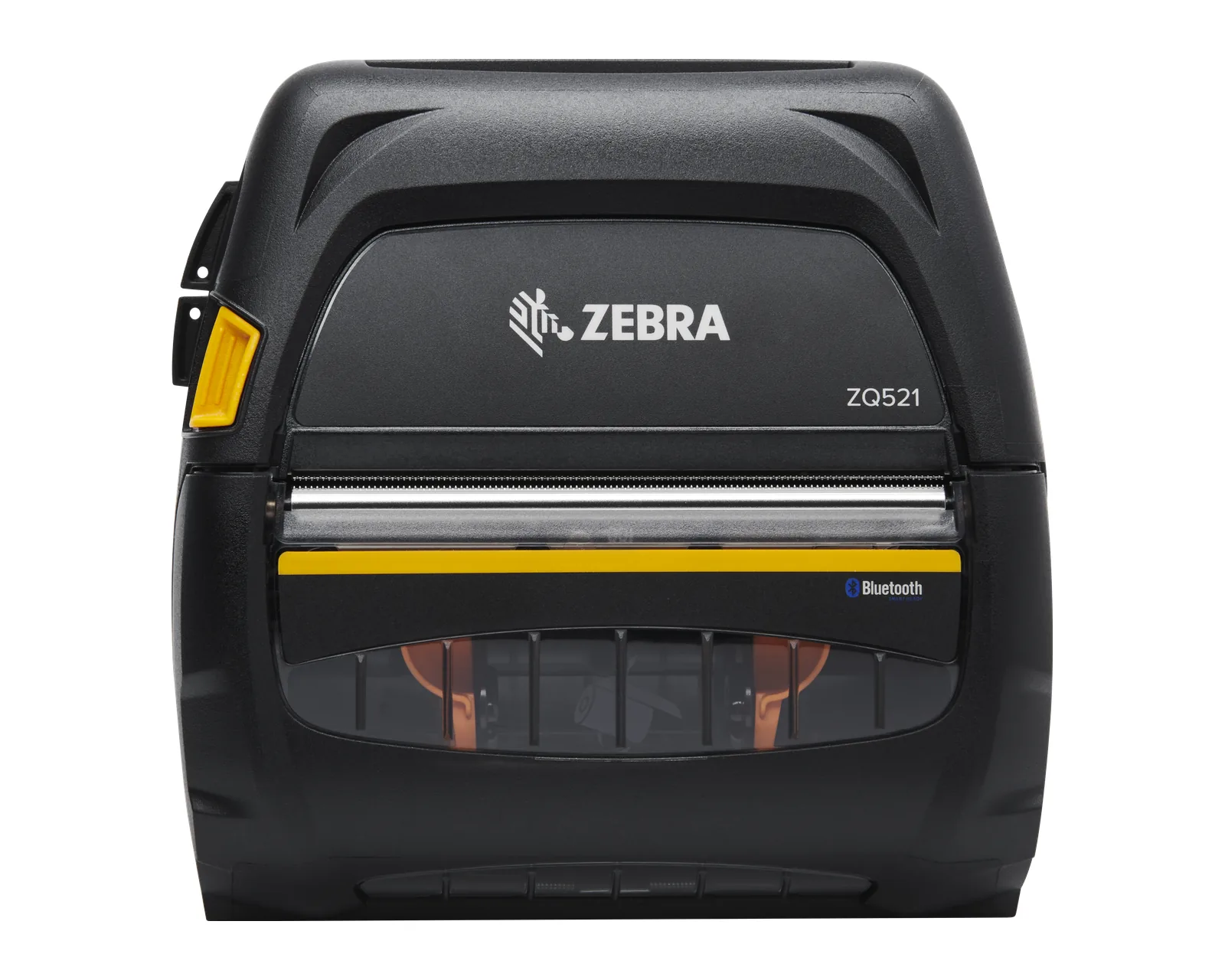
Mobile printersPortable battery printers for couriers, retail and field work
18 models
-
04
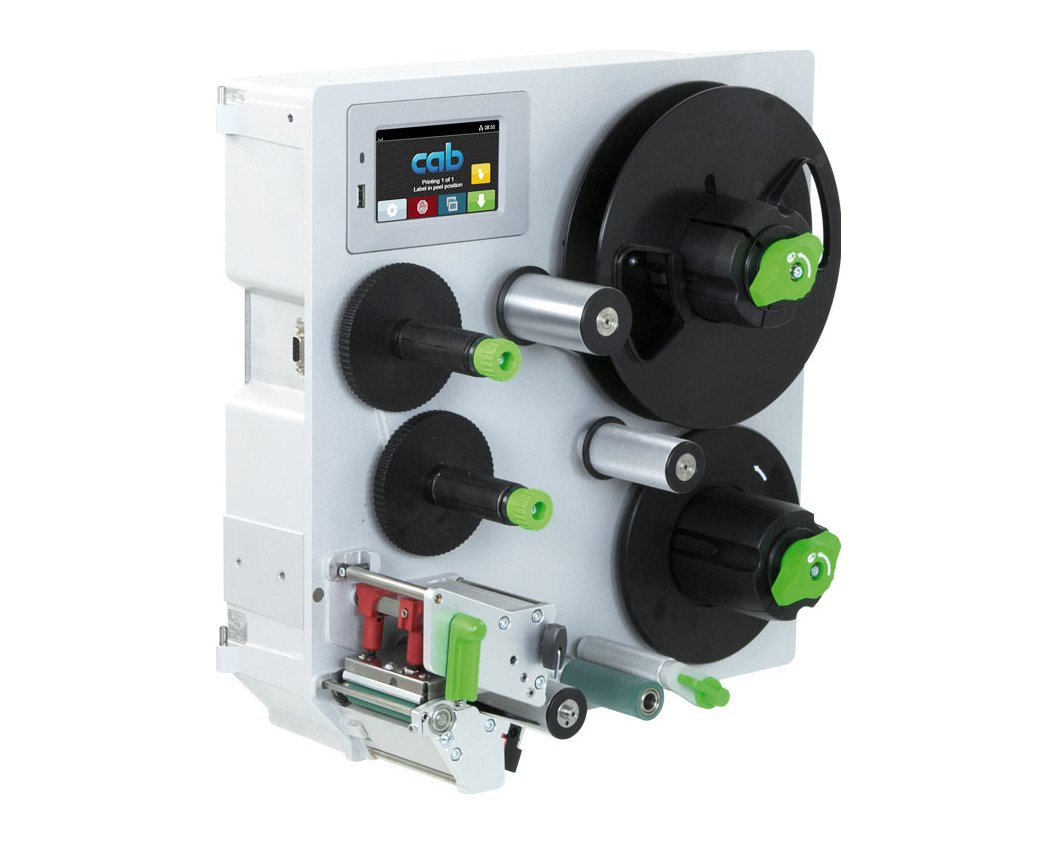
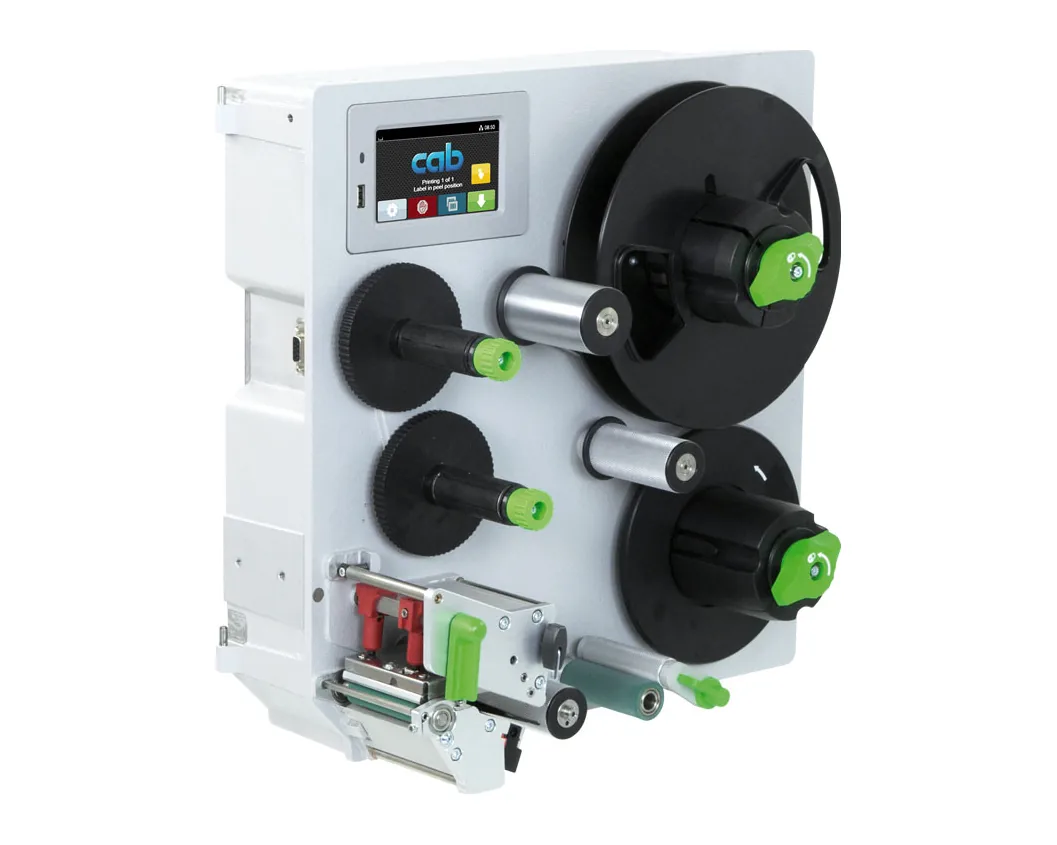
Print engines and modulesPrint engines and print & apply modules for production and packaging lines
16 models
-
05
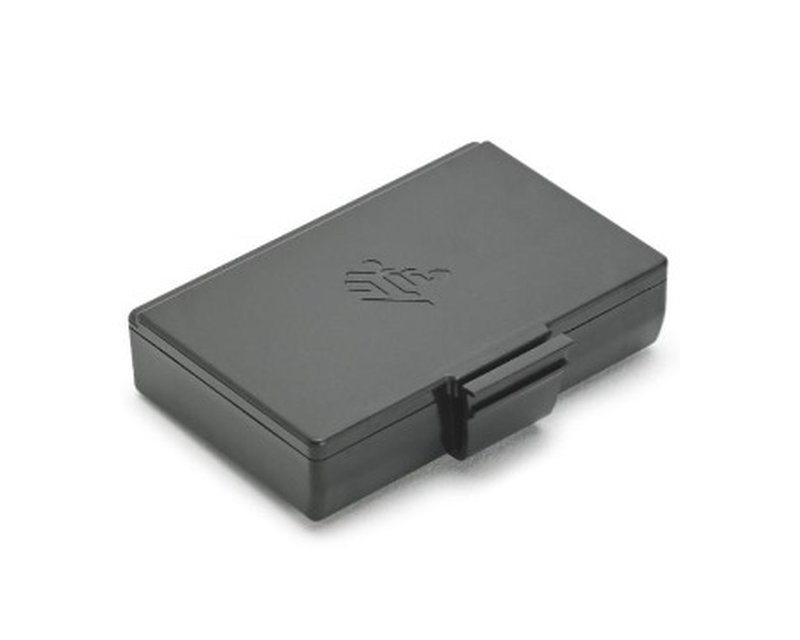
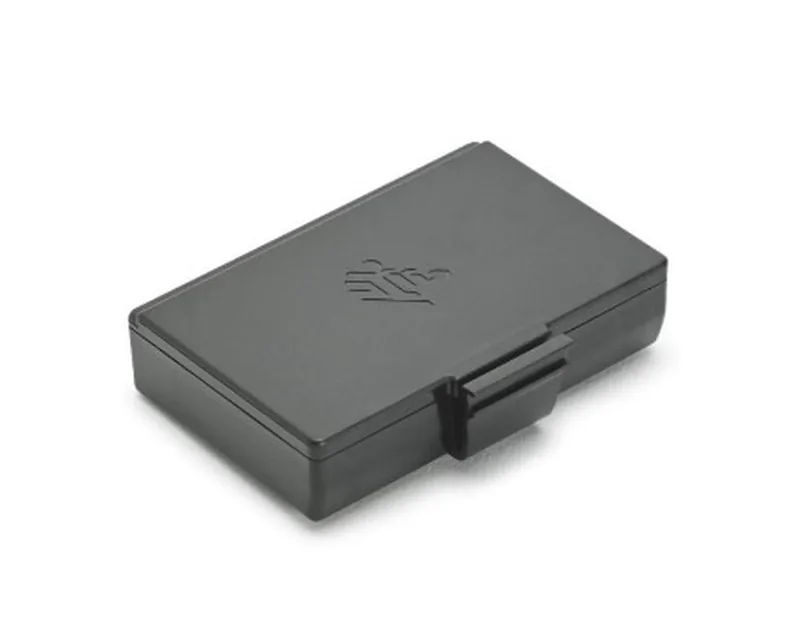
AccessoriesCutters, peelers, rewinders, Wi-Fi and RFID modules, batteries, print heads
264 models
Recommended

Other AutoID Moldova sites
Equipment and solutions for automatic identification: from printing the label to scanning and warehouse management.
- WMS system wms.md Warehouse management: receiving, storage, picking, dispatch, with scanning and labels. Open the site
- Data collection terminale-mobile.md Mobile data-collection computers and rugged tablets for warehouse and retail. Open the site
- Barcode scanning scanere.md 1D/2D barcode scanners for checkout, warehouse and production. Open the site
Why us
- 01
Matched to your label
We start from the label you need to print: size, material, how long it must last and which system sends it. Only then do we choose the printer.
- 02
Matching labels and ribbons
We match the label roll and ribbon to the printer and the surface, so the print is legible and durable and the printhead does not wear out needlessly.
- 03
Quote on request
The price depends on the configuration: resolution, interfaces, options and consumables. Send a request from the quote cart, and we will come back with availability, lead time and a quote.
- 04
Installation, integration and service
Installation, ZPL or TSPL compatibility, label templates, WMS and ERP integration, service and support after delivery, through AutoID.
From the articles

Buying guides ·
Mobile label printing in the warehouse and on delivery
When a mobile printer makes sense: receiving, relabelling, delivery and shelf price labels, working with a terminal and a WMS, Bluetooth or Wi-Fi, battery, charging and the type of media.

Buying guides ·
300 or 600 dpi: when a label needs higher resolution
When 203 dpi is enough and when 300 or 600 dpi pay off: small DataMatrix codes and barcodes, fine text, electronics, and the price of high resolution in speed, supplies, maintenance and templates.

Buying guides ·
GS1 labels for warehouses and pallets: SSCC and GS1-128
GS1 logistics labels for warehouses and pallets: what SSCC is, how data is encoded in GS1-128, label layout, where it goes on the pallet, which printer to choose and the link to a WMS.
Frequently asked questions
How do I order a label printer and how is the price set?
Add the models you want to your quote cart or write to us on the Contacts page or at +373 79 170 490. Prices are not shown on the site, because the same printer ships in different configurations: resolution, interfaces, cutter, label peeler, RFID. We will get back to you with availability, lead time and a quote, and payment is made against an invoice issued by S.R.L. «POS CONSULTING».
What should I include in a quote request?
Describe which labels you print (price, product, shipping, pallet), their size, what they are applied to and how long they must last, roughly how many labels you print per day, which system sends them to the printer (POS, WMS, ERP, courier platform) and how the printer connects. On that basis we propose two or three options.
Which label printer brands do you offer?
We offer Zebra, TSC (TSC Auto ID Technology, Taiwan, including Printronix printers from the TSC Printronix Auto ID group) and CAB (cab Produkttechnik, Germany) printers. We choose the model by label and print volume, not by brand name. The ranges are described on each brand's page.
Direct thermal or thermal transfer: which should I choose?
Direct thermal printing uses no ribbon: the image appears on thermal paper. It is simple and suits shipping and price labels with a short life. Thermal transfer uses a ribbon and gives a print that better resists abrasion, heat and light, on paper or synthetic materials, which suits product and pallet labels and long-term marking. Thermal transfer printers can usually print in direct thermal mode as well.
Which resolution should I choose: 203, 300 or 600 dpi?
203 dpi is enough for most shipping, price and pallet labels. 300 dpi helps with small text, logos and small 2D codes, while 600 dpi is for very small labels, for example on electronic components. The available resolutions depend on the model, so we confirm them in the quote against the manufacturer's specification.
Desktop, industrial or mobile printer: which should I choose?
A desktop printer is compact and suits a store, an office or a shipping station with moderate volume. An industrial one is more robustly built, takes larger rolls and is designed for continuous work in the warehouse and production. A mobile one is worn on the belt and prints at the shelf, at the loading dock or at the customer's site. For automated lines there are print and apply (print&apply) modules.
Request a quote
Consultation
Describe which labels you print and where: store, warehouse, production or logistics. We will help you choose the printer and consumables and prepare the quote.