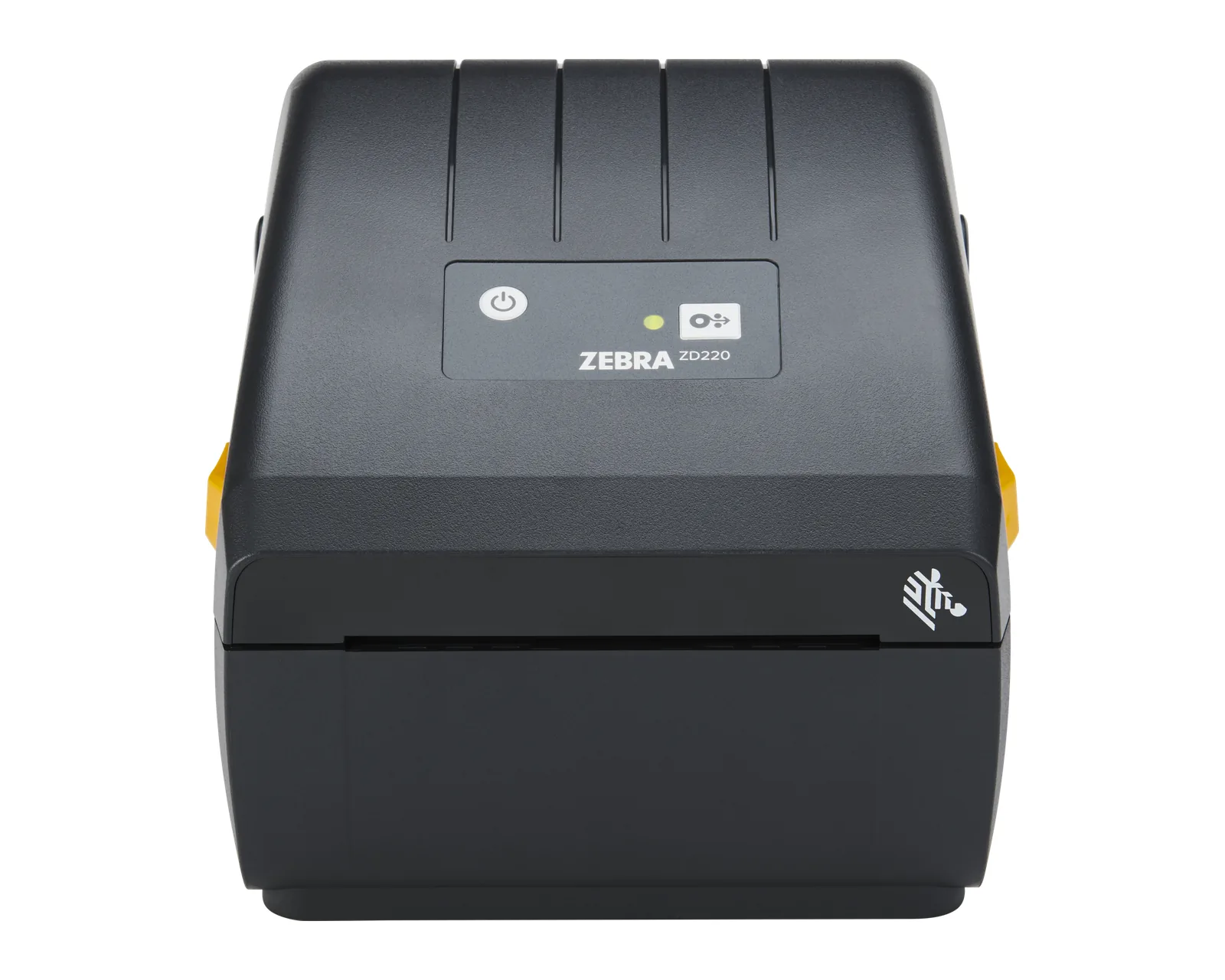
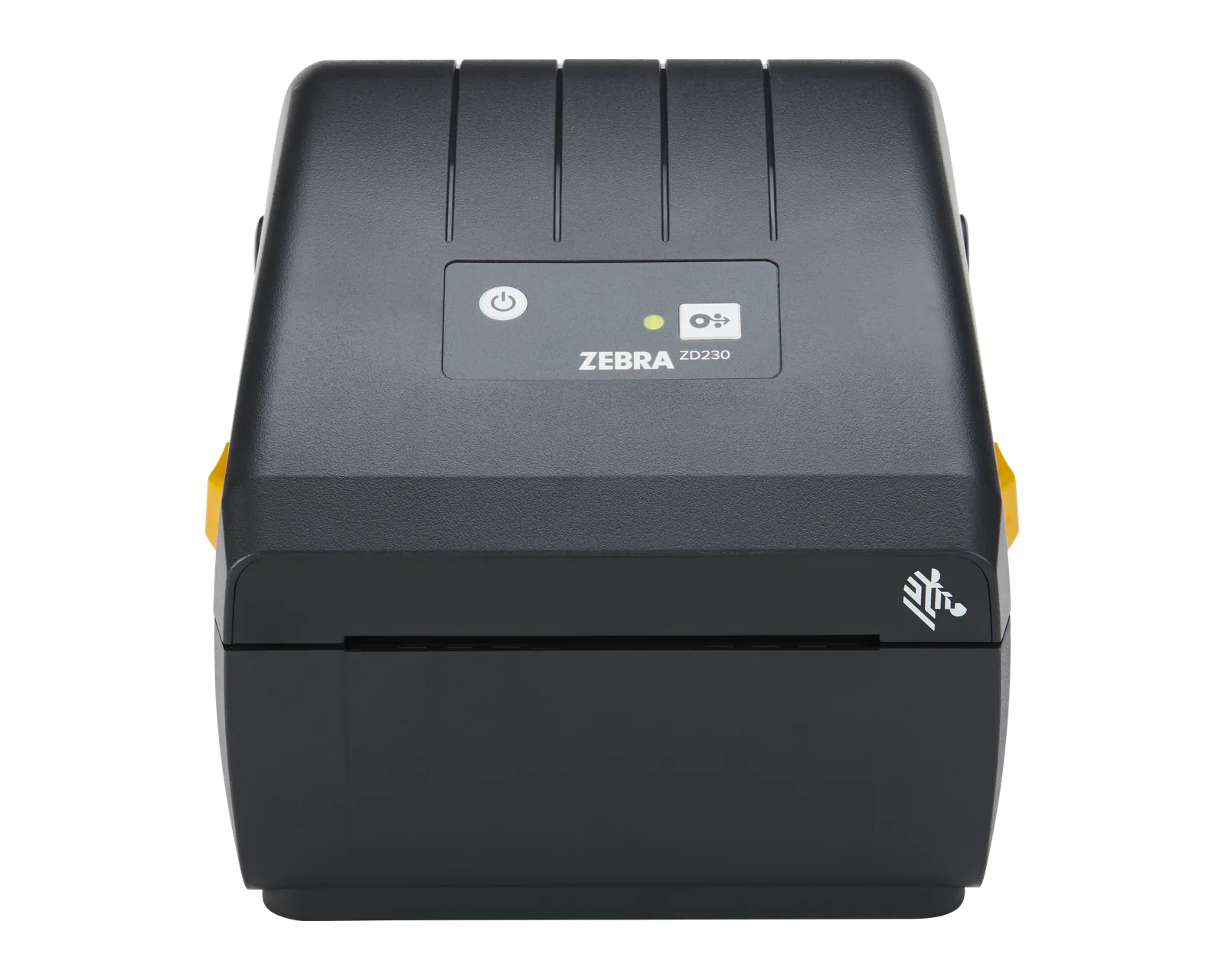
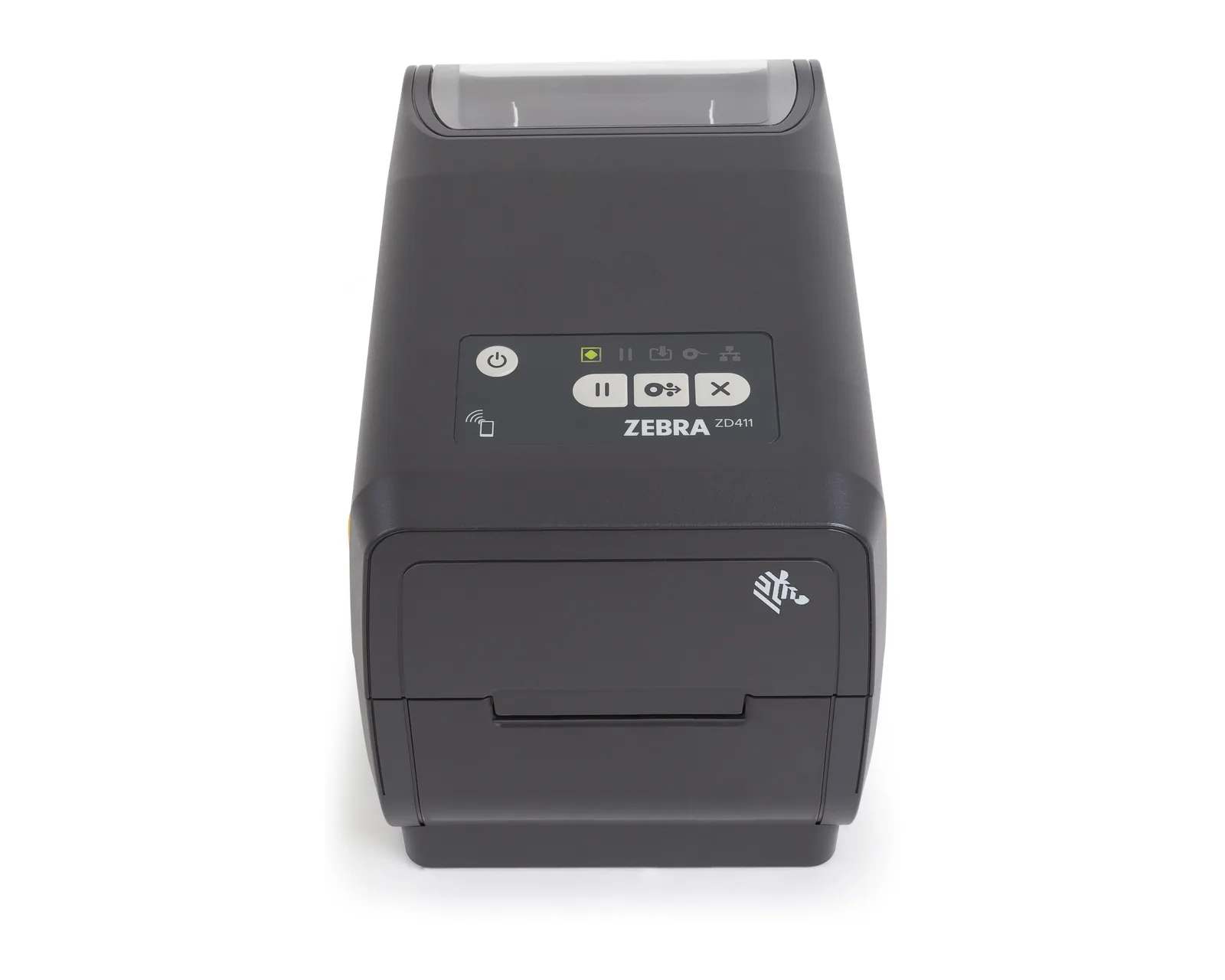
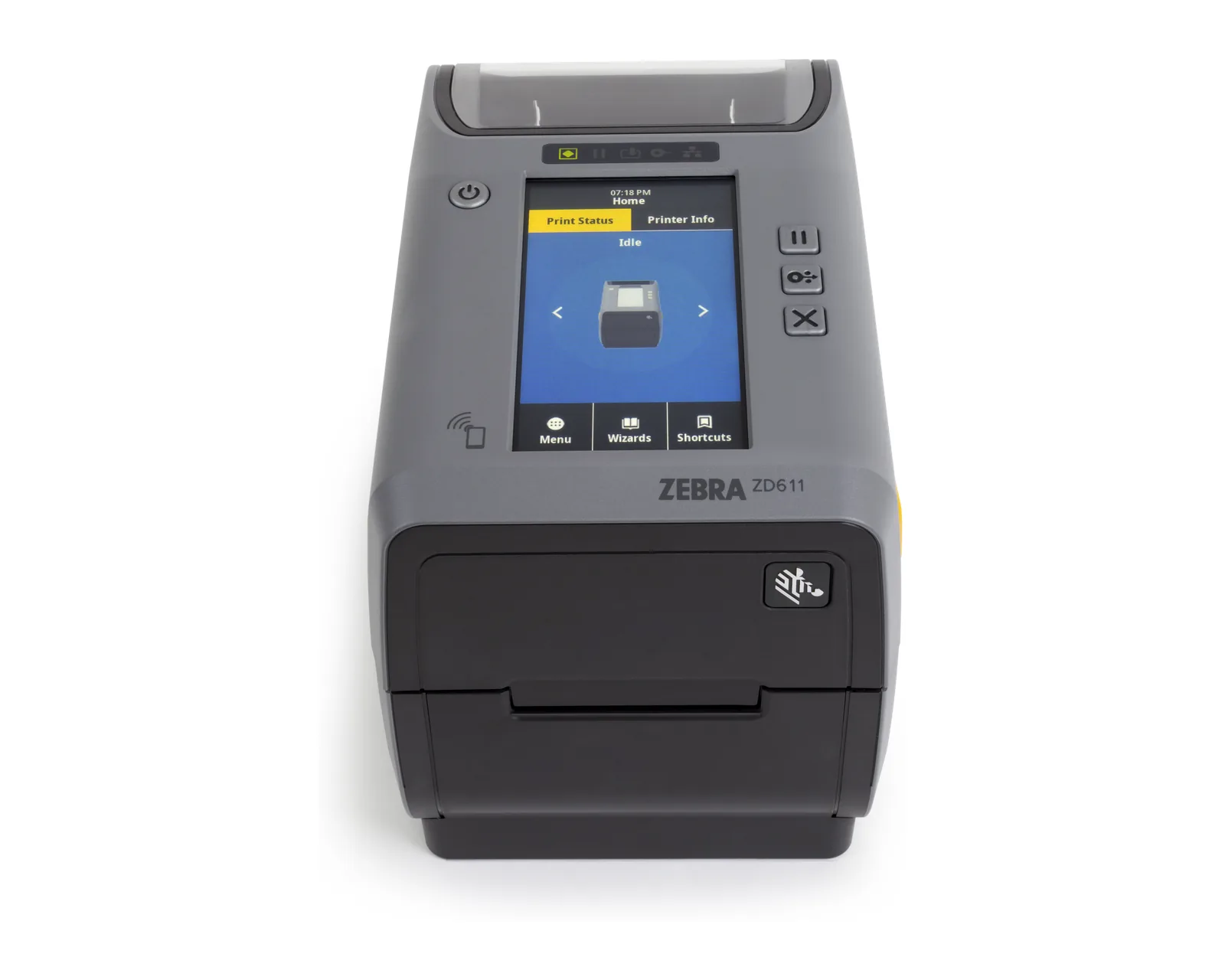
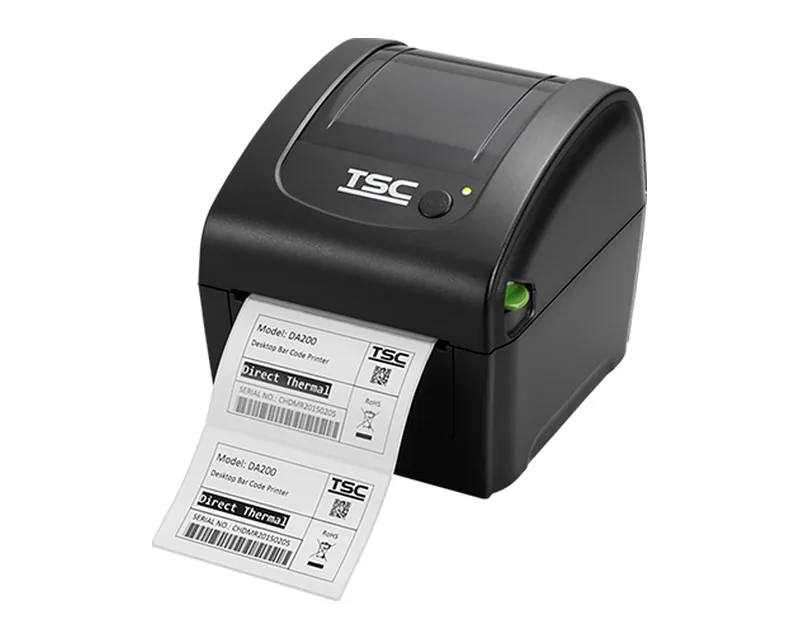
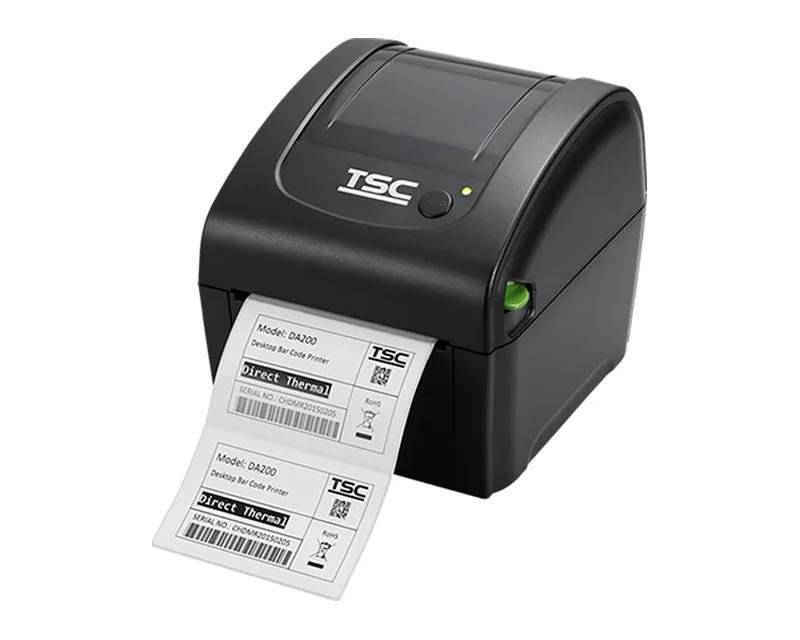
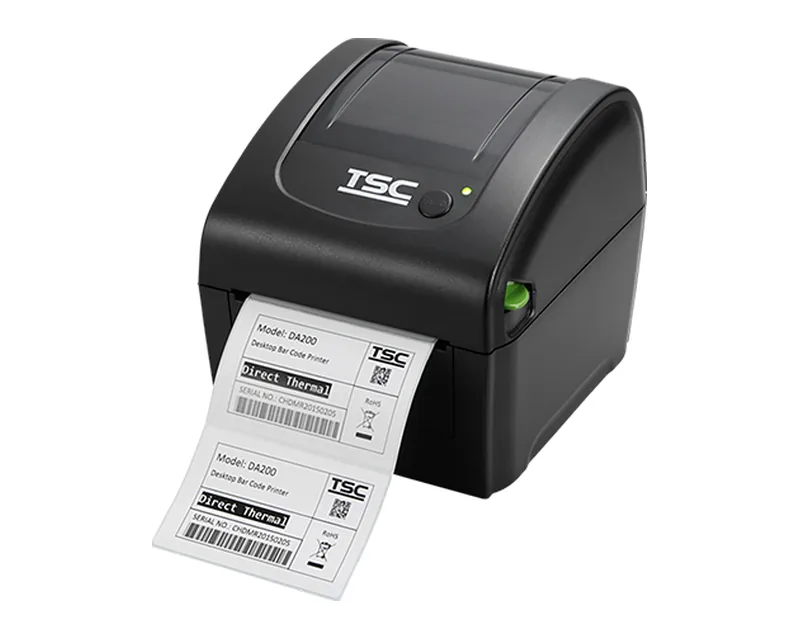
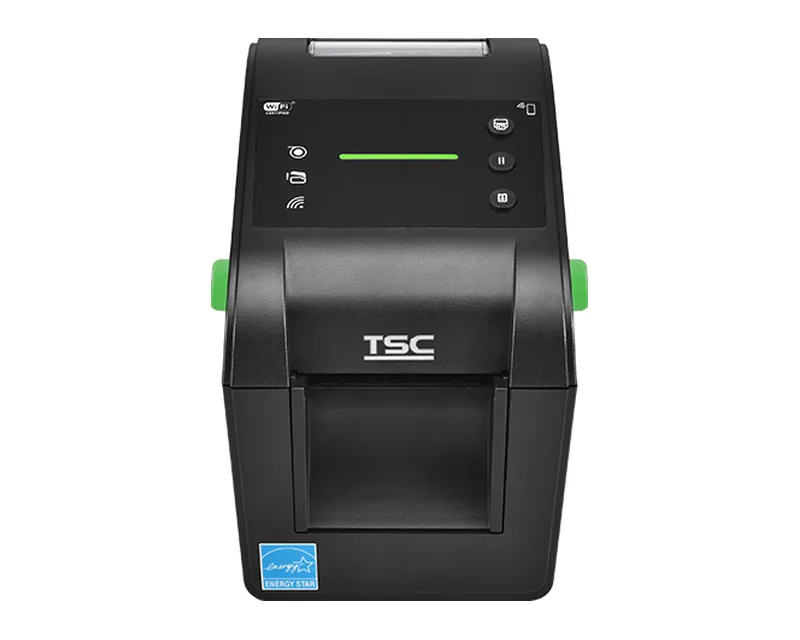
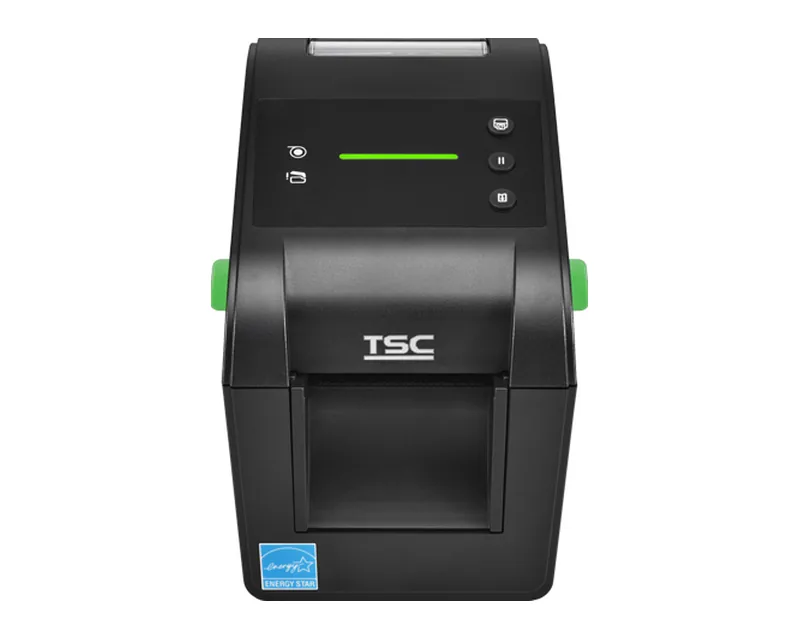
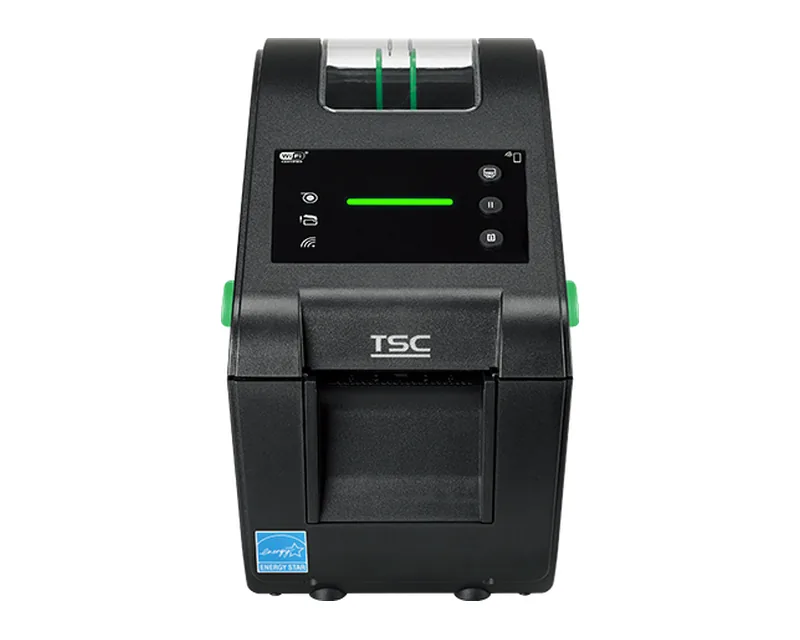
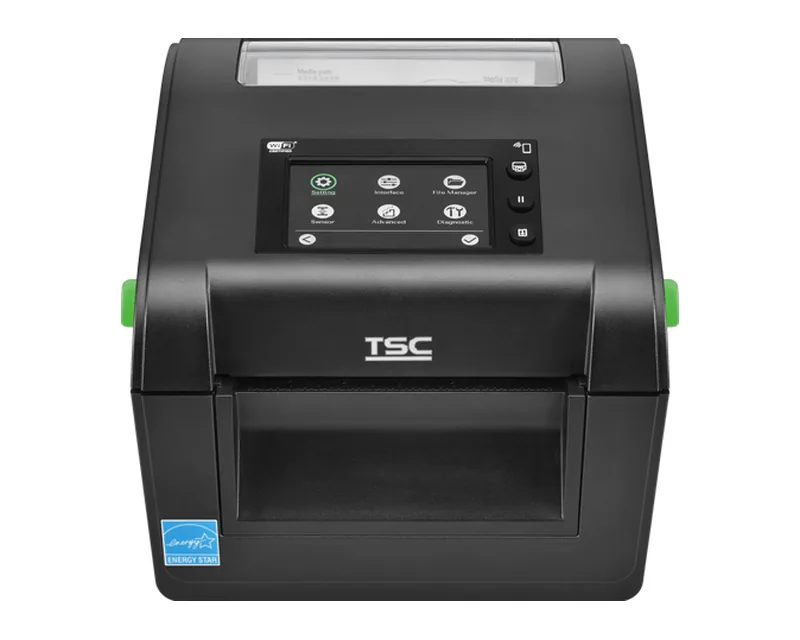
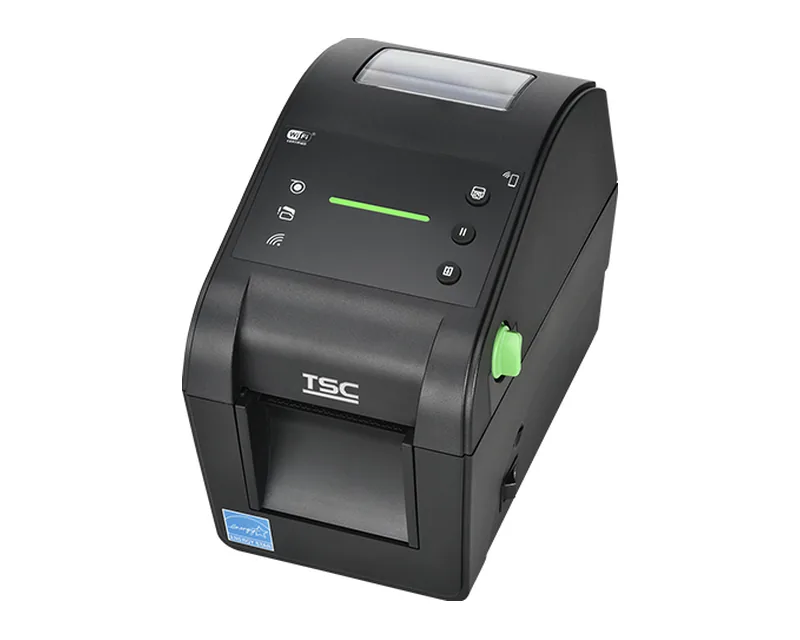
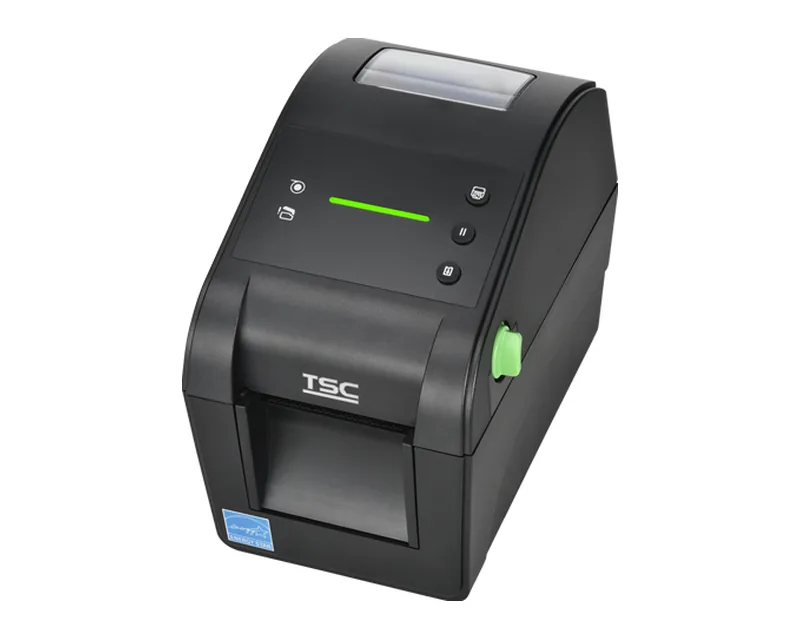
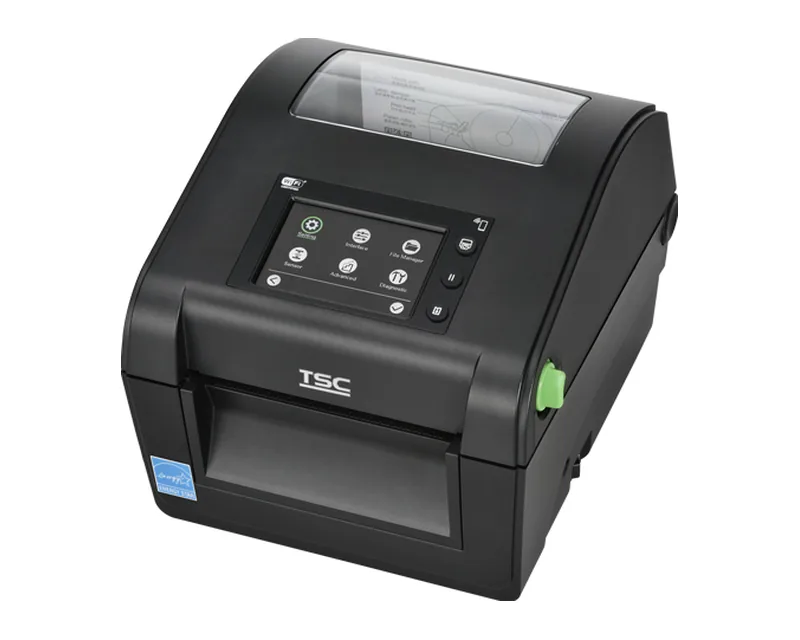
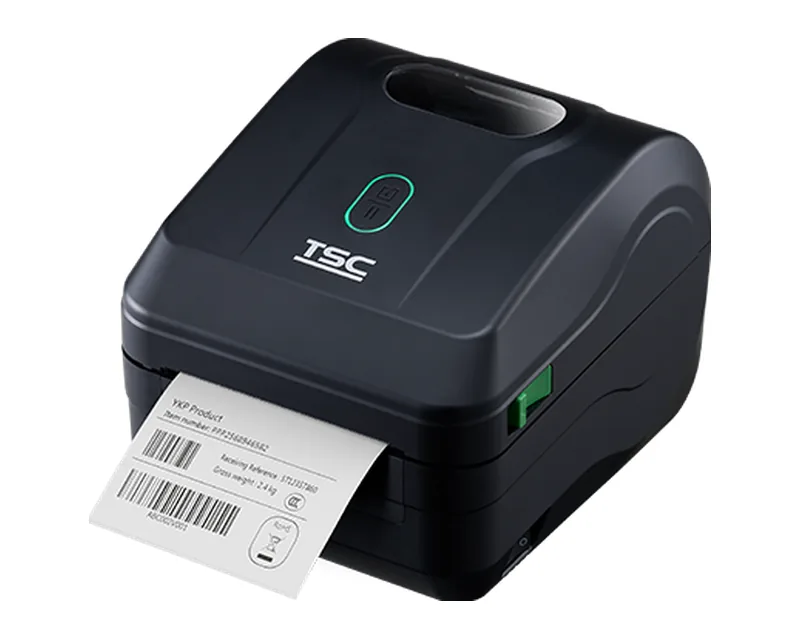
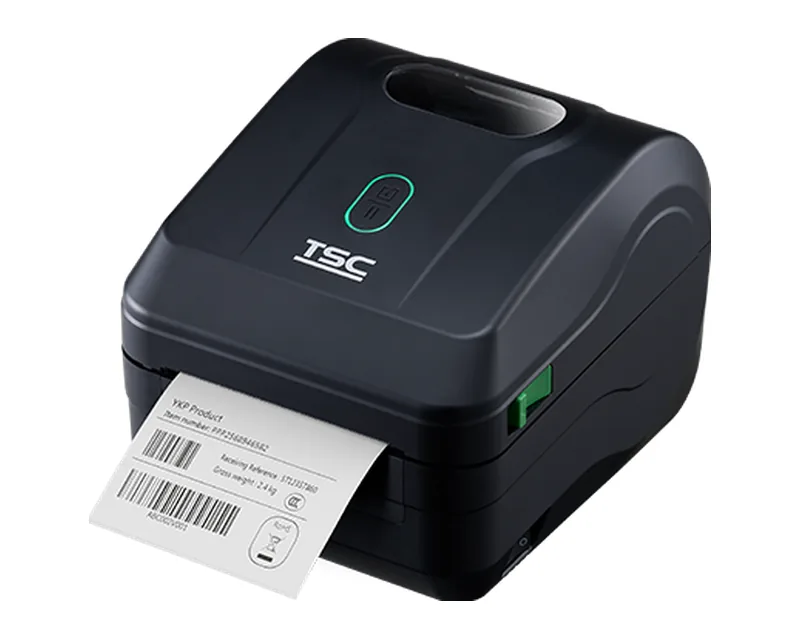
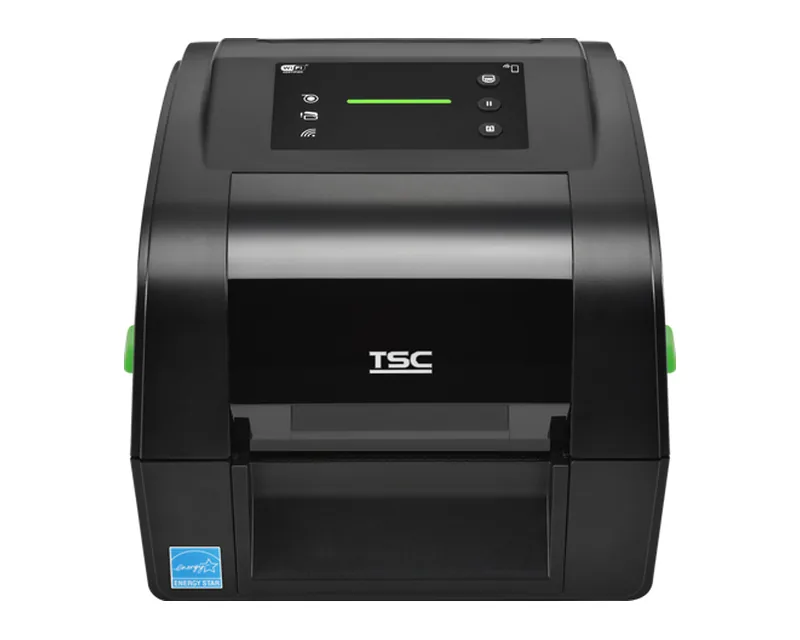
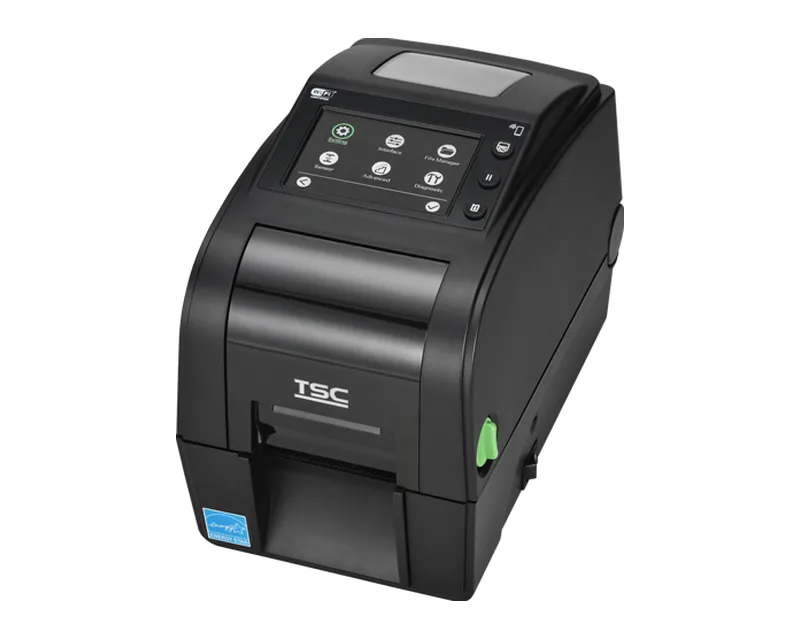
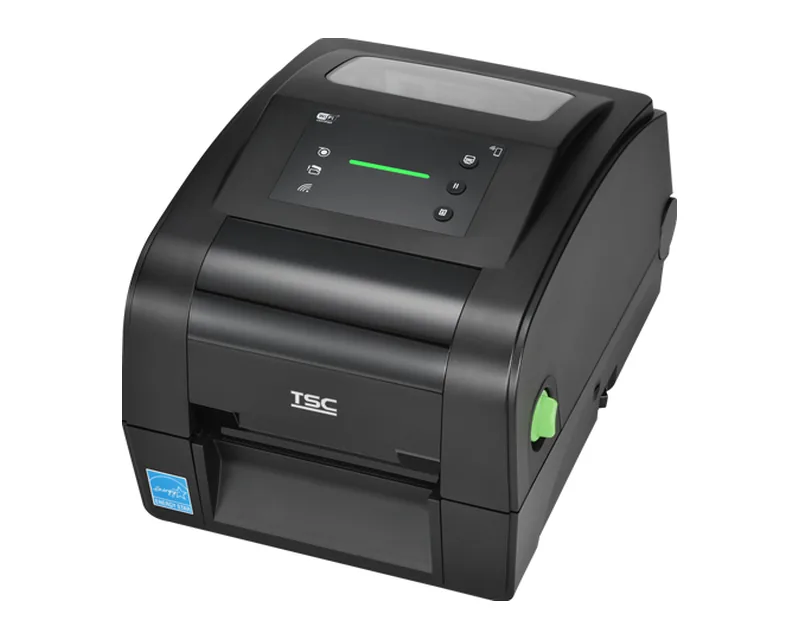
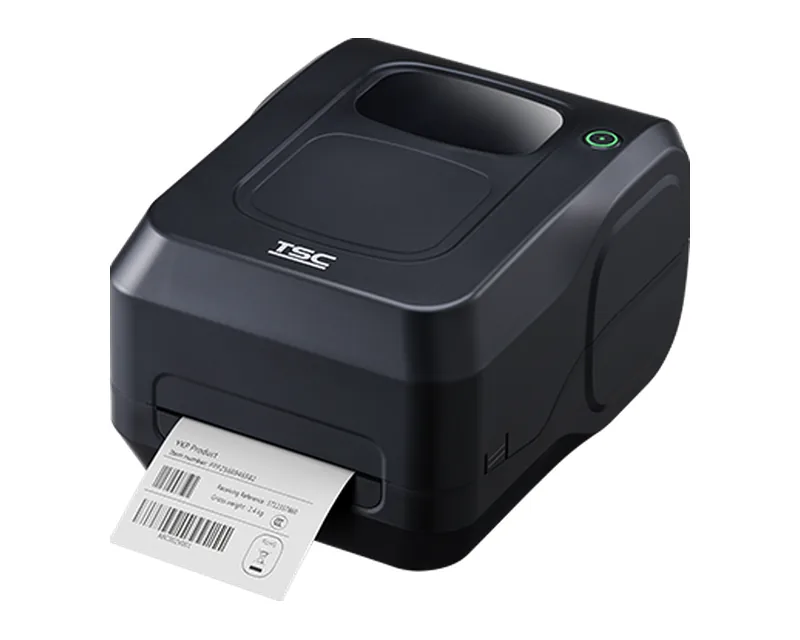
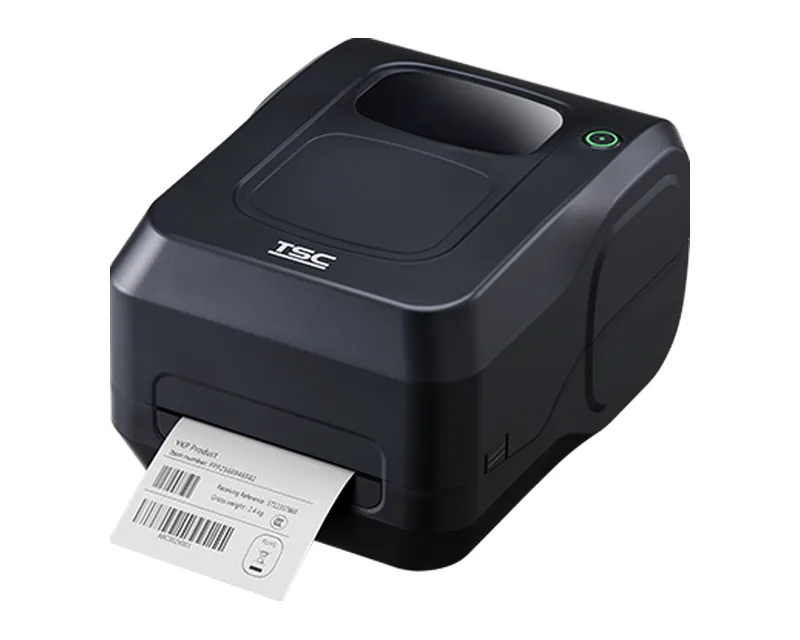
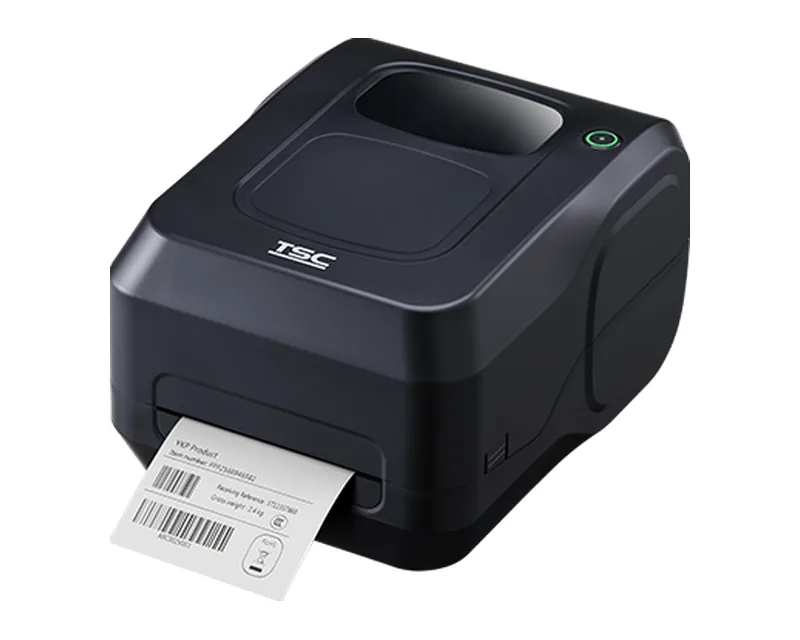
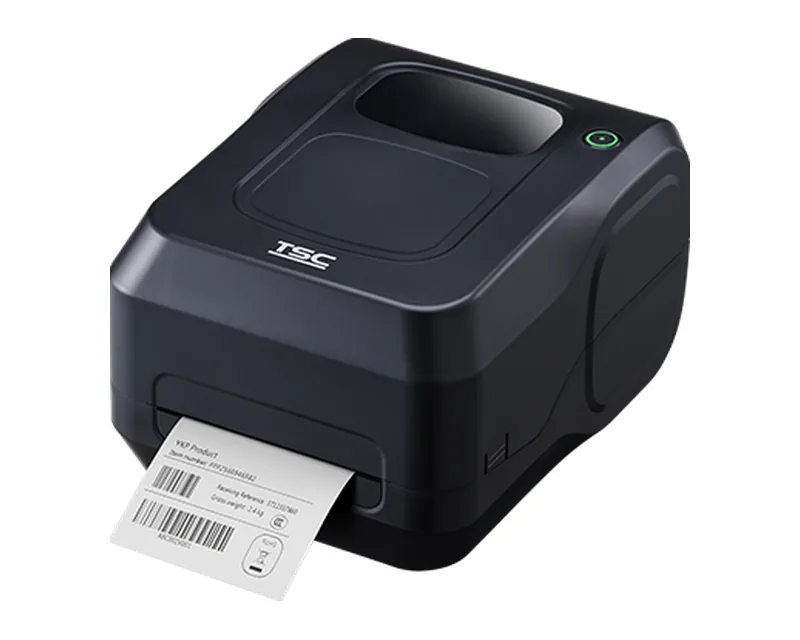
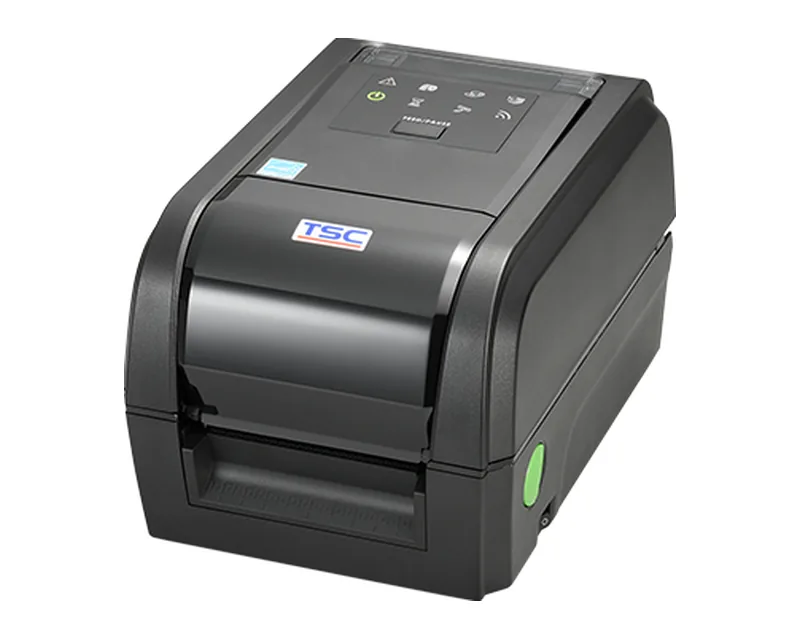
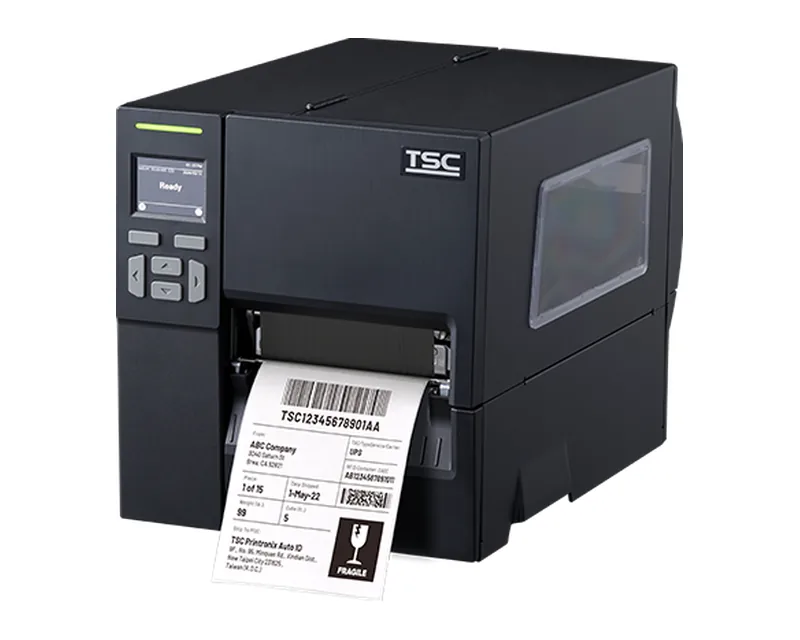
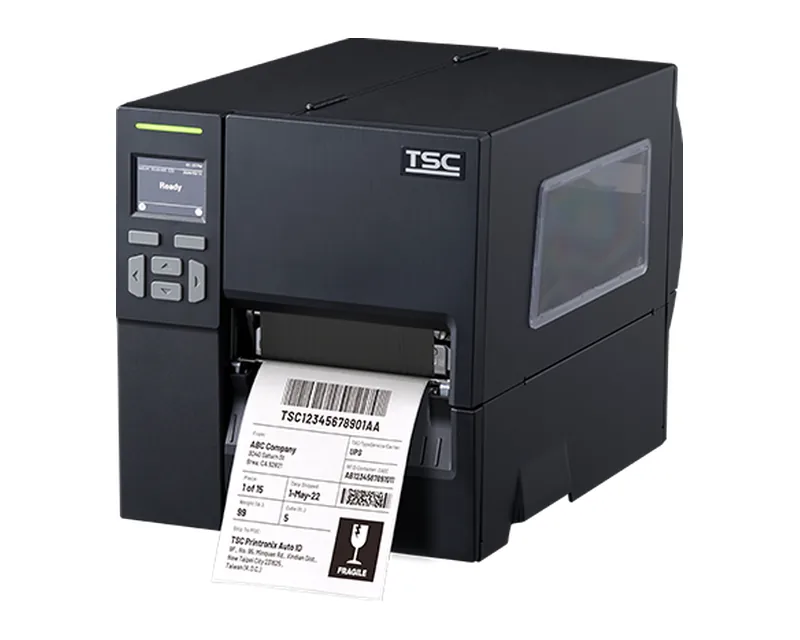
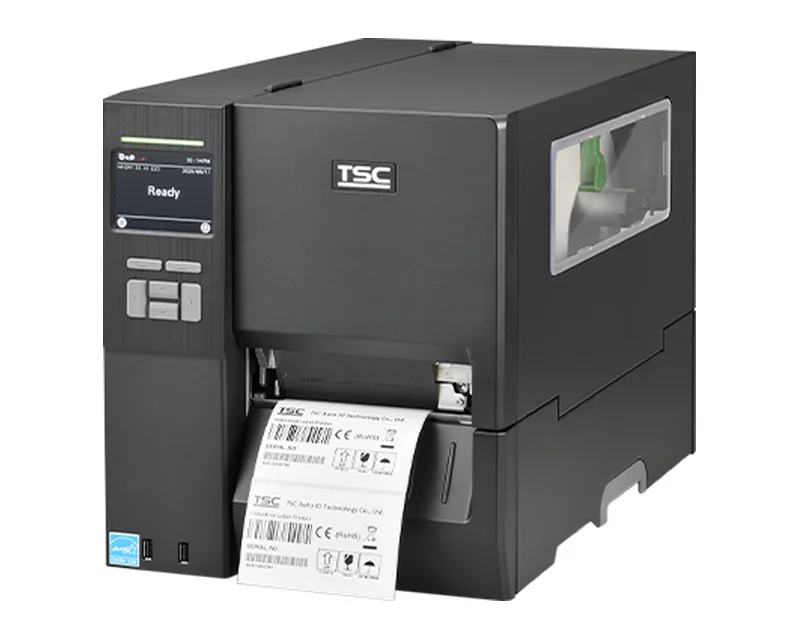
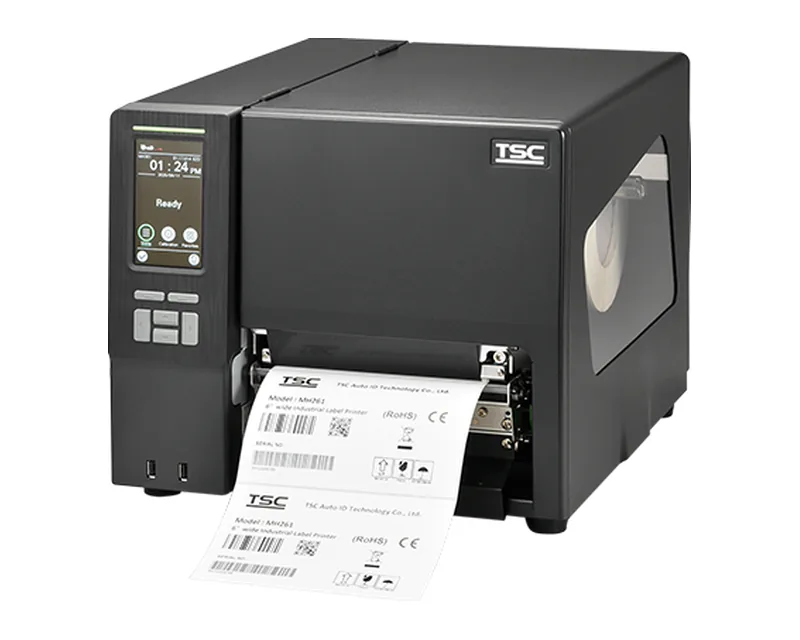
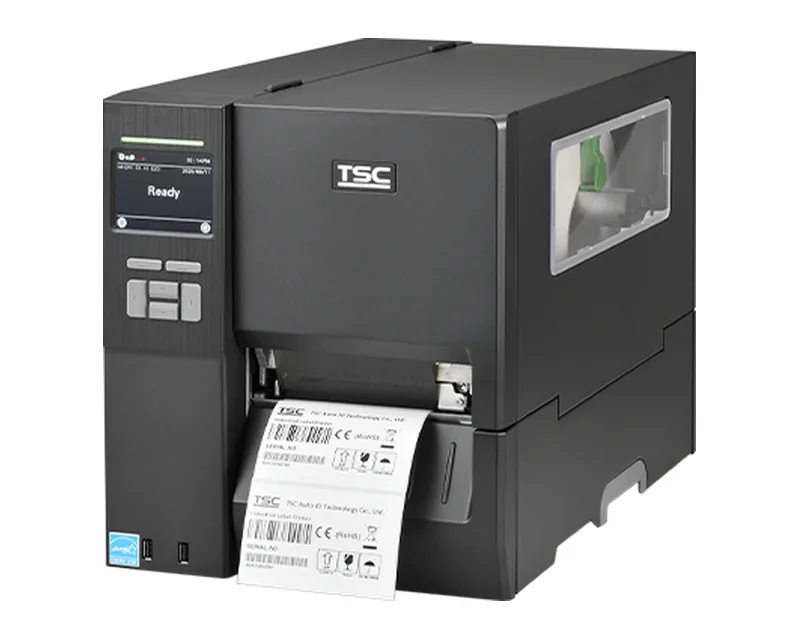
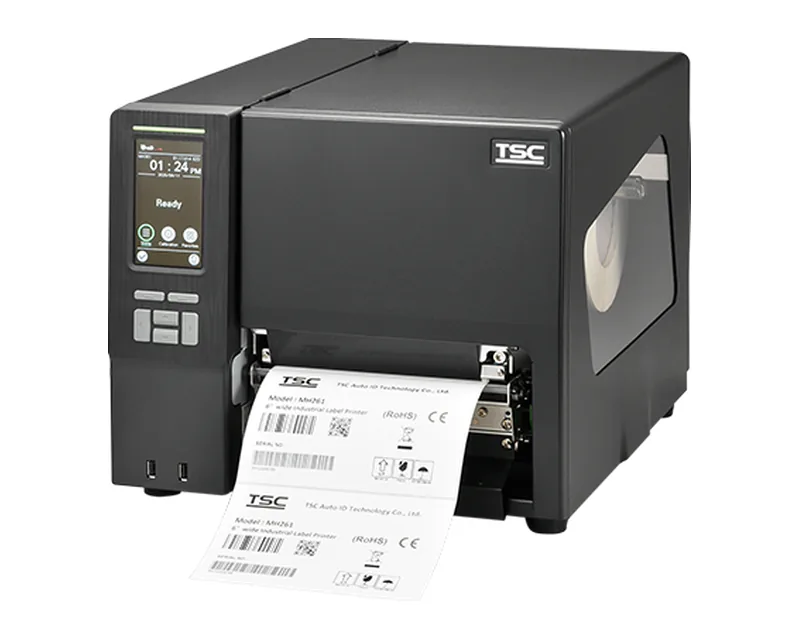
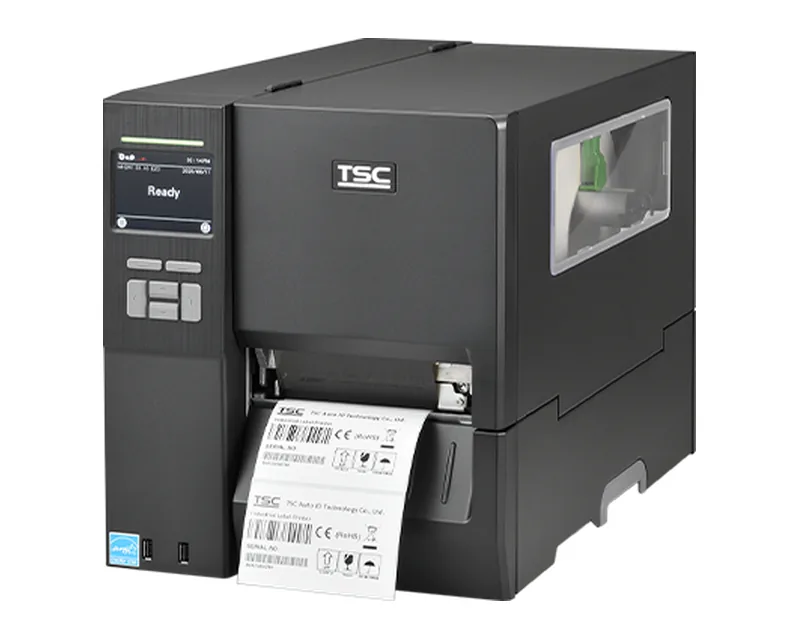
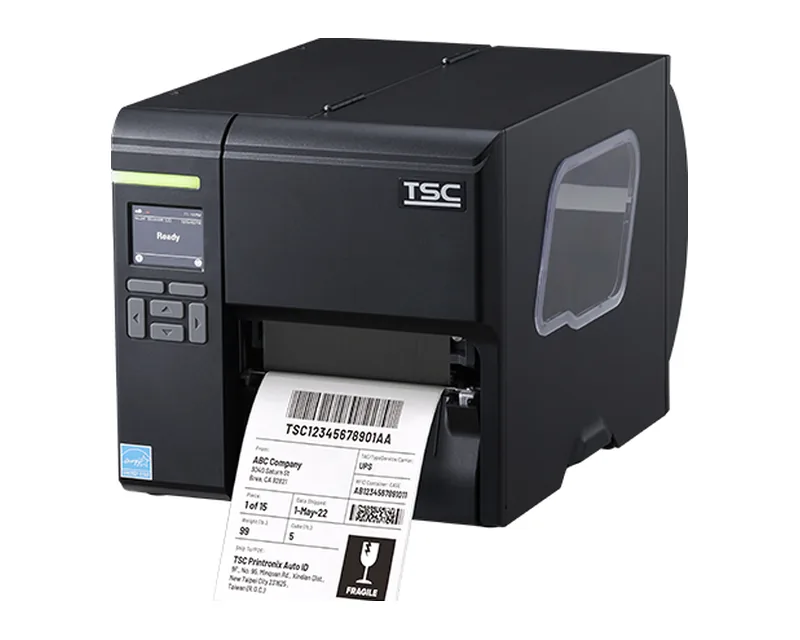
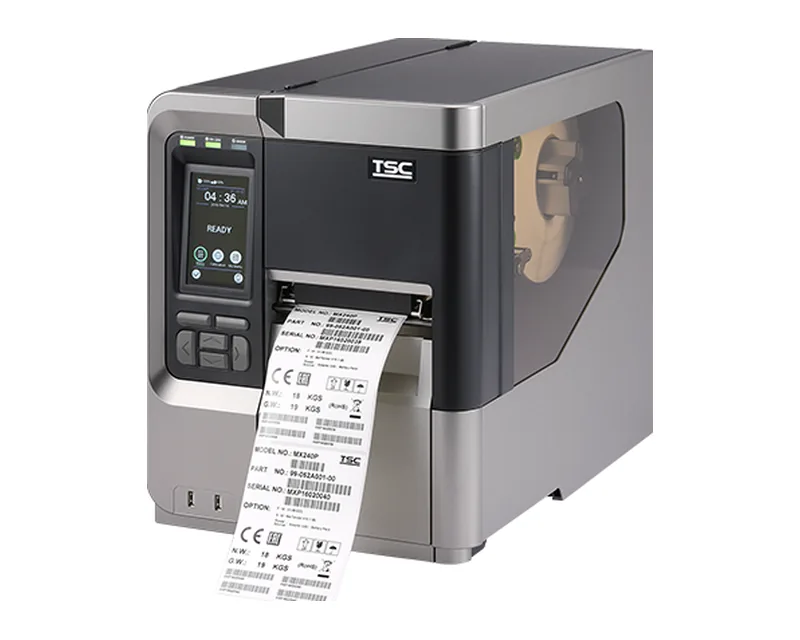
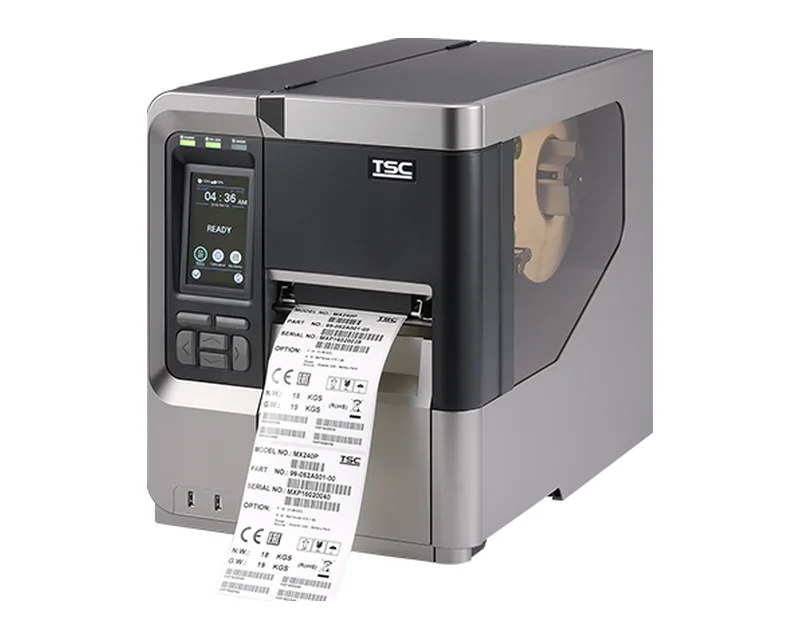
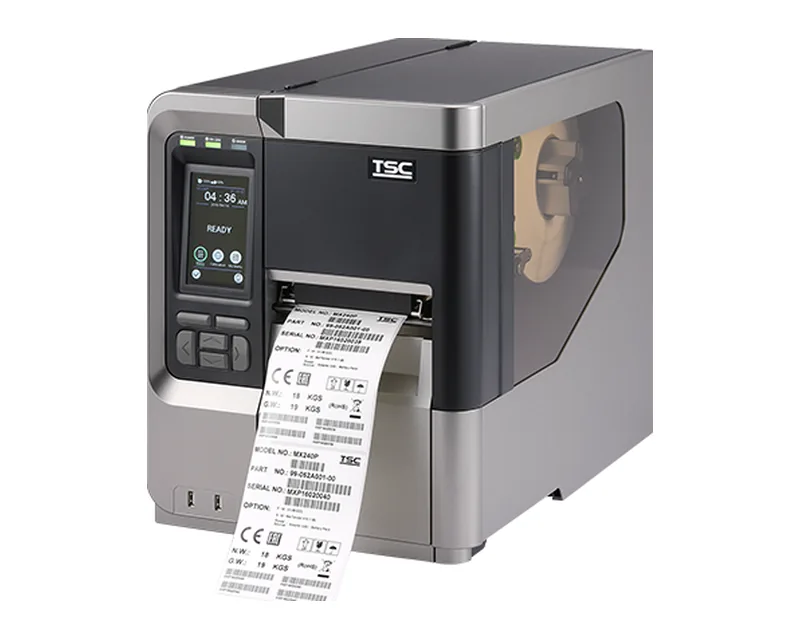
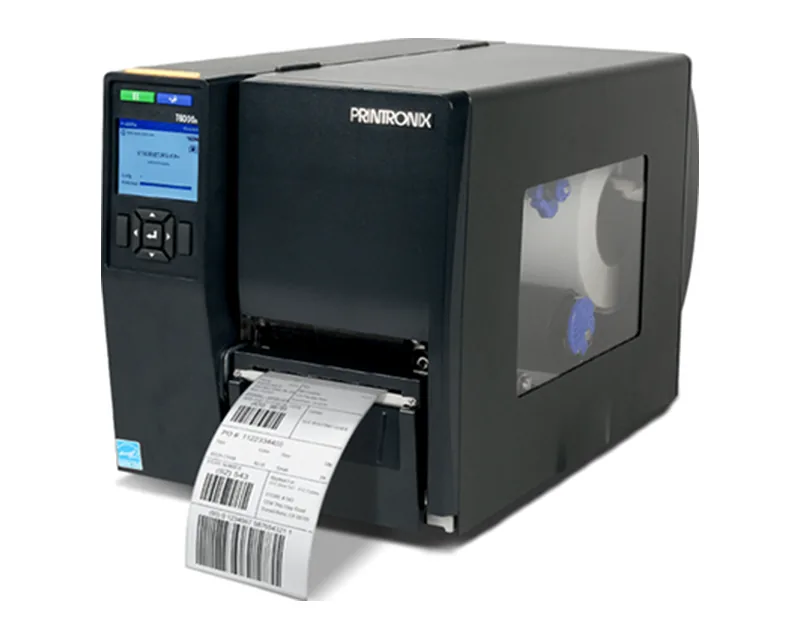
Desktop printers
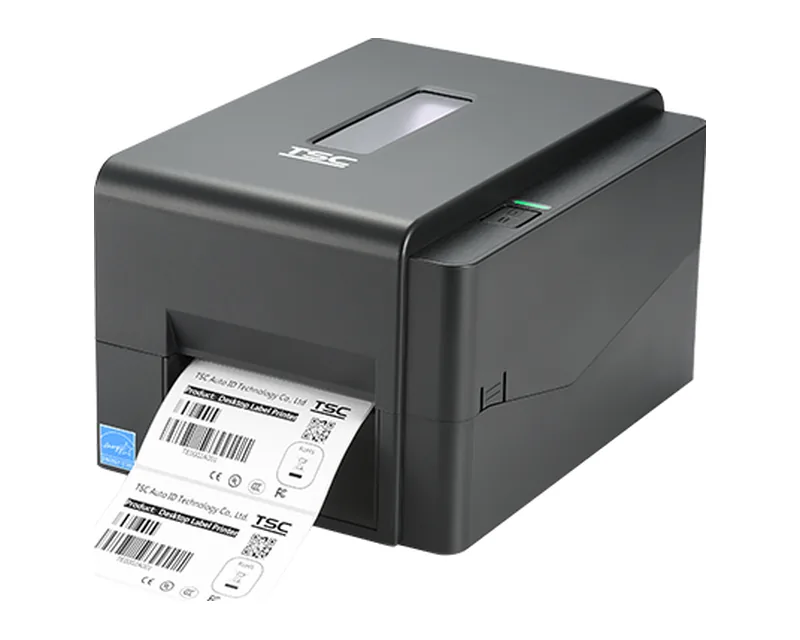
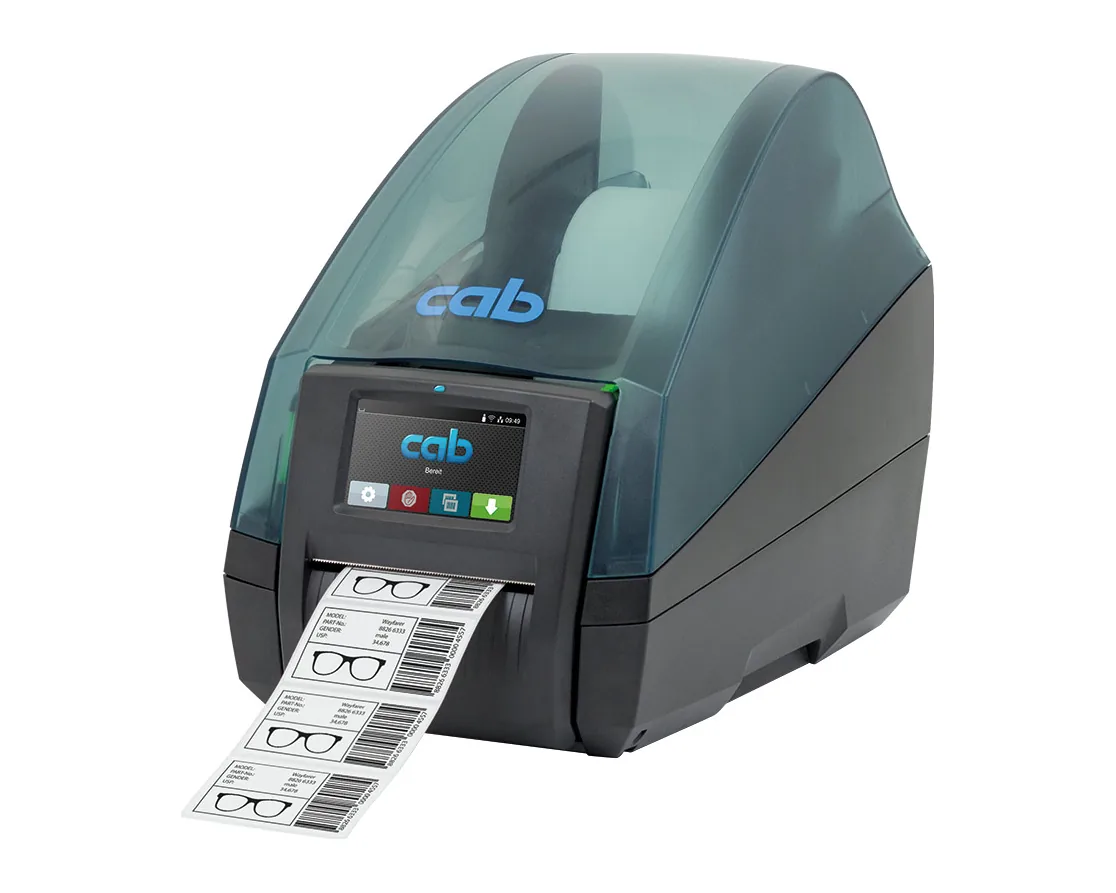
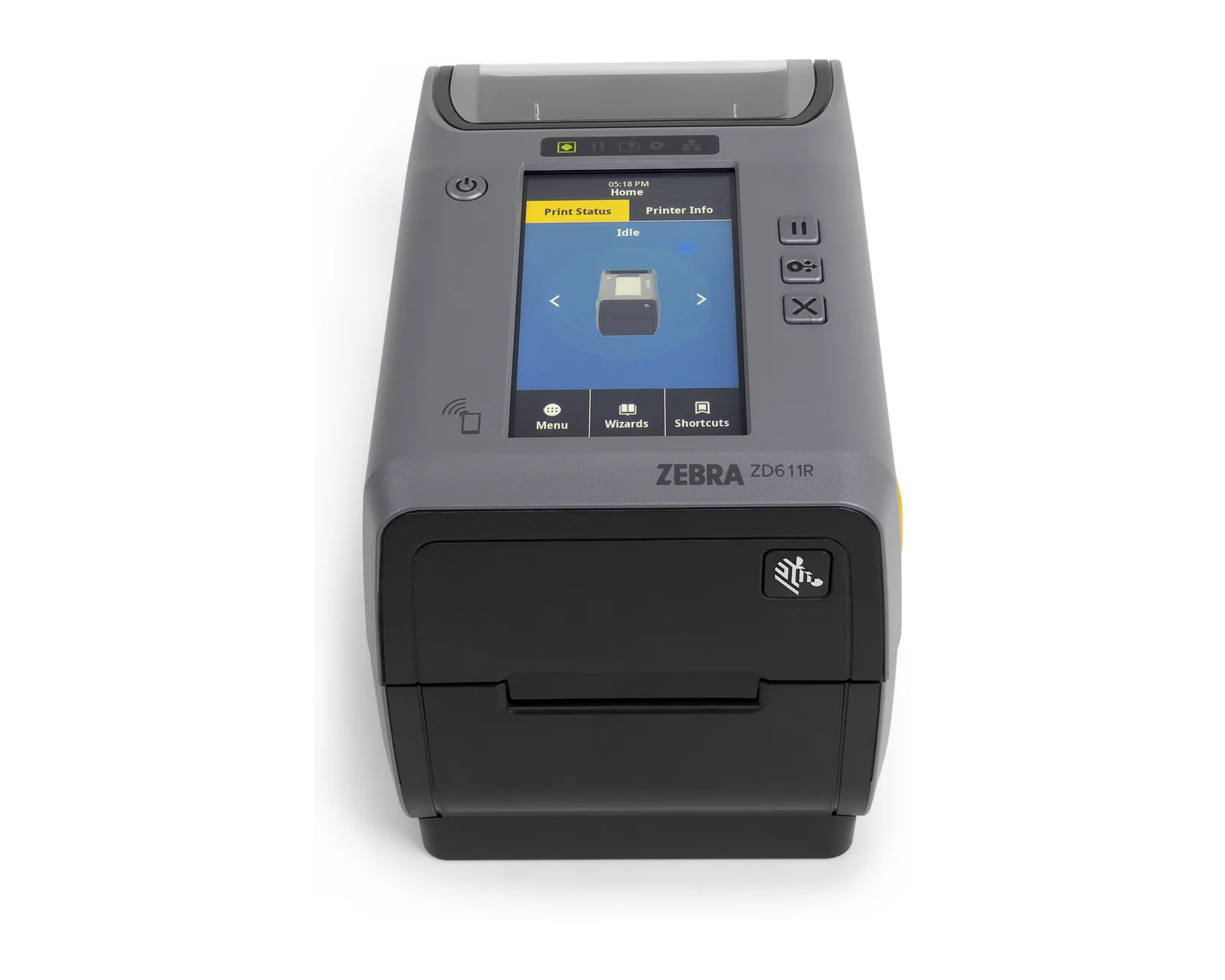
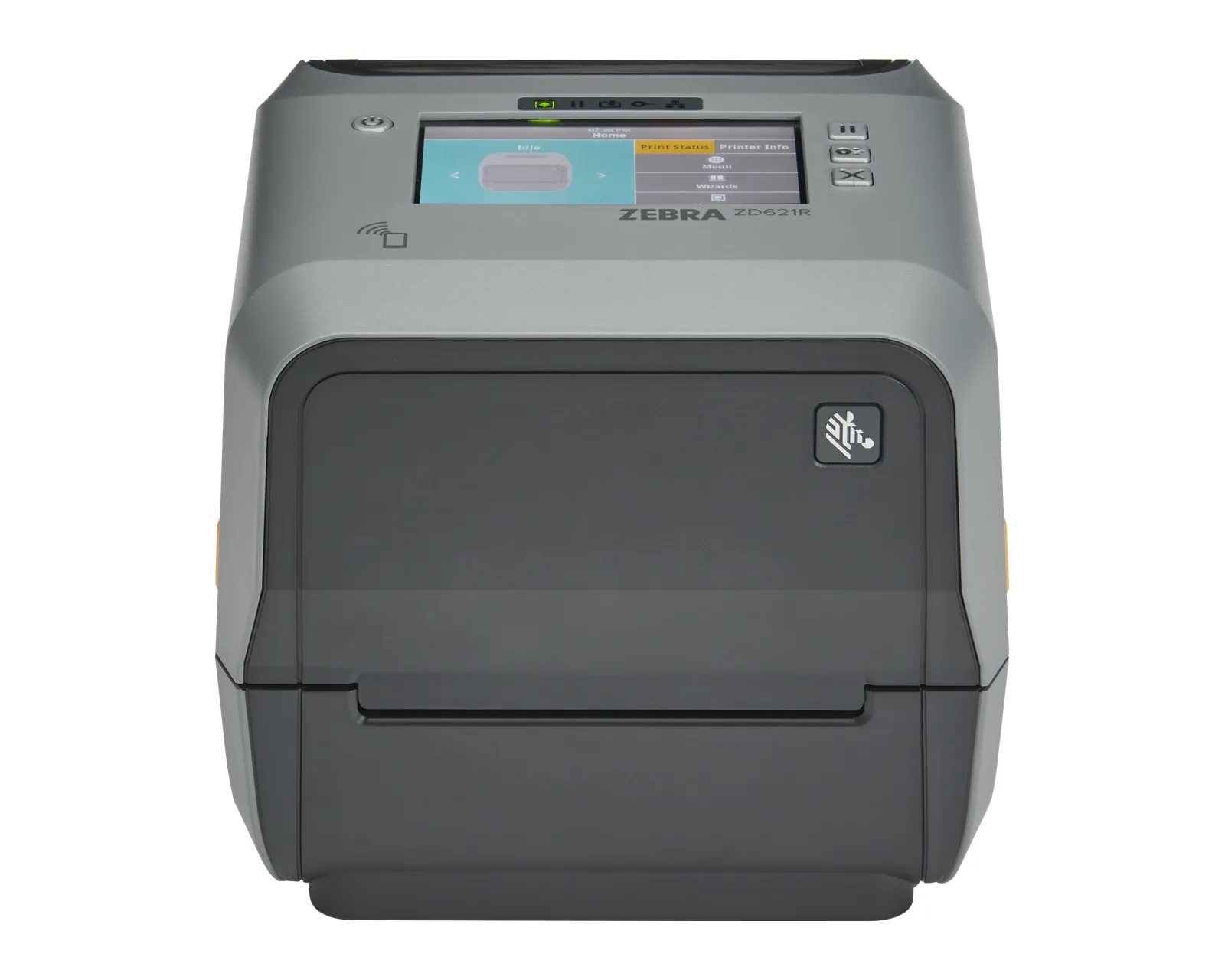
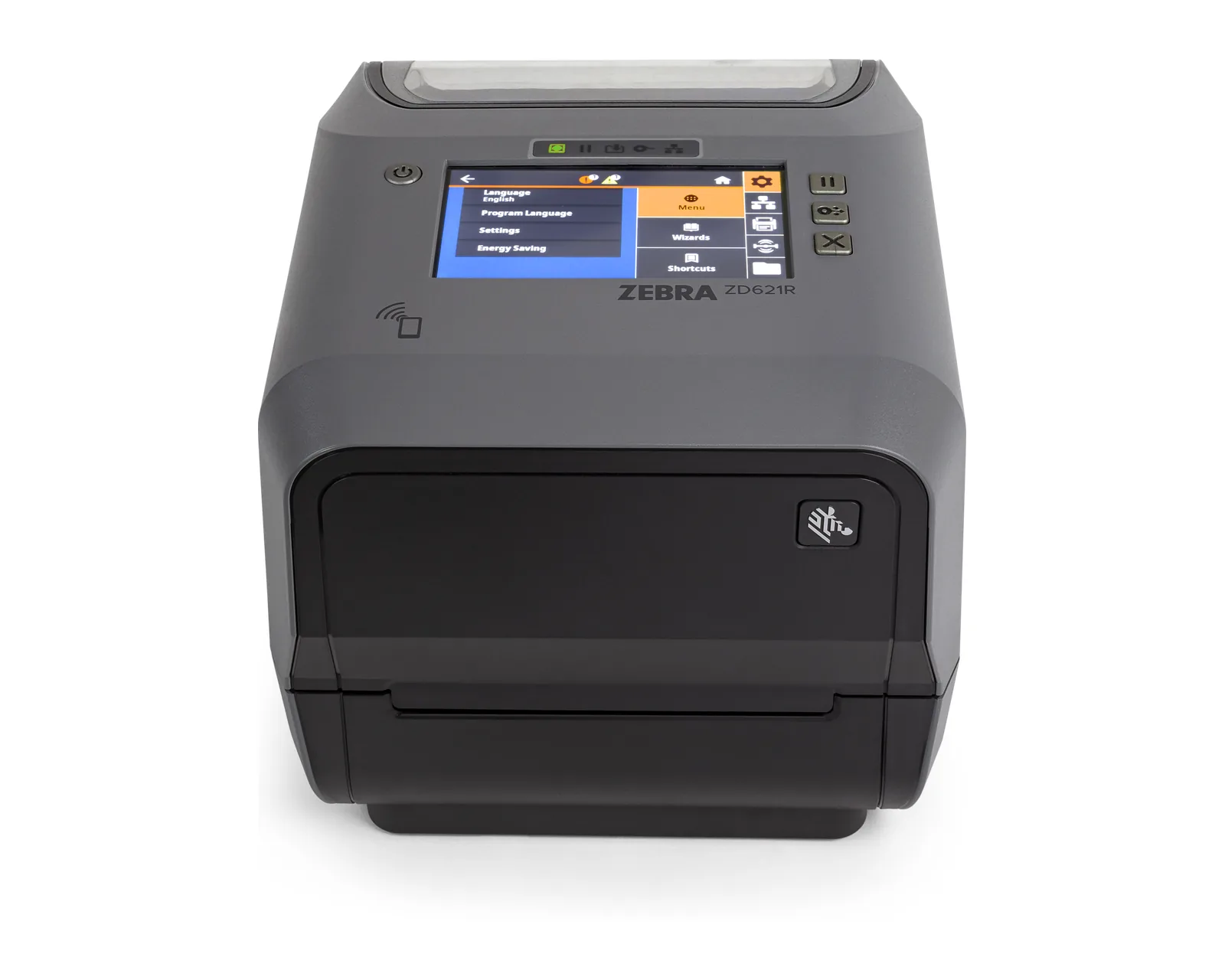
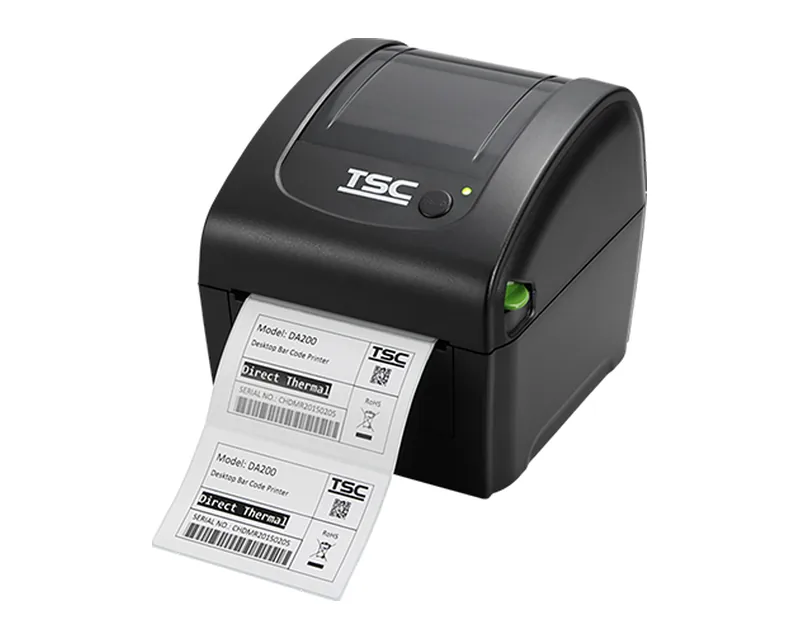
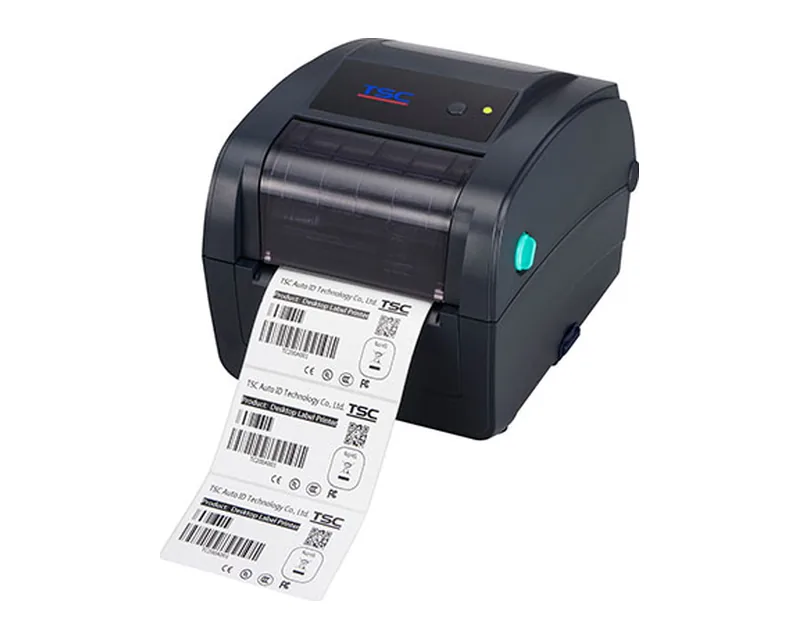
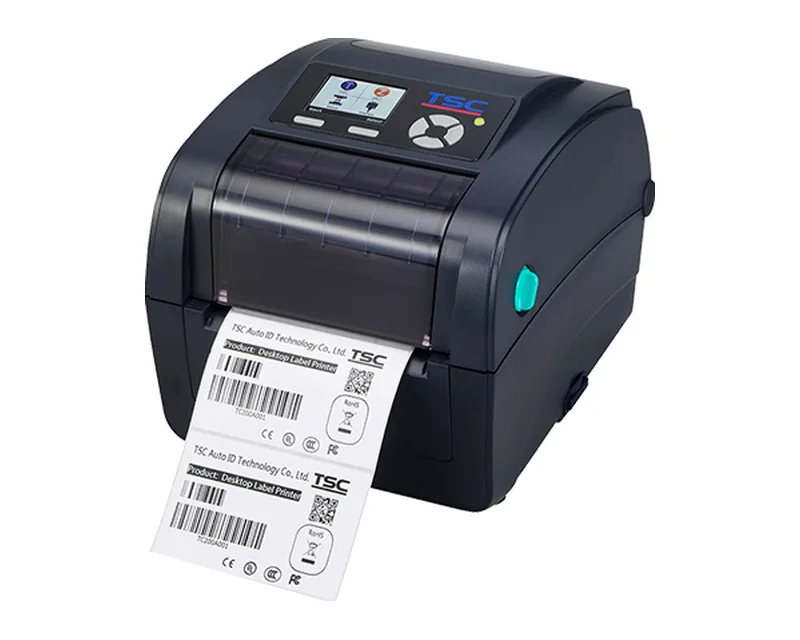
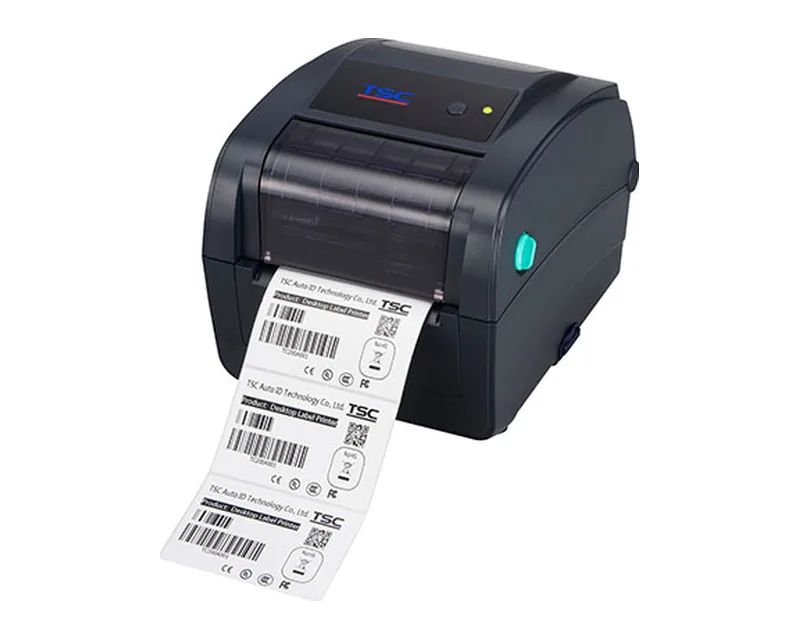
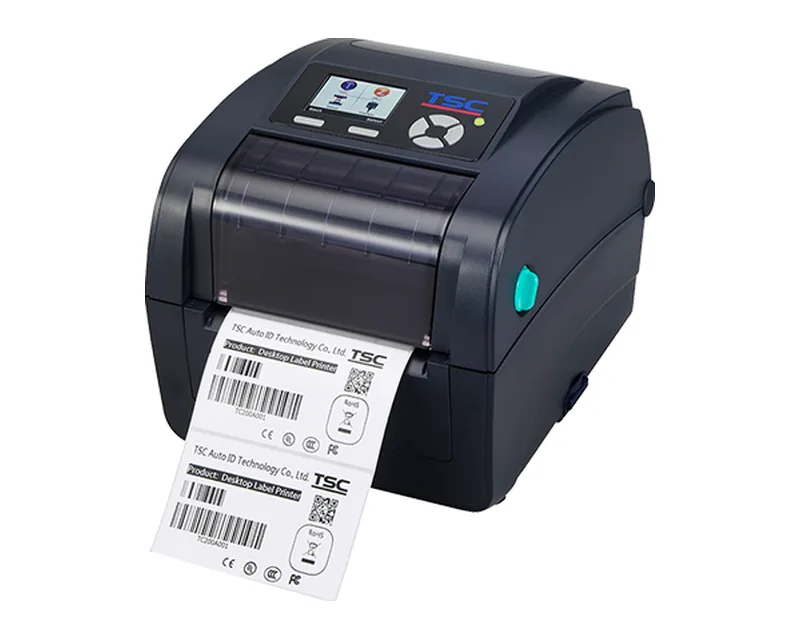
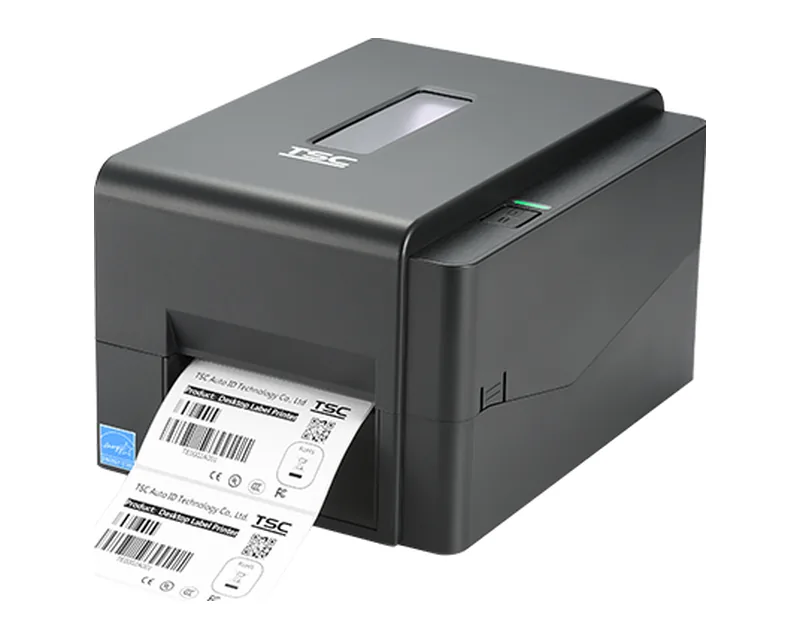
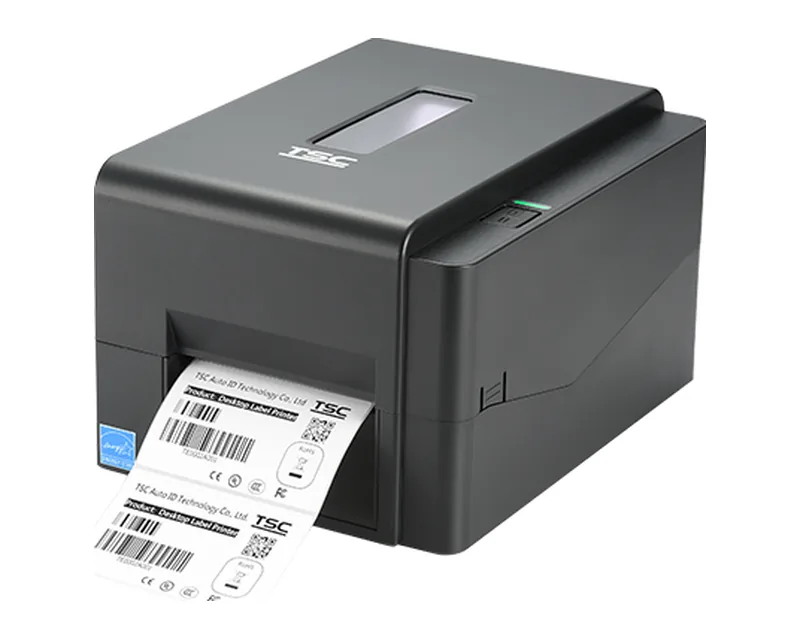
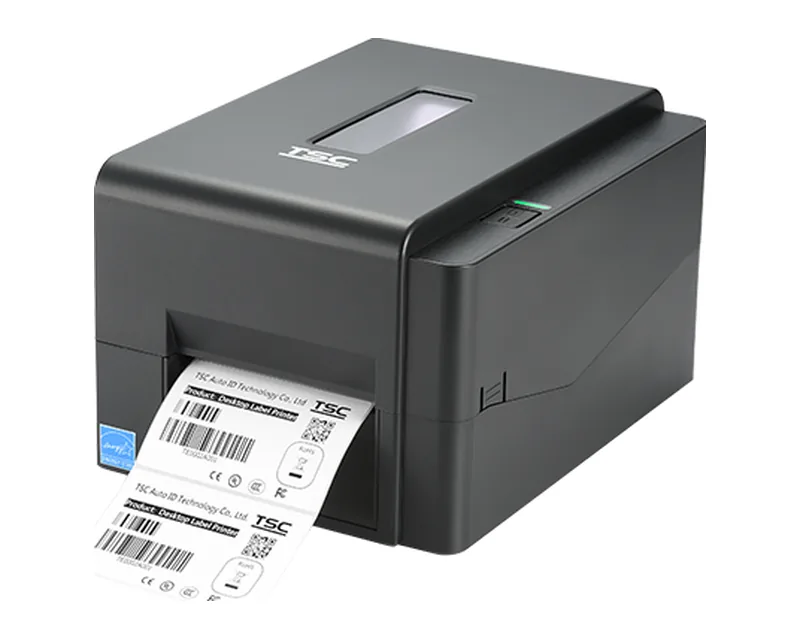
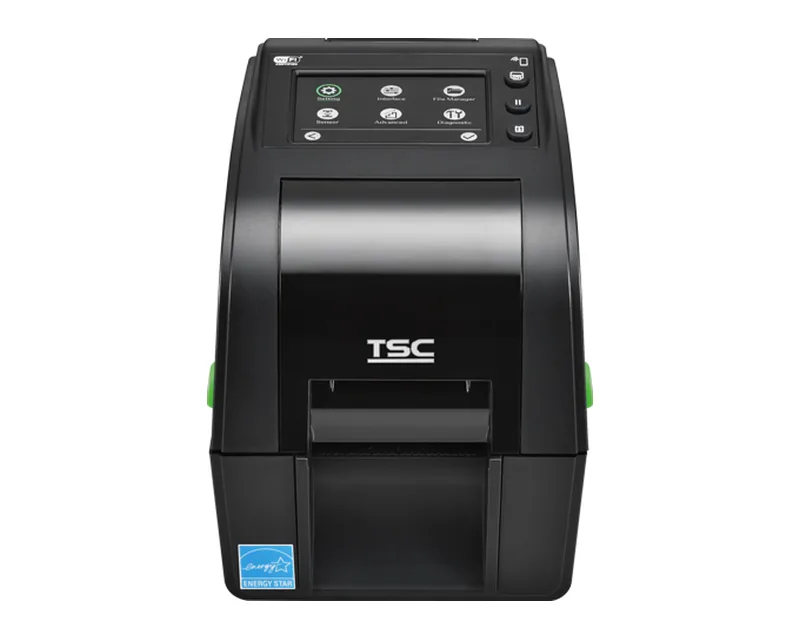
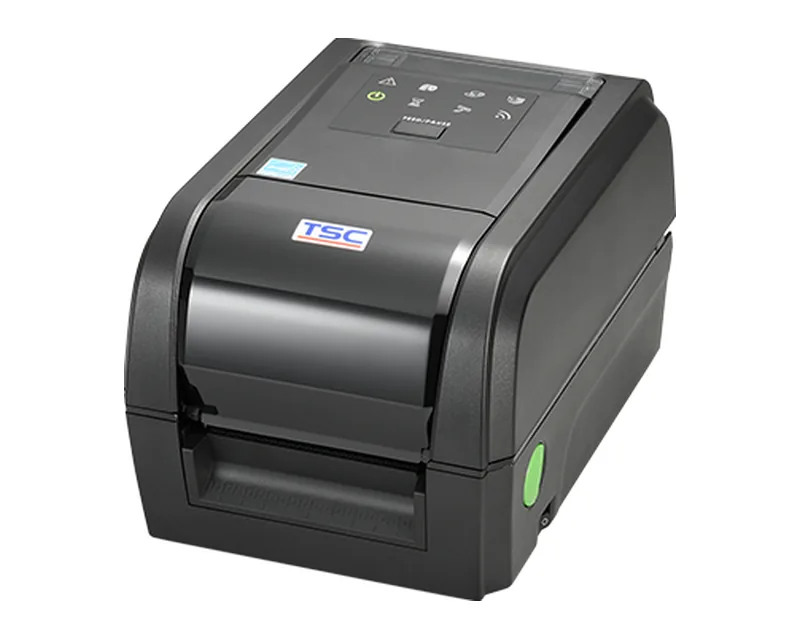
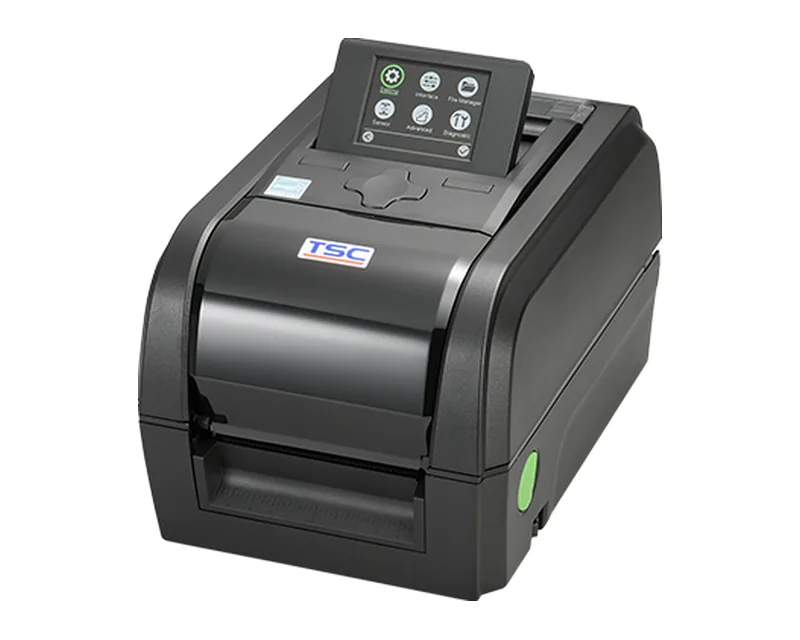
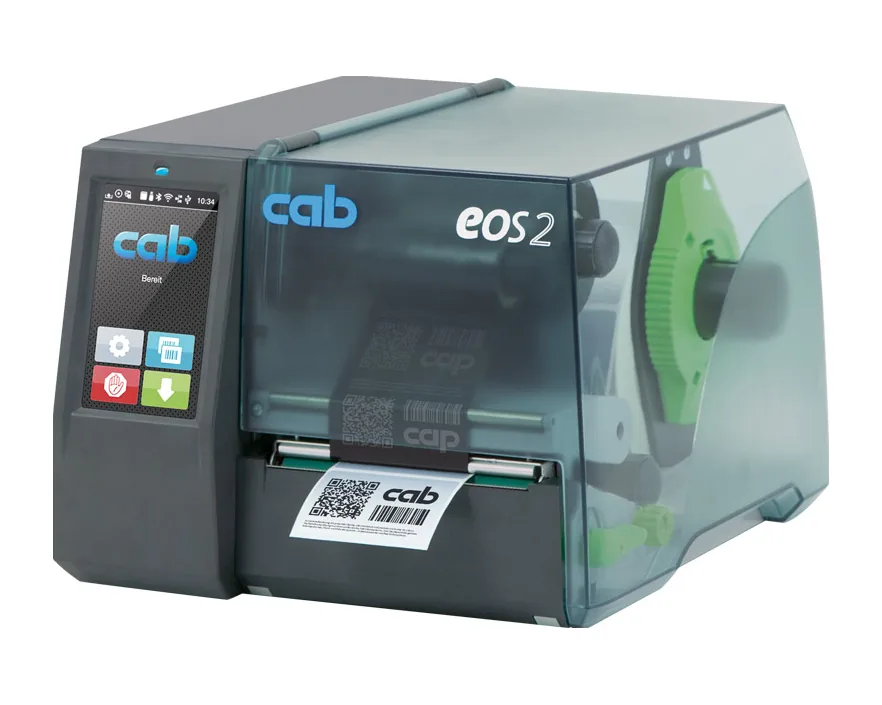
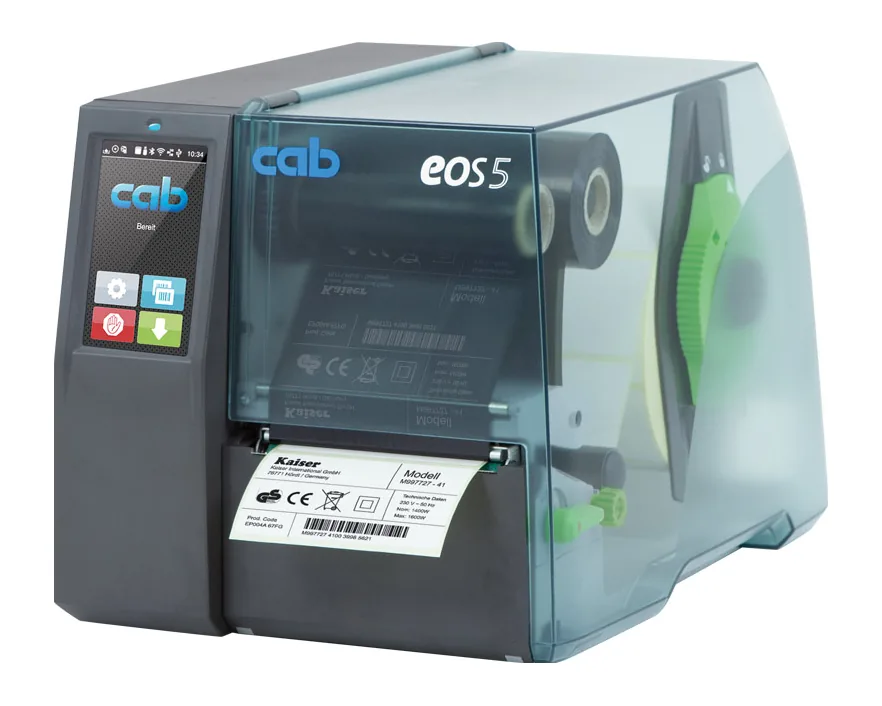
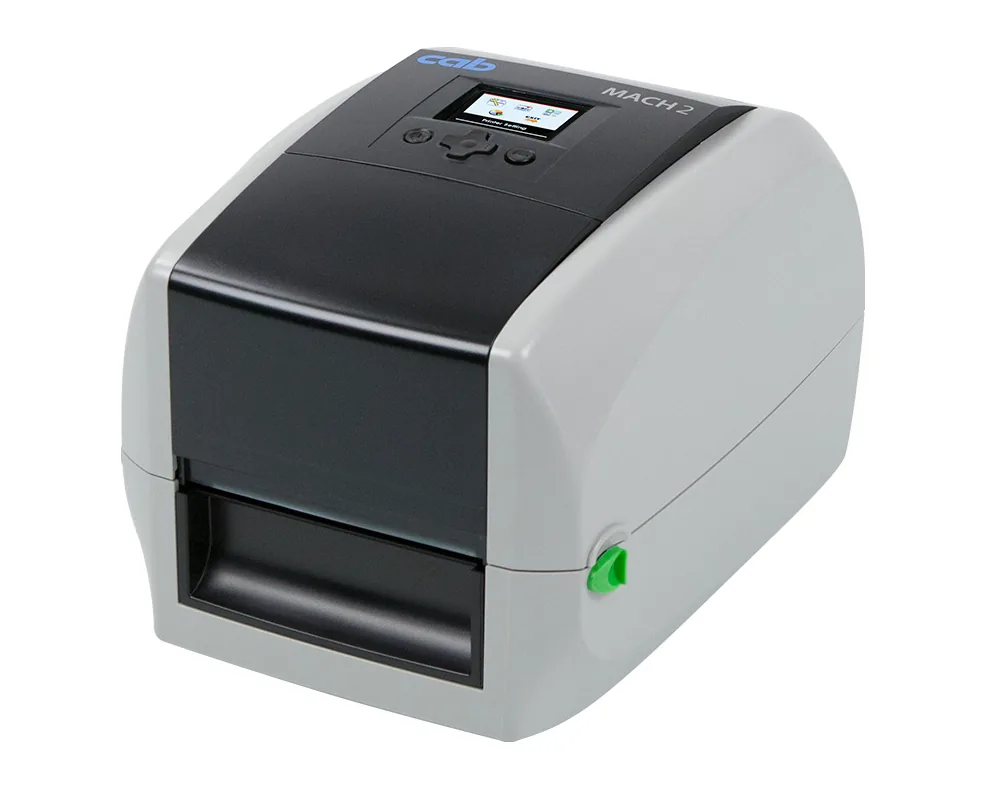
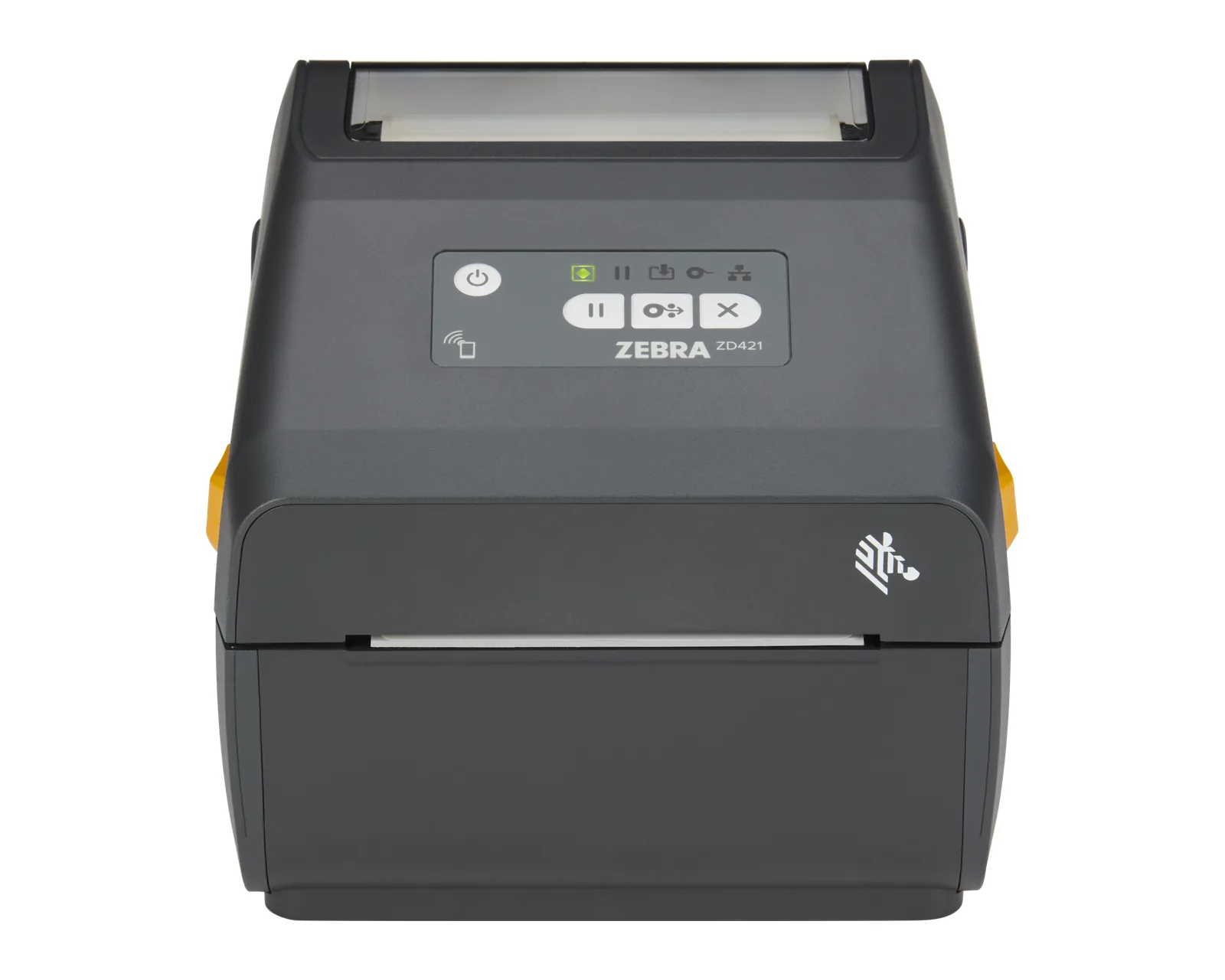
Compact units for offices, shops, pharmacies or a dispatch desk with moderate volume. Lines: Zebra ZD220, ZD421 and ZD621, TSC TE, DA and TC, CAB MACH and EOS.
Label printers
A label printer prints the barcode, text and graphics for a product, parcel or pallet: price, batch, expiry date, delivery address, SSCC code. This guide explains technologies, resolution, print width, printer types and consumables, so that you can choose the right model for a shop, warehouse, factory or logistics operation in Moldova.
A label printer works with rolls of self-adhesive labels or continuous media and prints each label on demand. The image is formed by heating the dots of the print head, with no toner and no liquid ink. Data comes from a computer, till, mobile computer or directly from the WMS or ERP.
Direct thermal. The head heats thermal paper, which darkens where it is heated. No ribbon is needed, but the label fades over time with sunlight, heat and rubbing. It suits short-lived labels: courier AWBs, scale and dispatch labels.
Thermal transfer. The head melts ink from a ribbon and transfers it onto a label made of paper, polypropylene, polyester or another synthetic material. The print lasts much longer, so it is used for products with a long shelf life, pallets that stay in the warehouse for months, parts, and labels exposed to cold, moisture or chemicals. Many printers work in both modes. A detailed comparison: direct thermal or thermal transfer.
Print width is the maximum width the head can print. Printers are usually grouped into 2, 3, 4, 6 and 8 inch classes. The 4 inch class is the most common: it covers most product labels and the 100 × 150 mm courier label. The 6 and 8 inch classes are used for large pallet labels. The exact width depends on the model; check it in the data sheet.
Resolution shows how many dots per inch the head prints.
Higher resolution is not automatically better: the head costs more, and on large labels the difference cannot be seen. Available resolutions vary from model to model; see 300 or 600 dpi.
Compact units for offices, shops, pharmacies or a dispatch desk with moderate volume. Lines: Zebra ZD220, ZD421 and ZD621, TSC TE, DA and TC, CAB MACH and EOS.
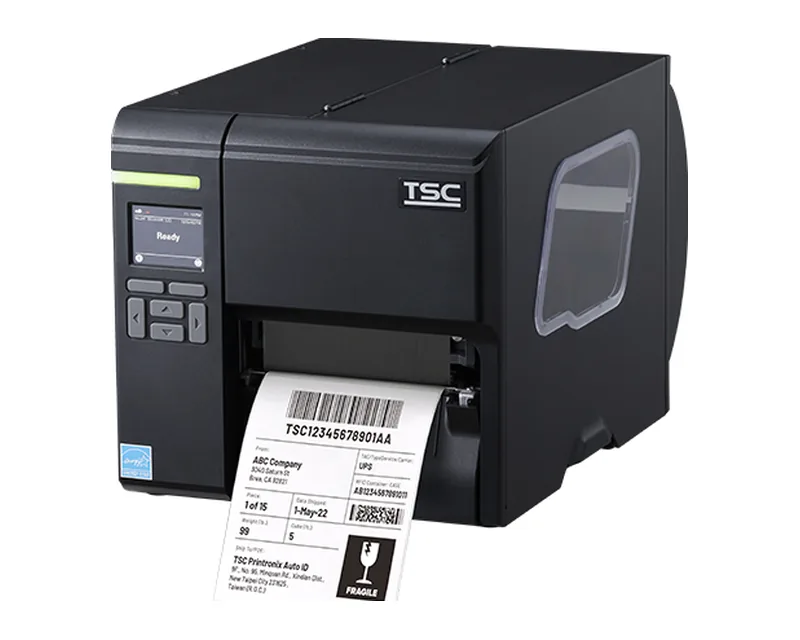
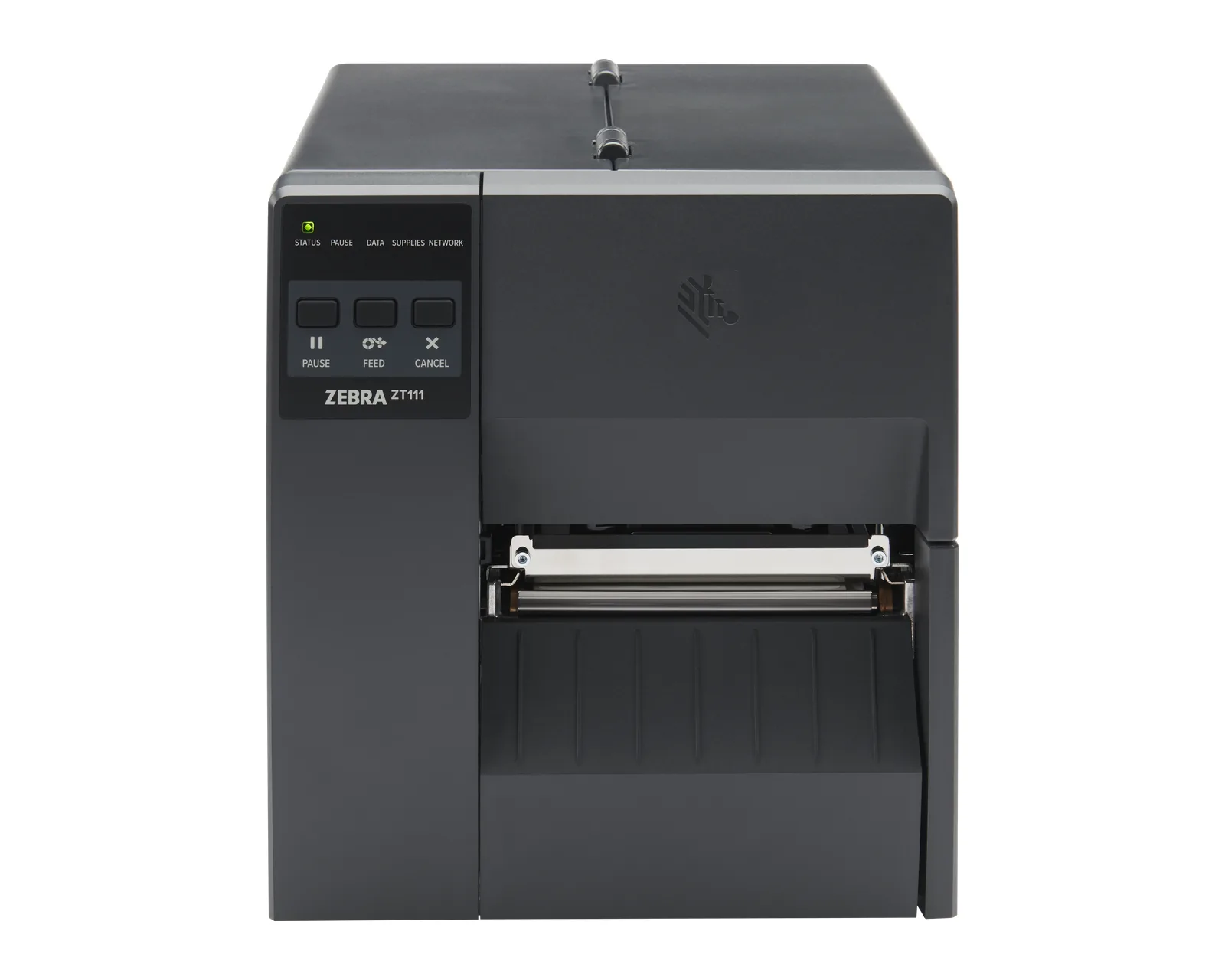
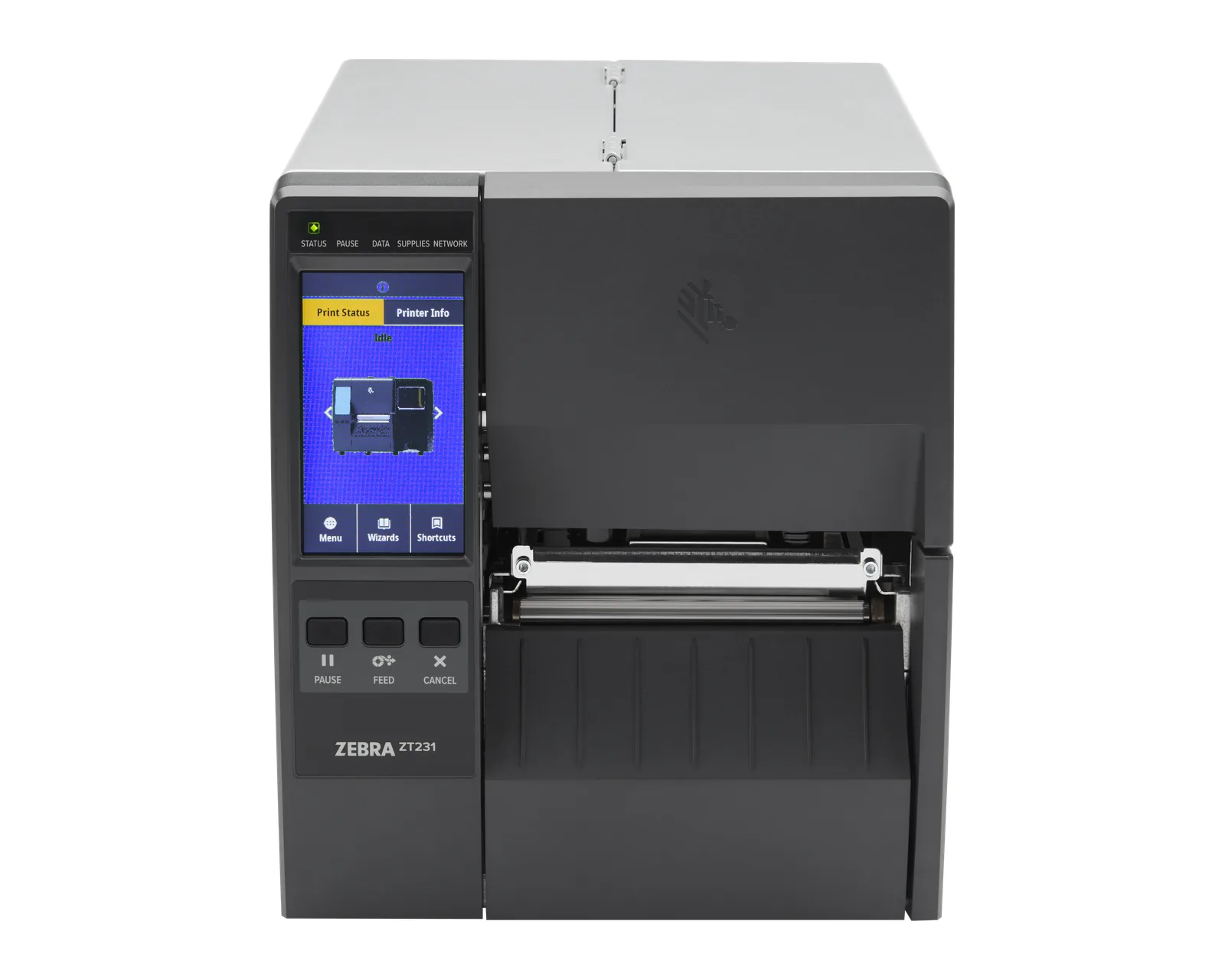
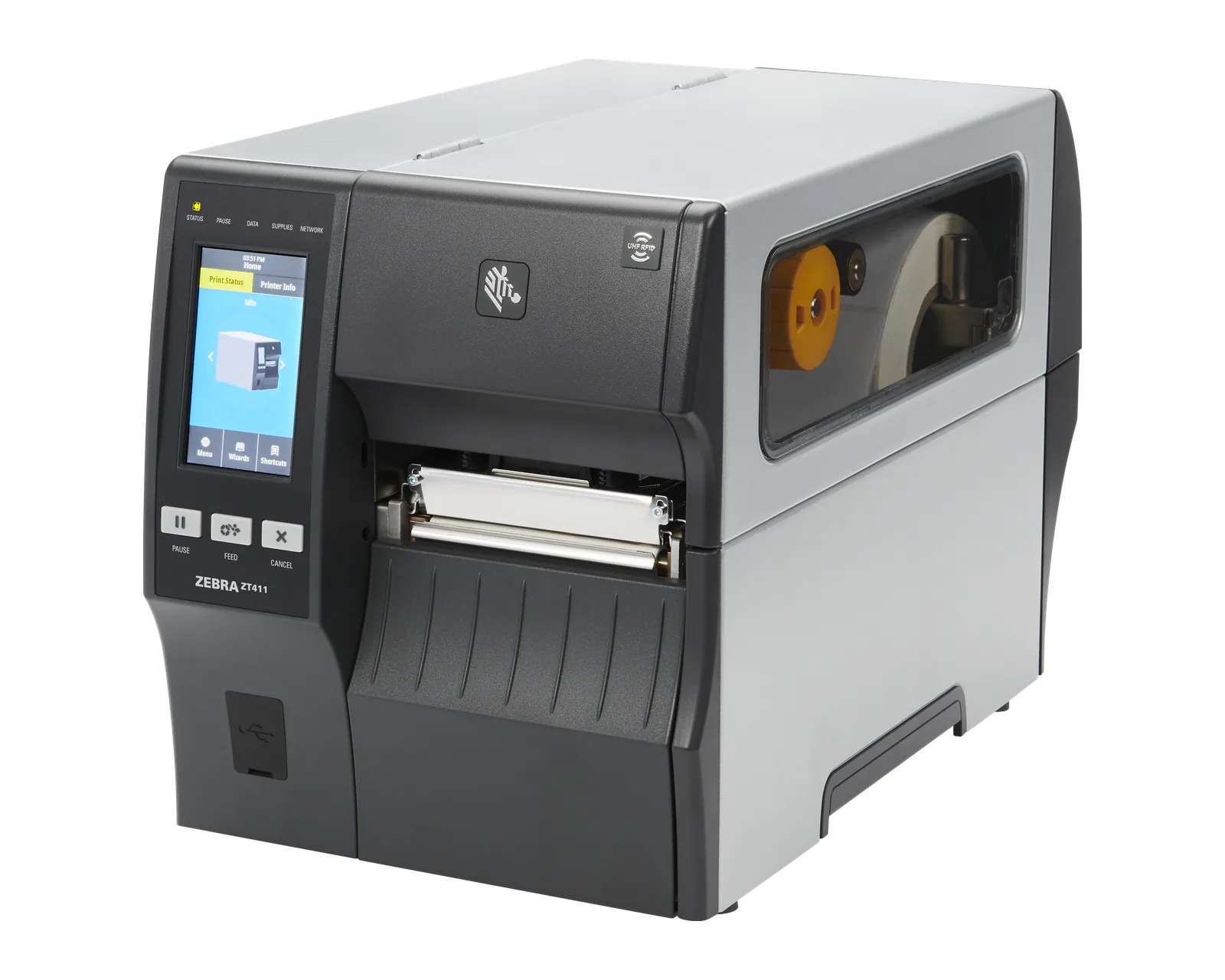
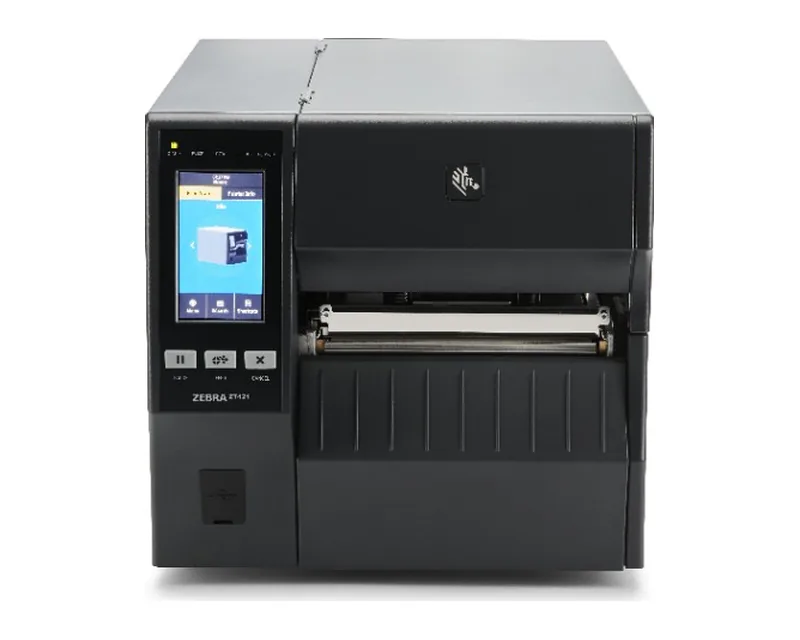
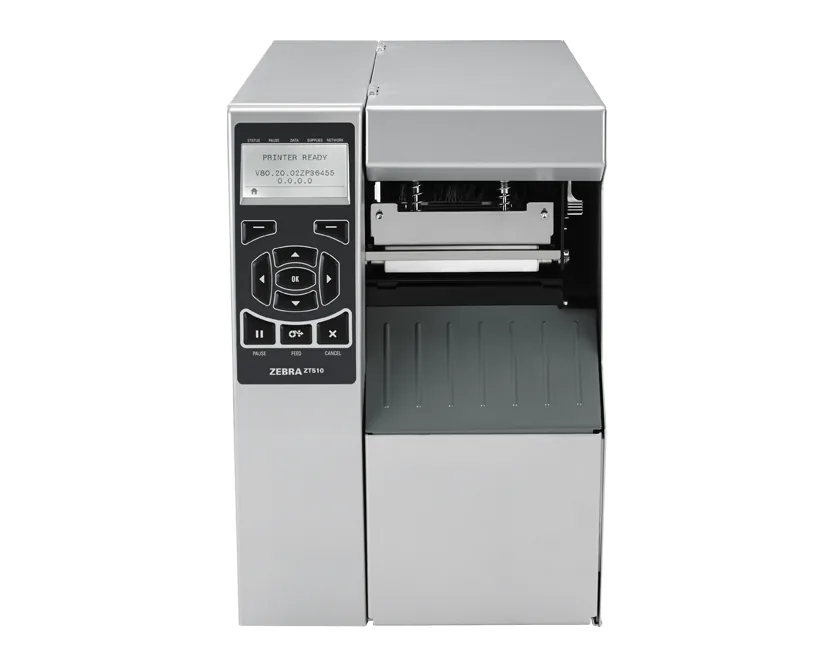
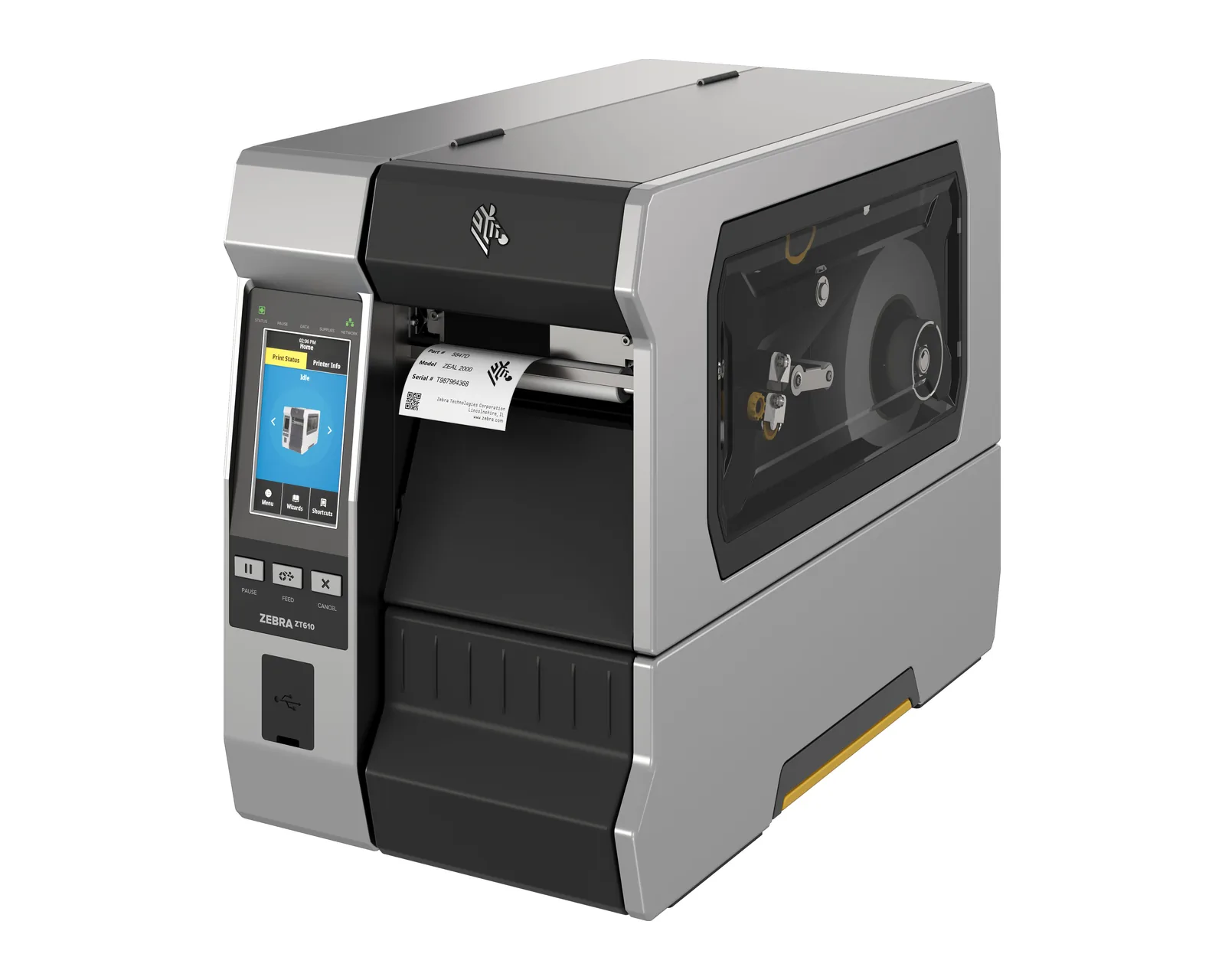
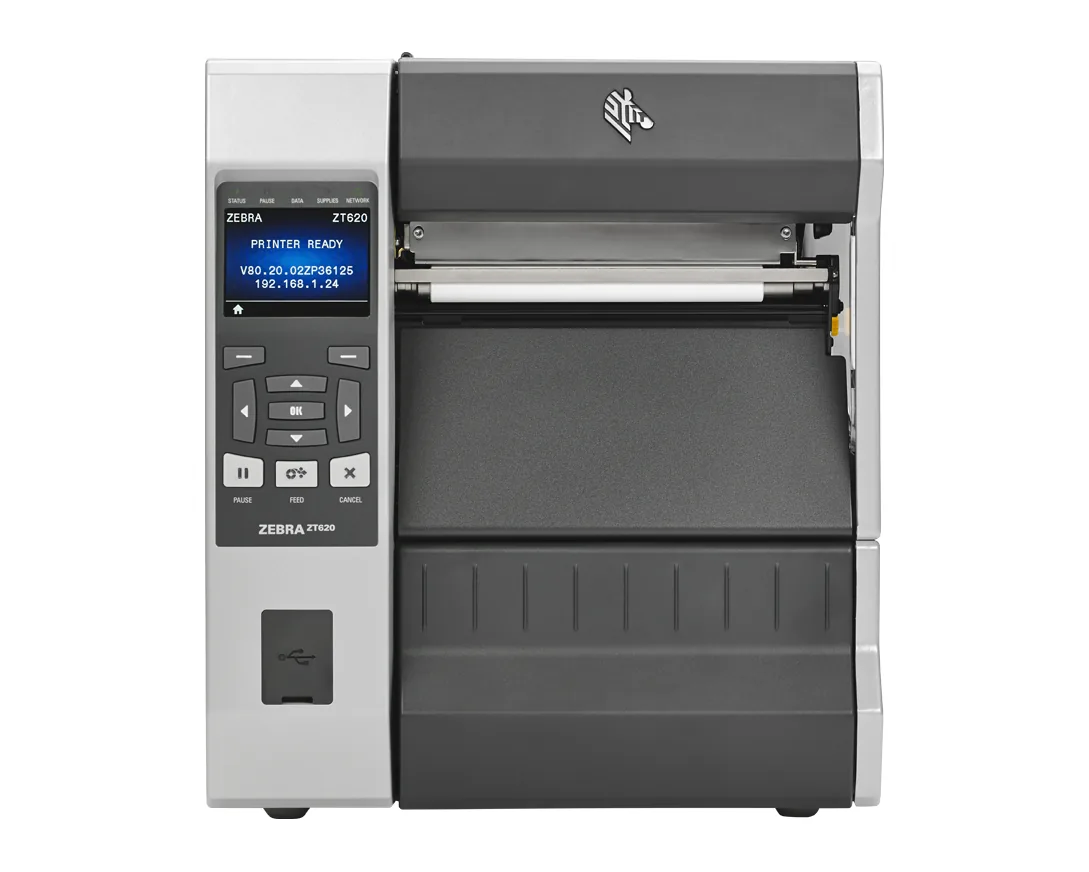
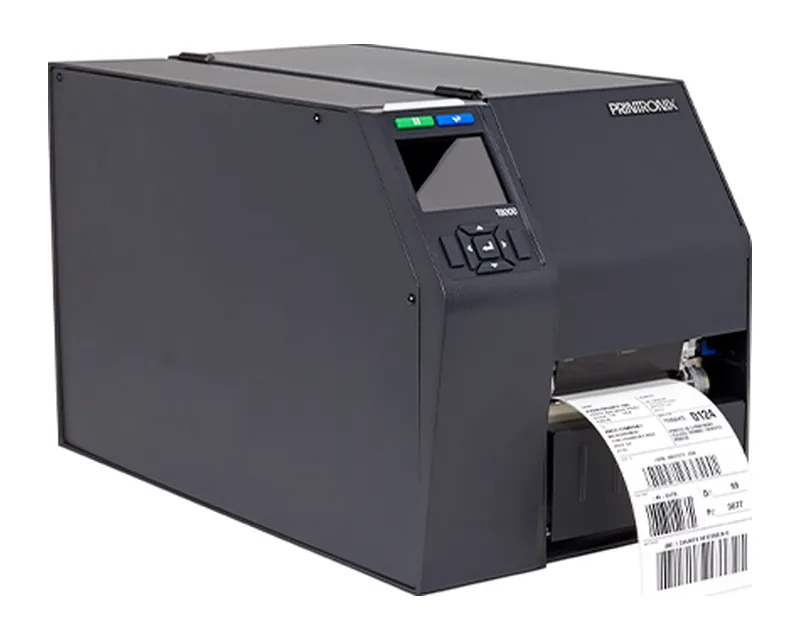
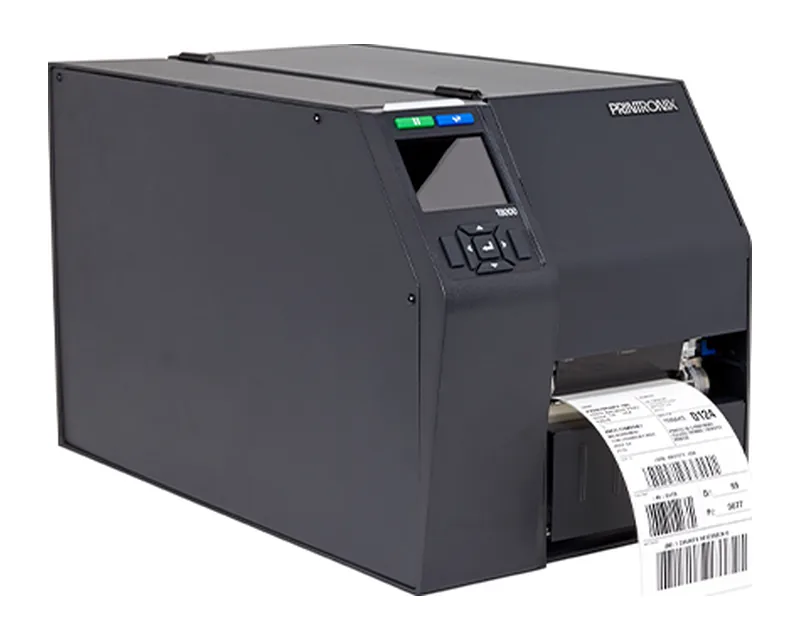
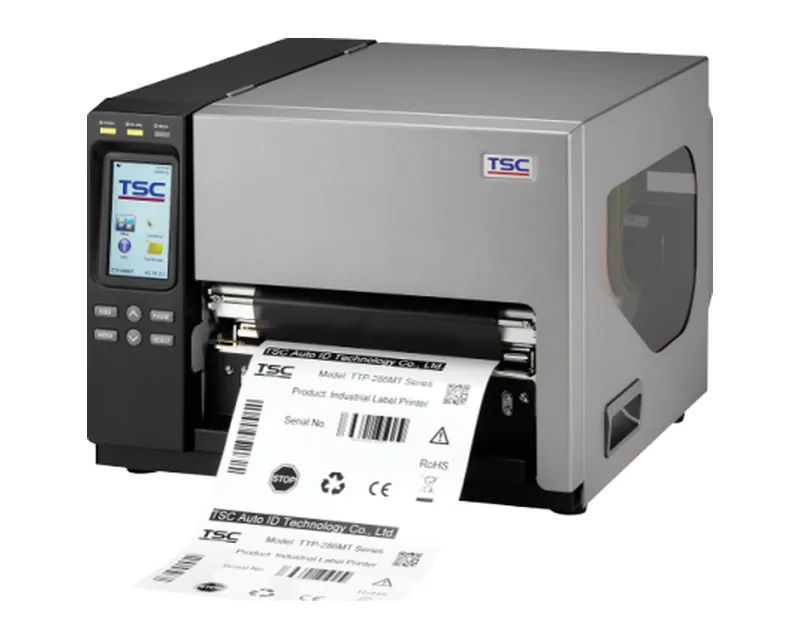
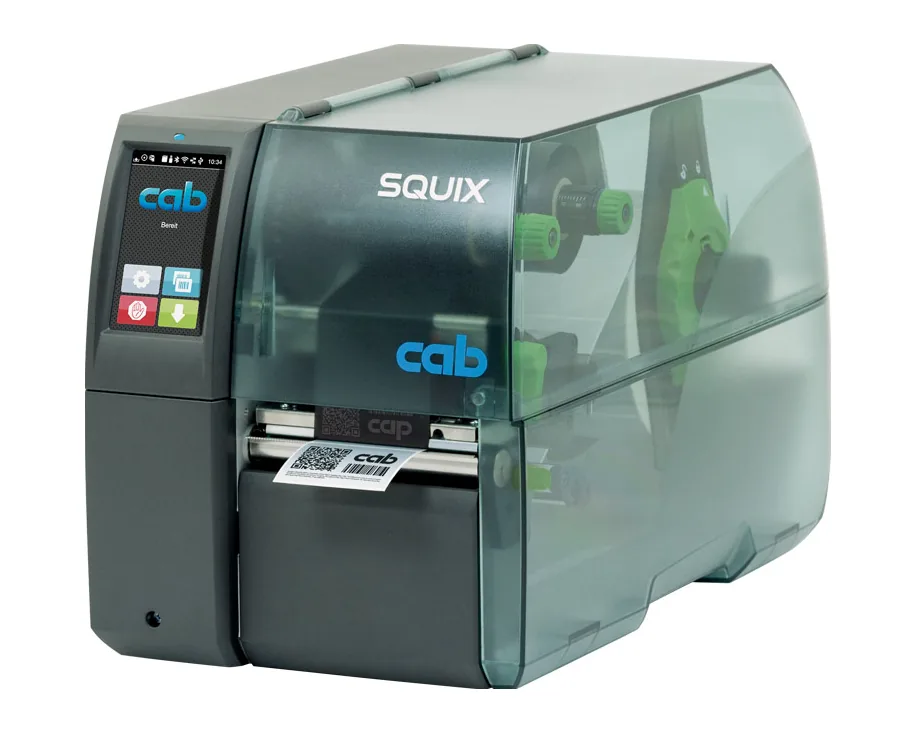
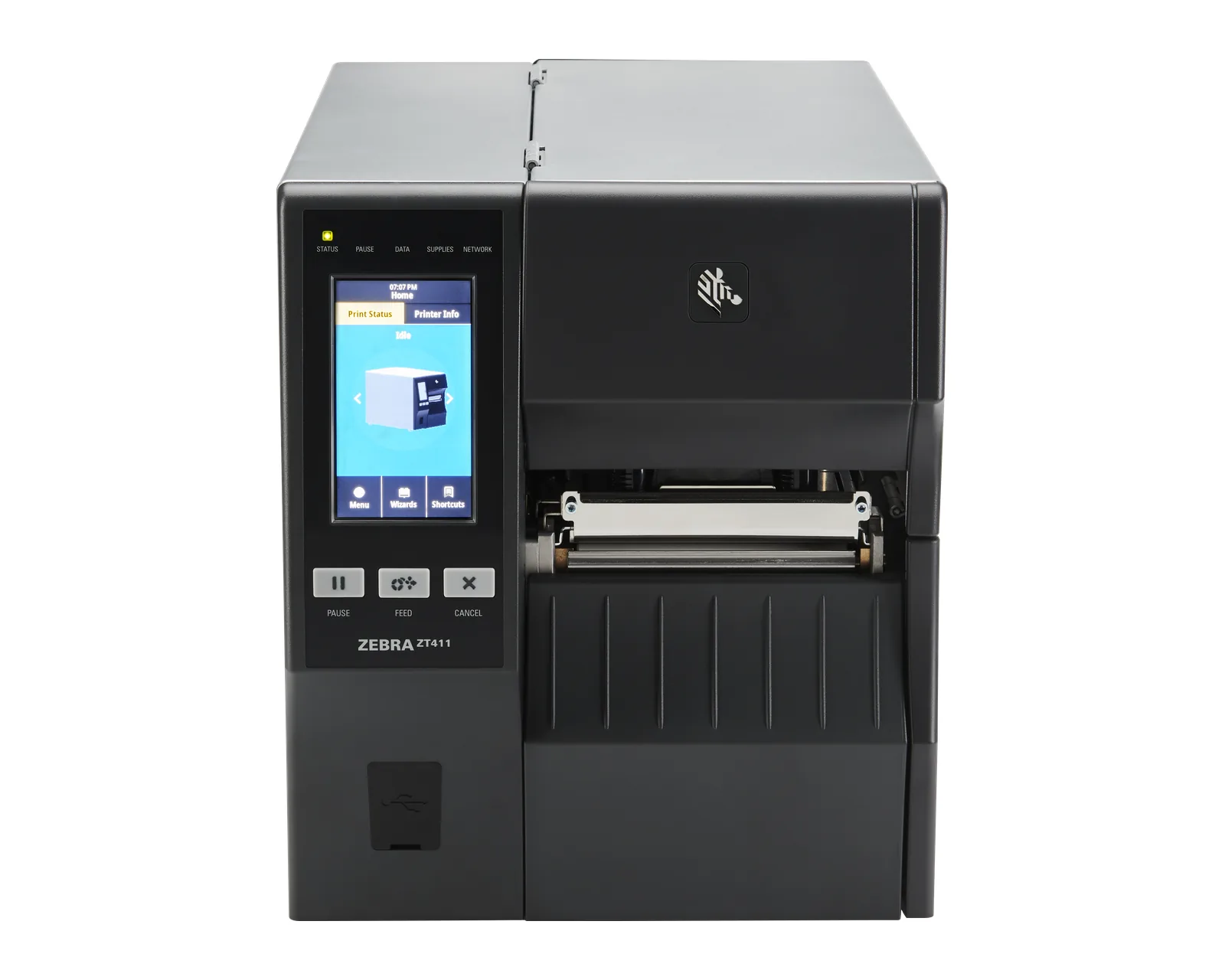
Metal housing, large rolls, multi-shift work in warehouses and production. Lines: Zebra ZT231, ZT411 and ZT610, TSC MB and MH, CAB SQUIX.
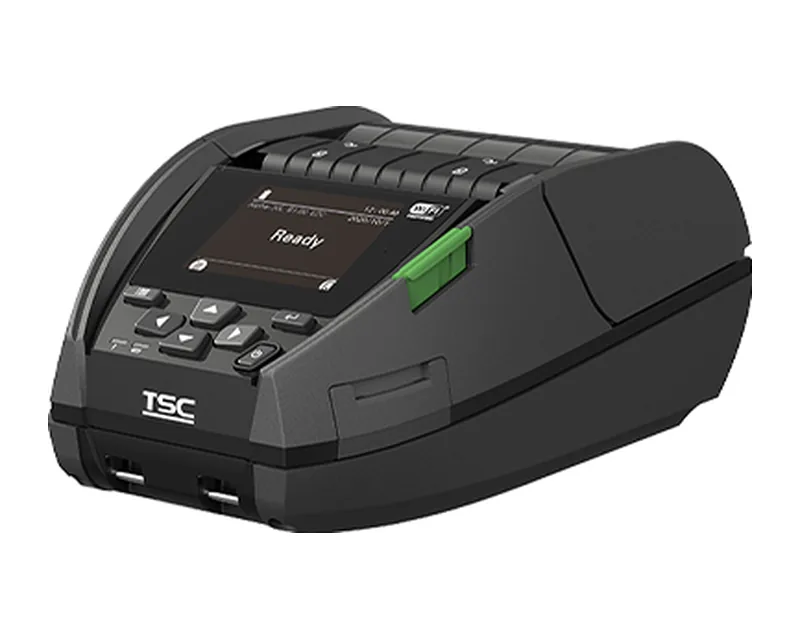
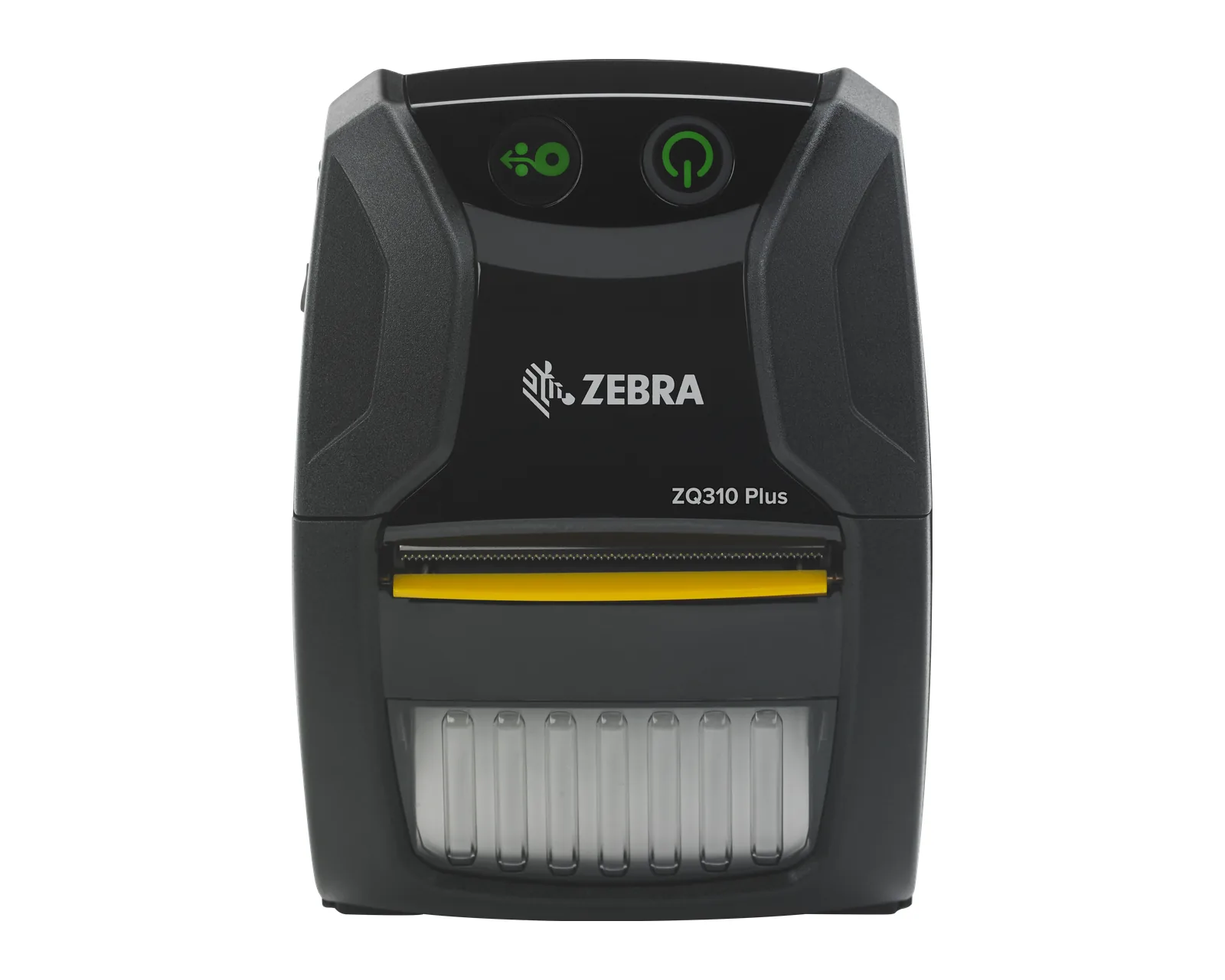
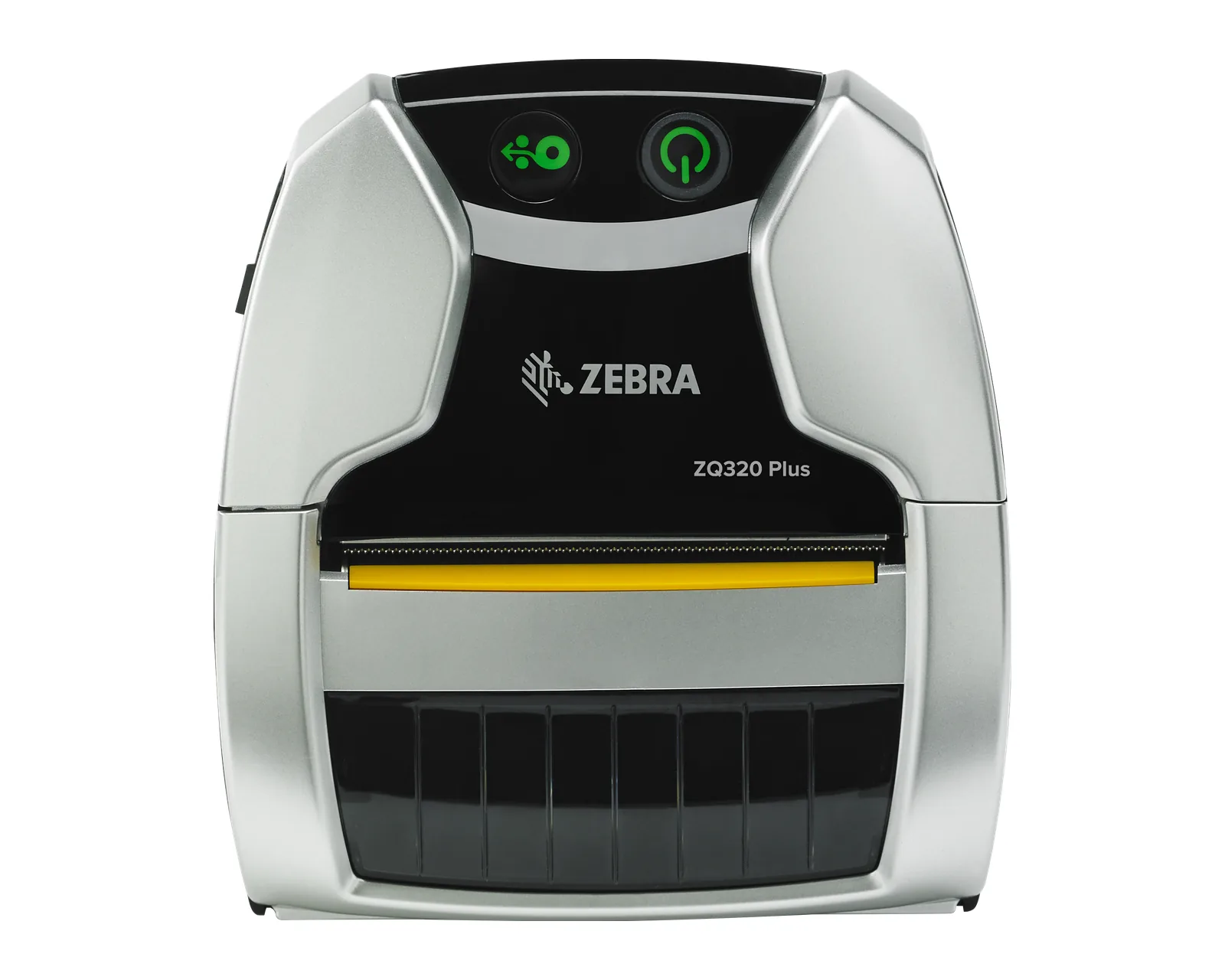
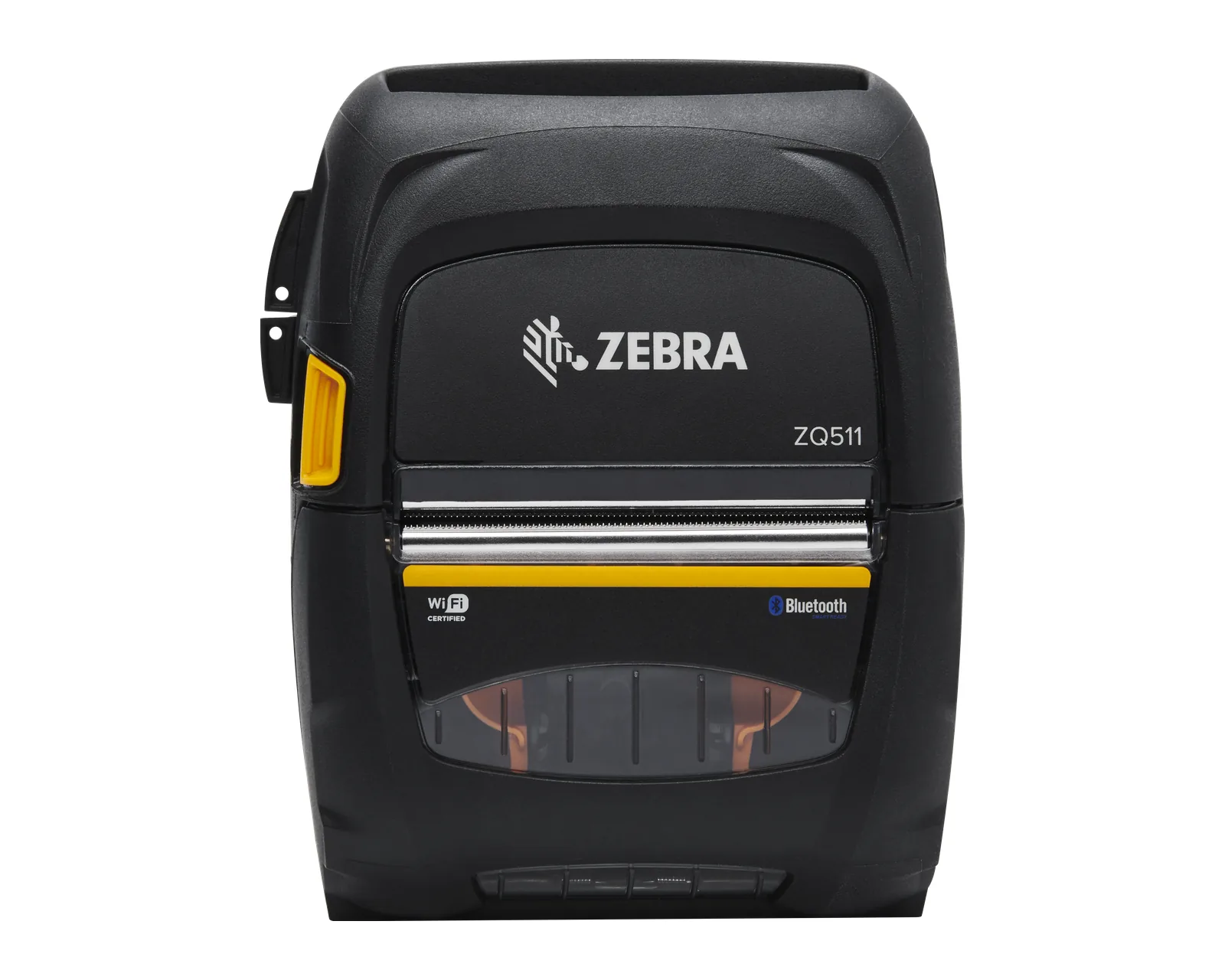
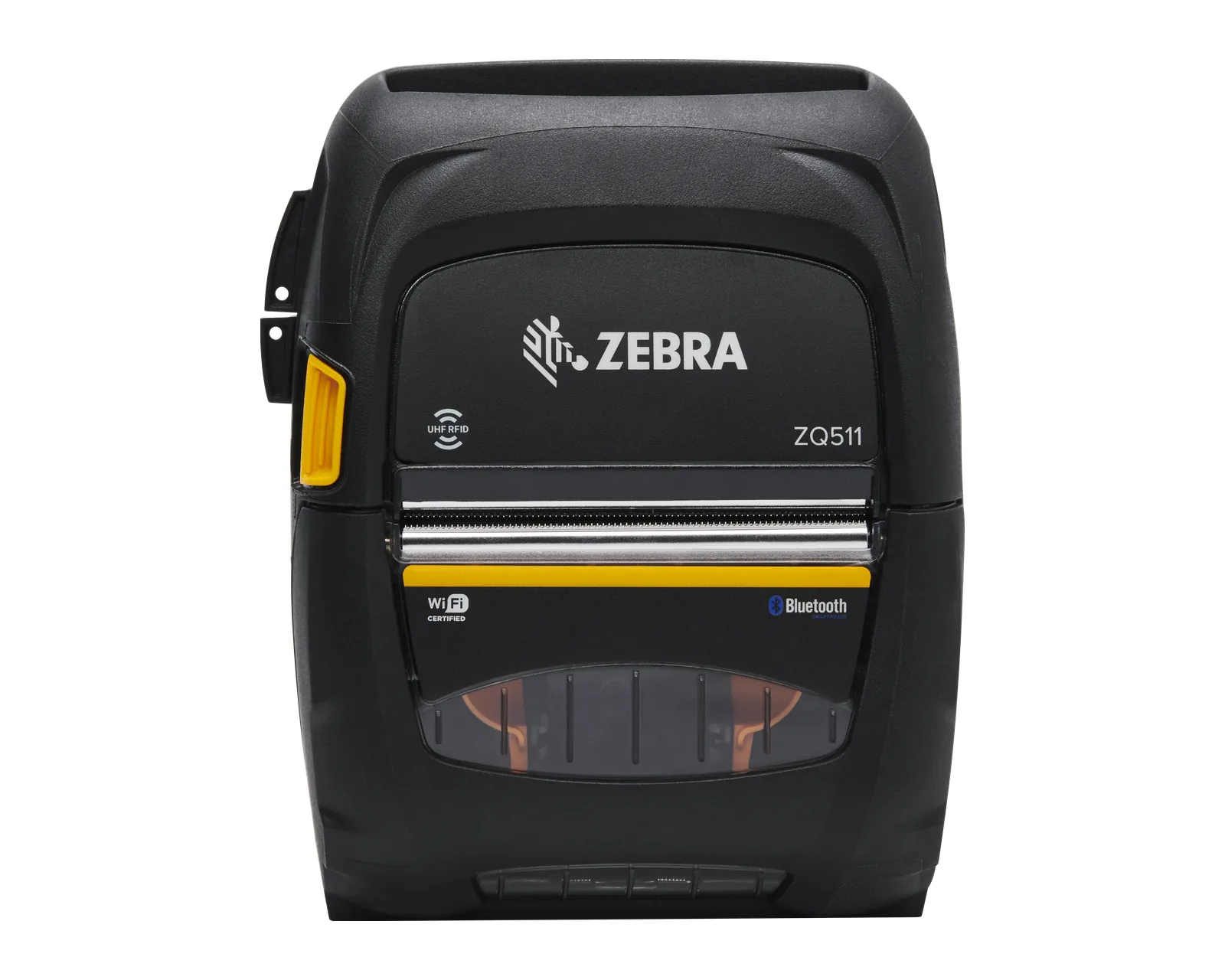
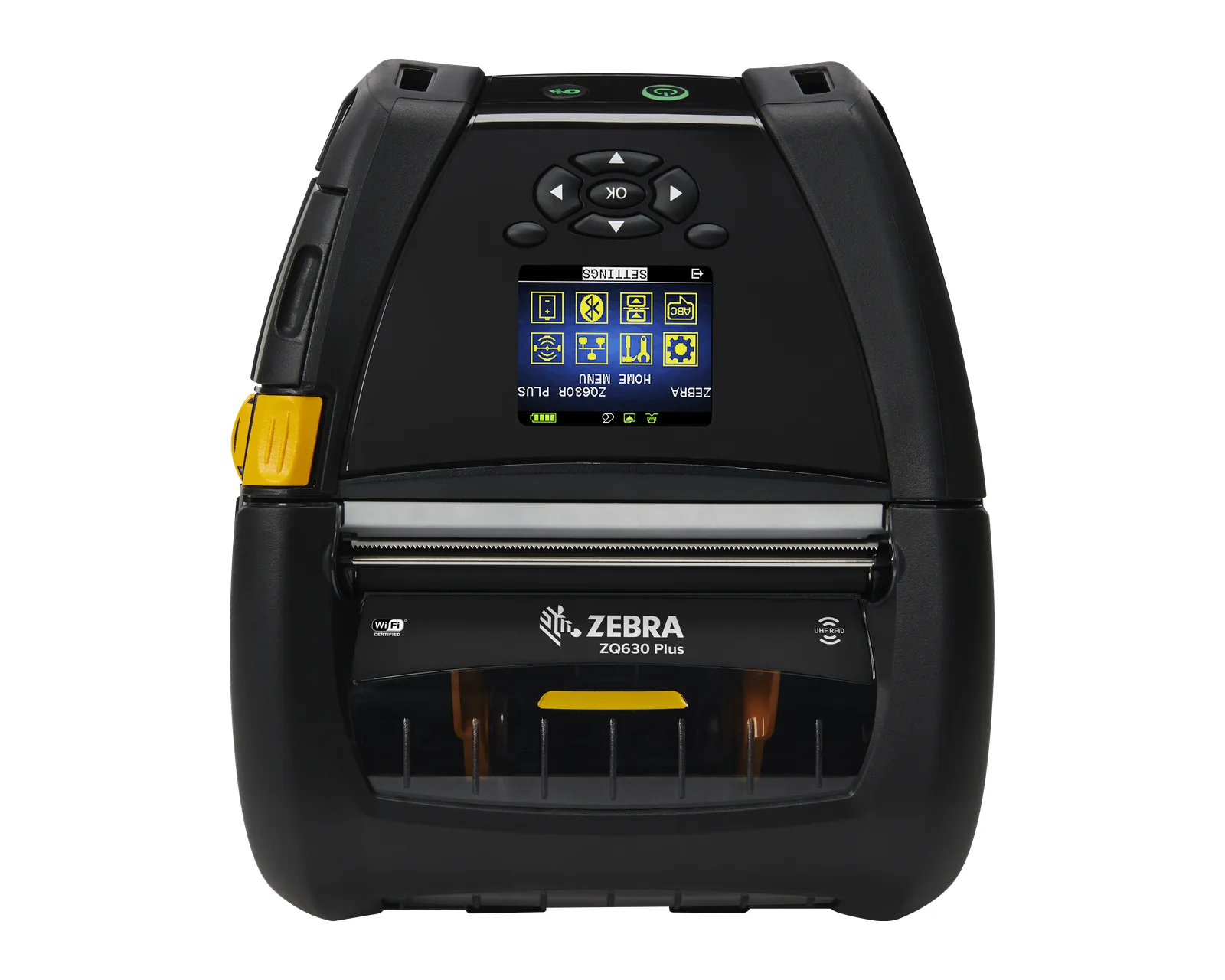
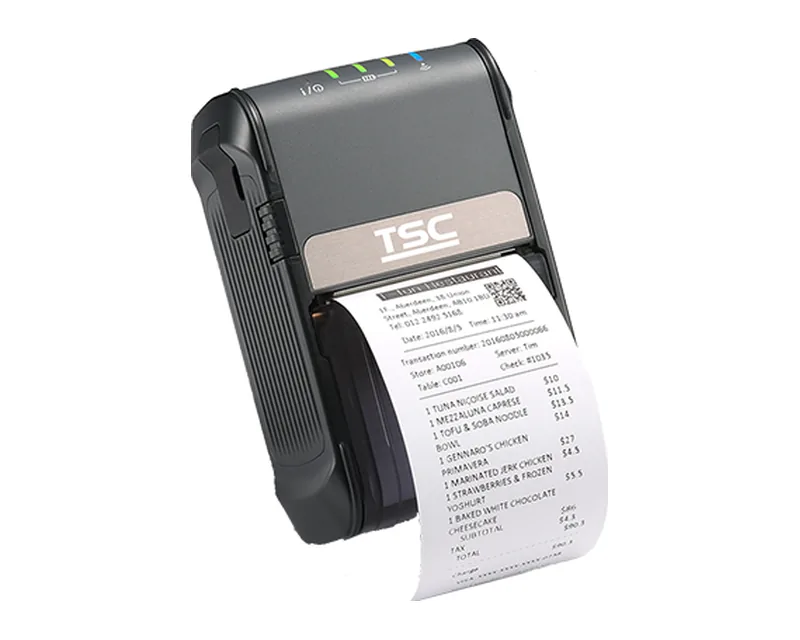
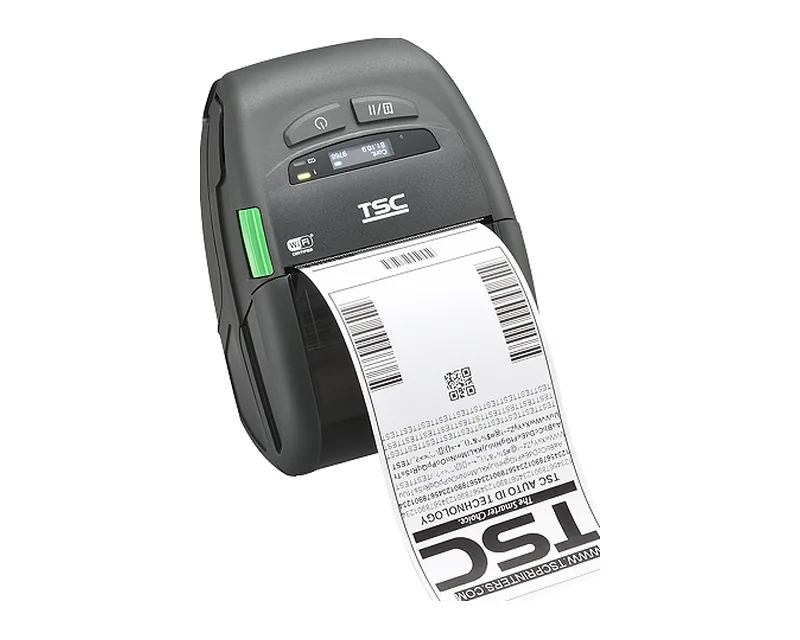
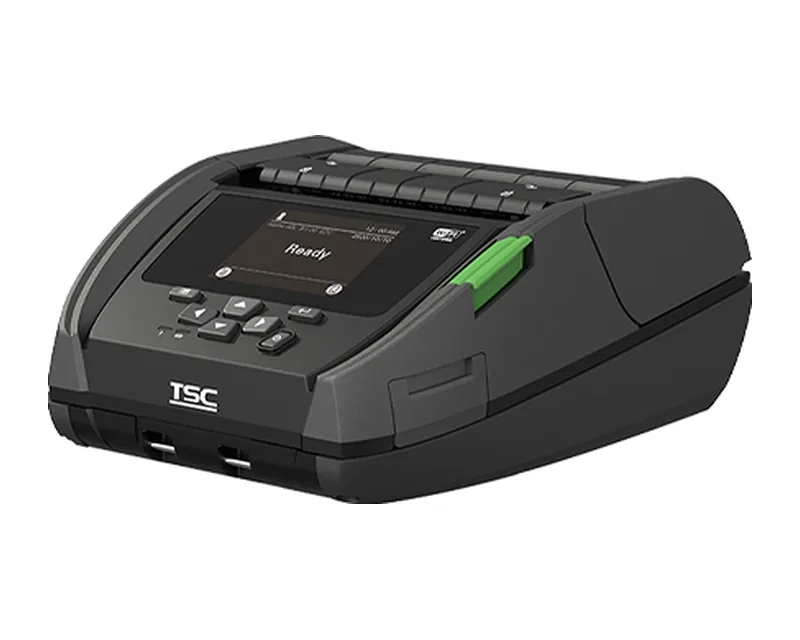
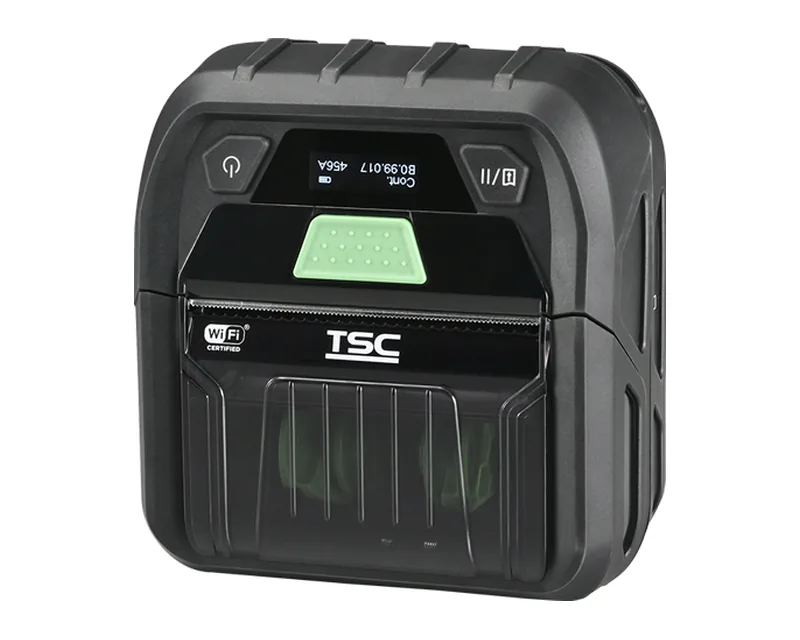
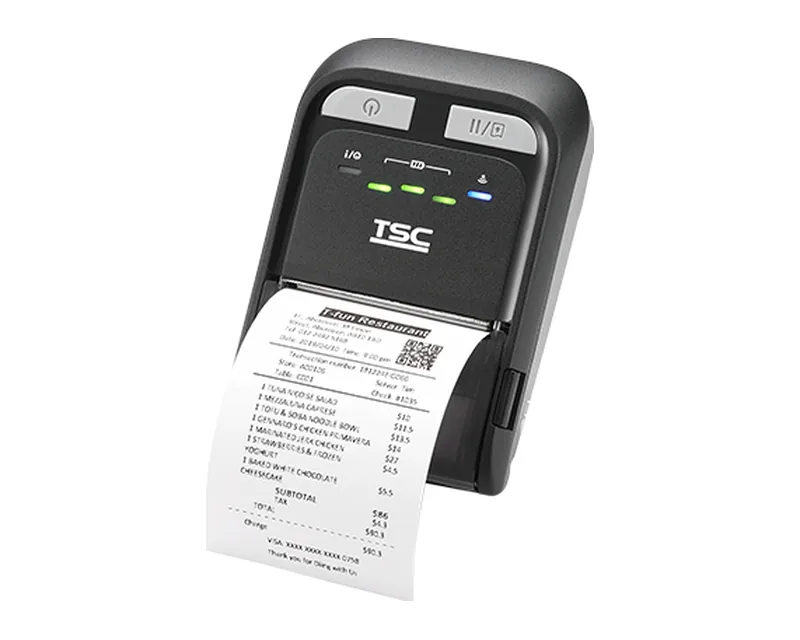
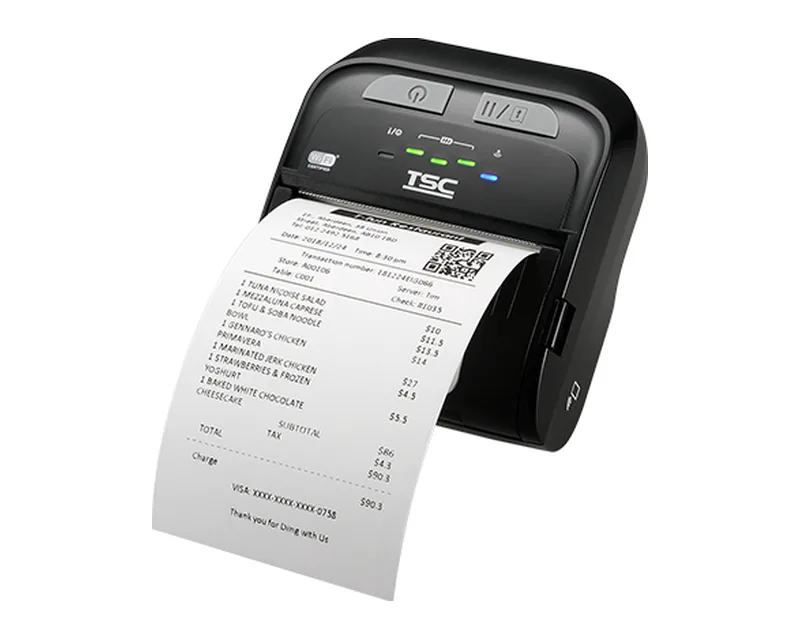
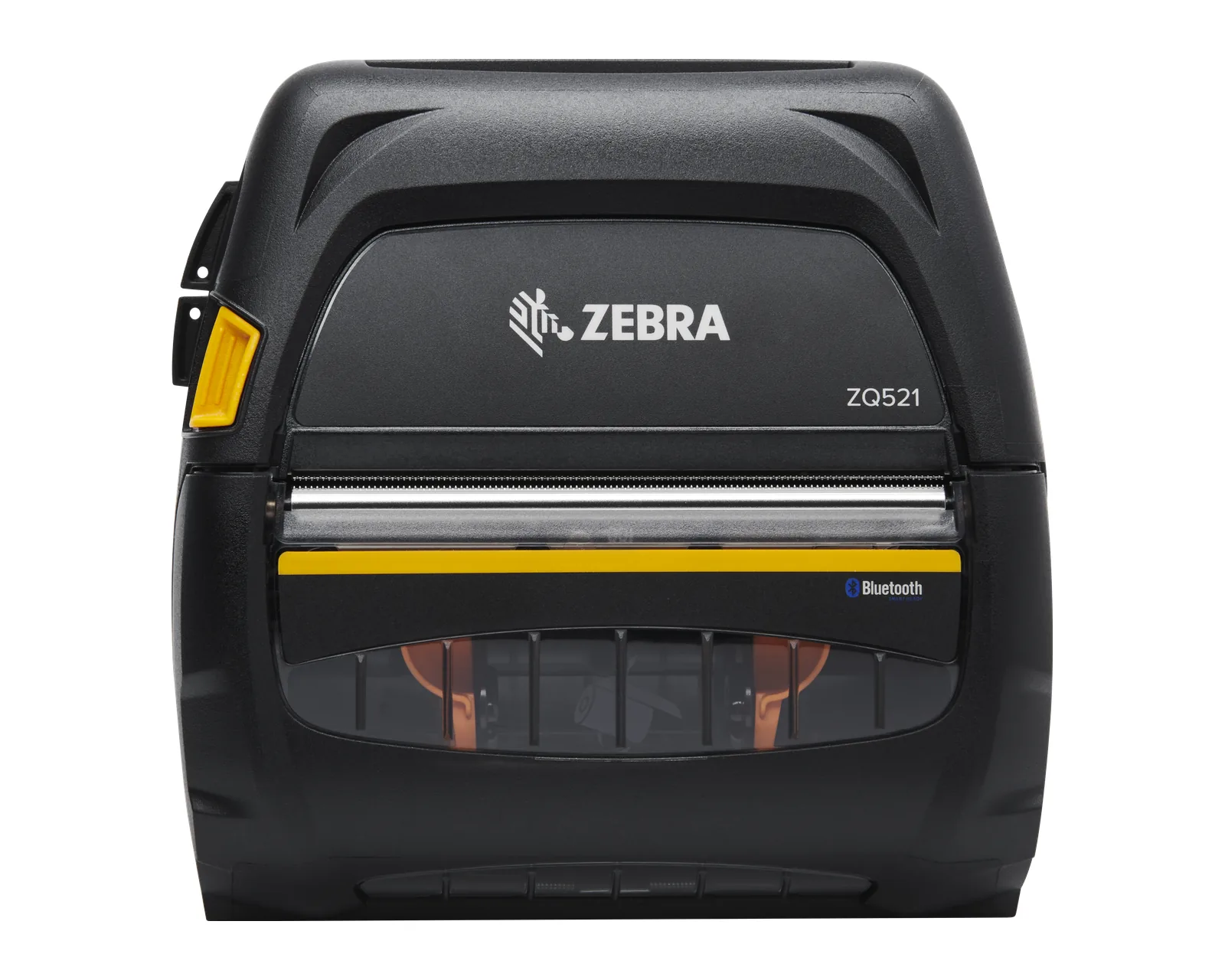
Worn on a belt and connected via Bluetooth or Wi-Fi to a mobile computer or a smartphone. Lines: Zebra ZQ and TSC Alpha. Details: mobile printing in the warehouse and on delivery.
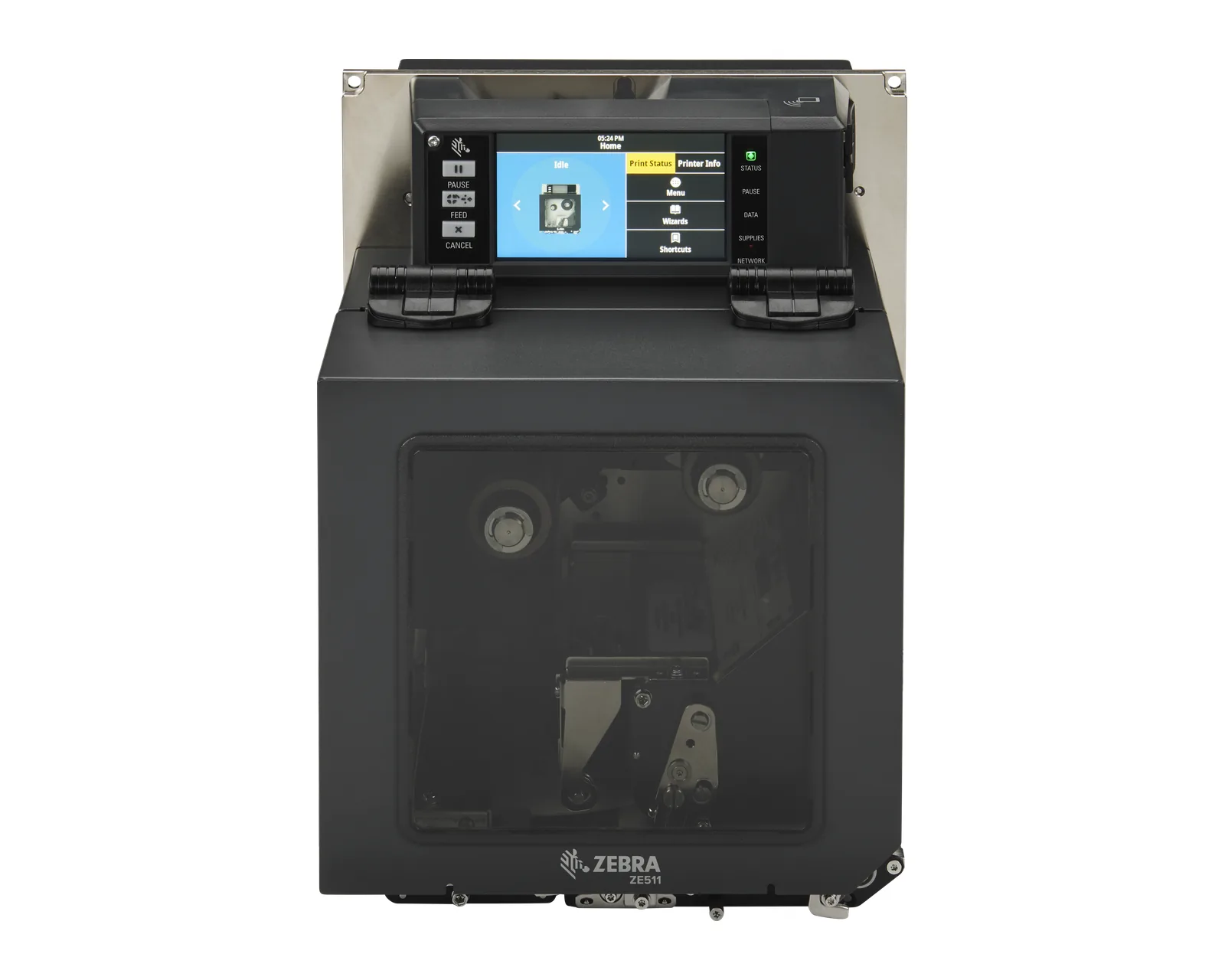
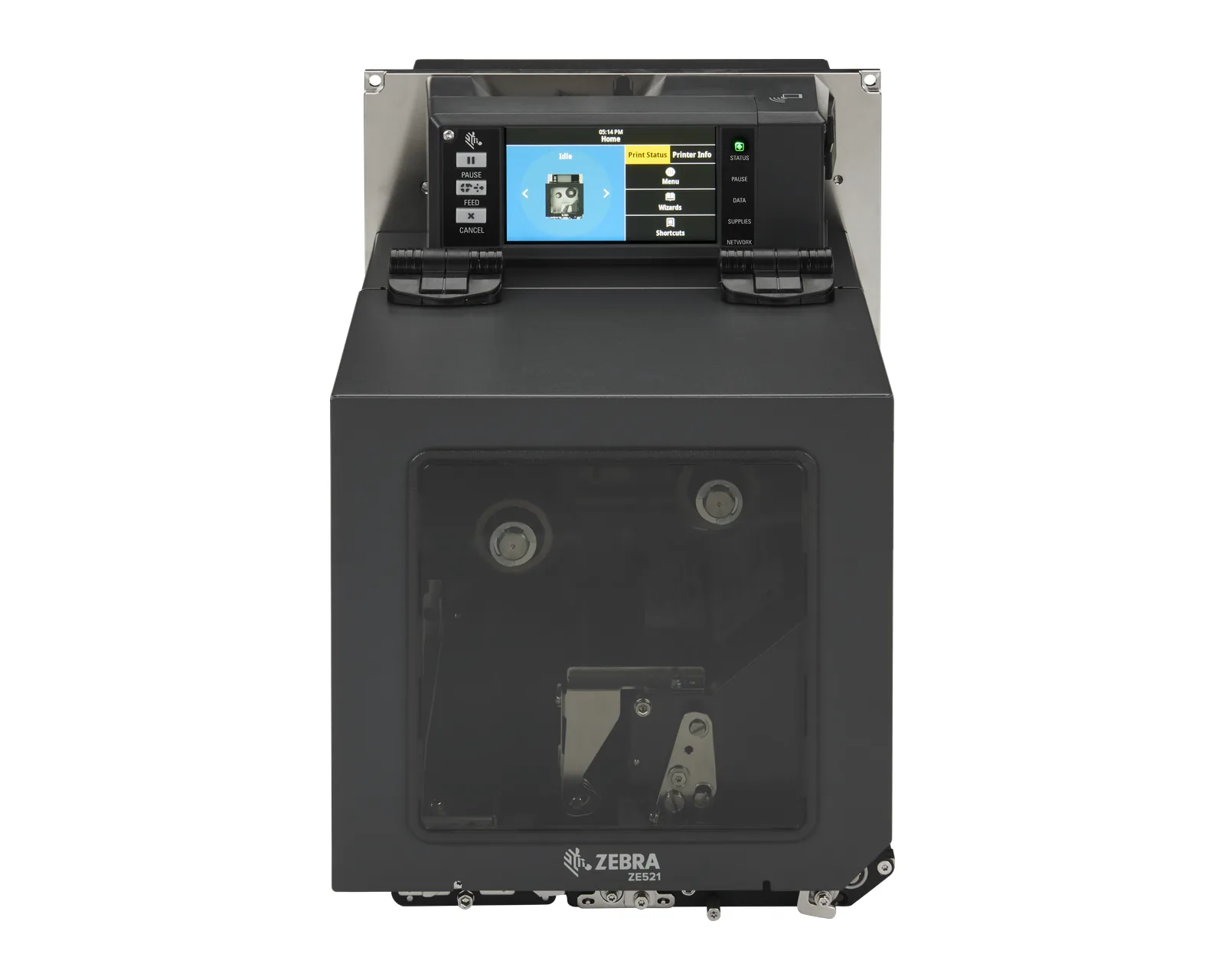
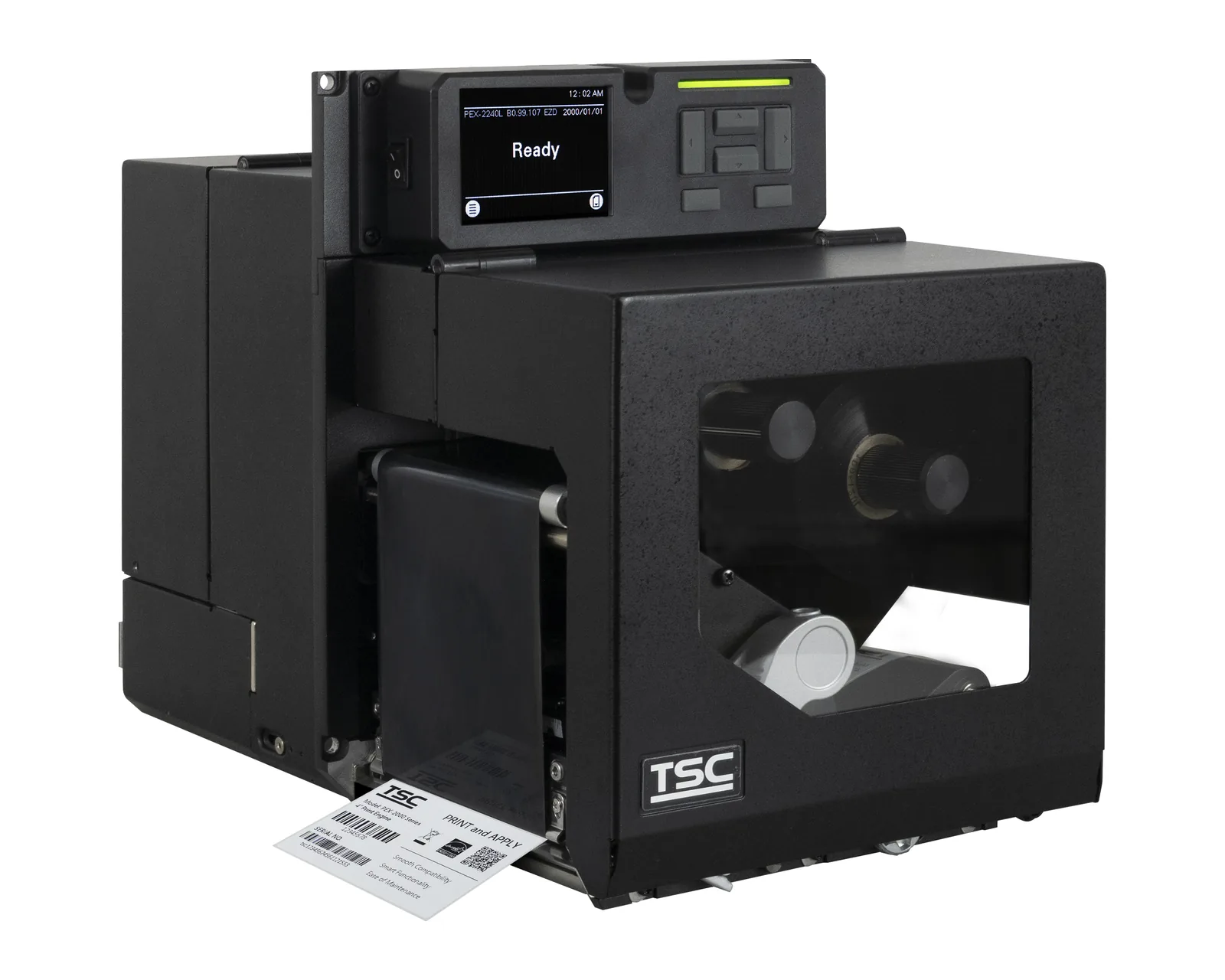
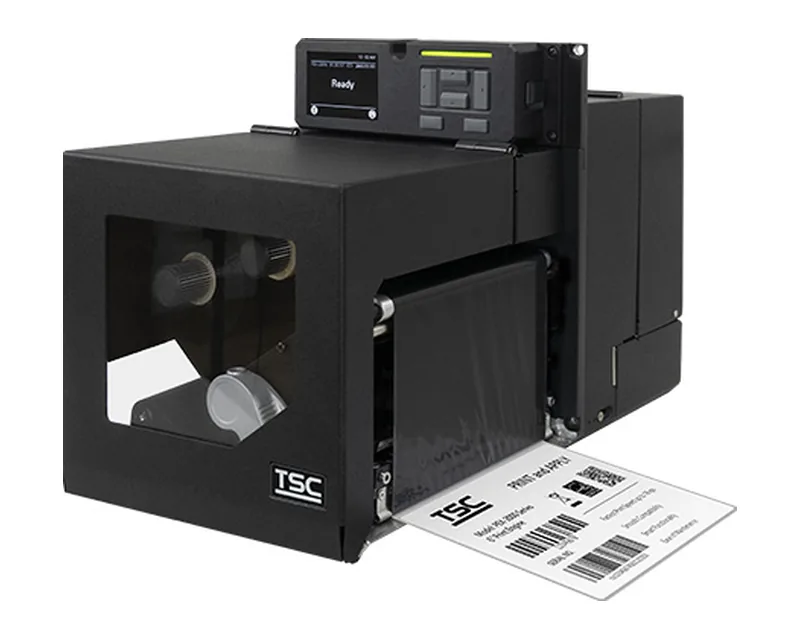
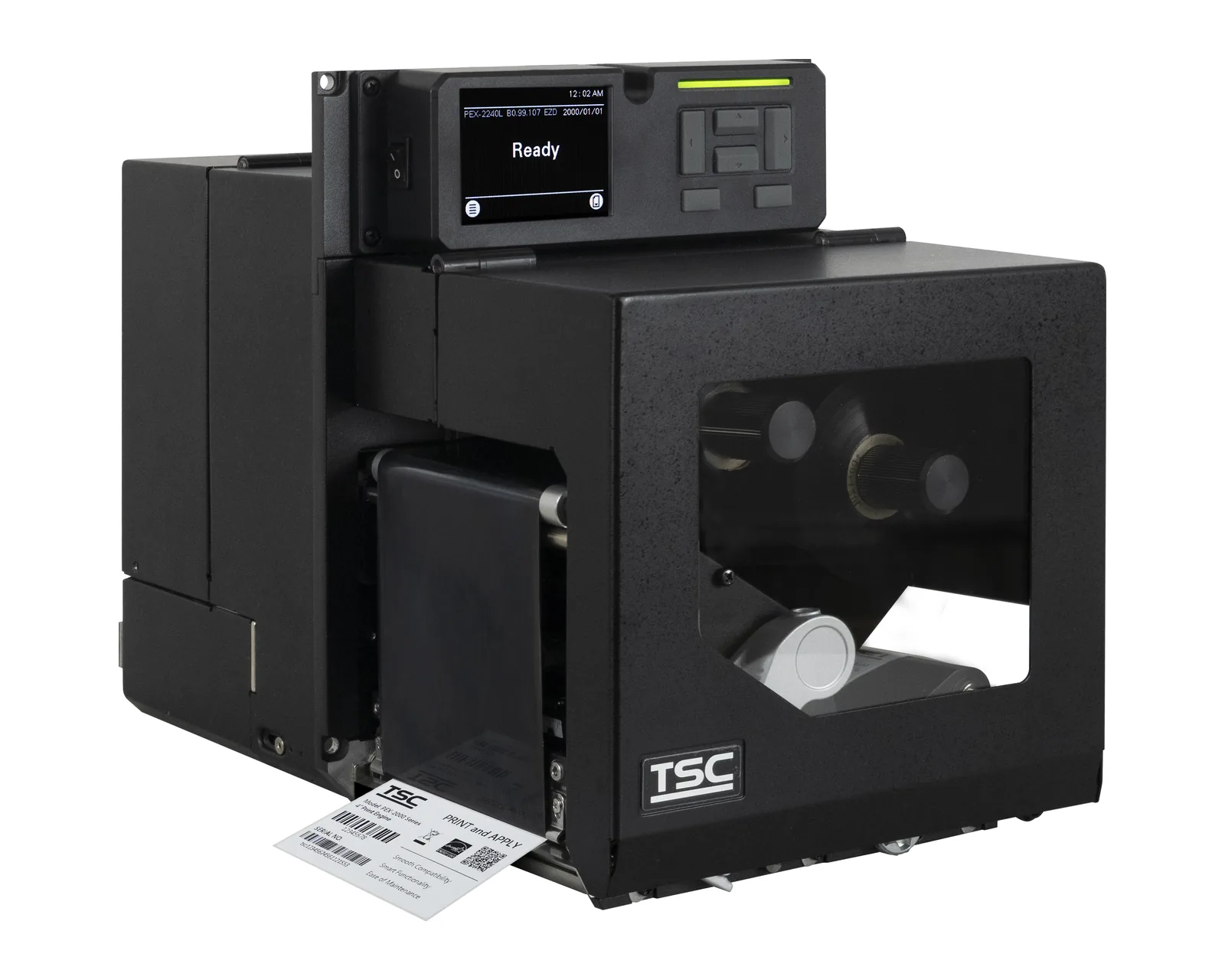
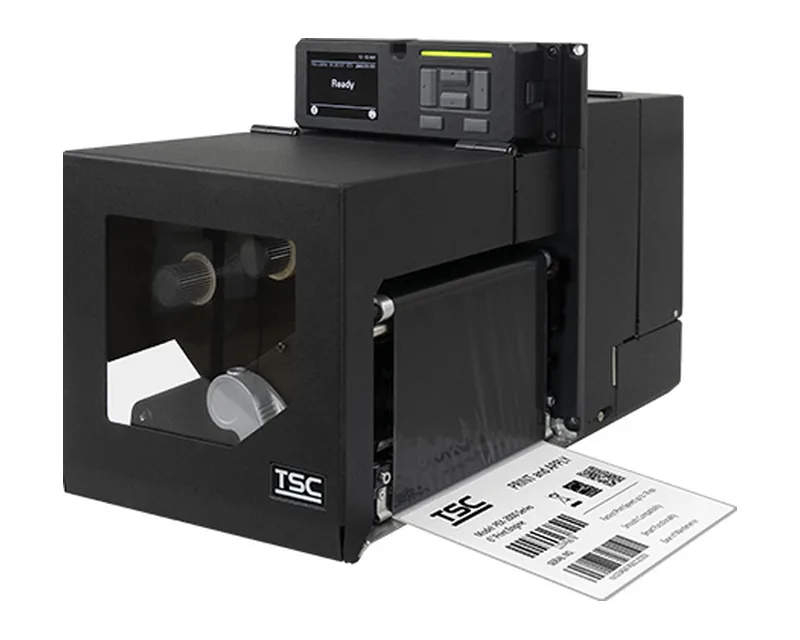
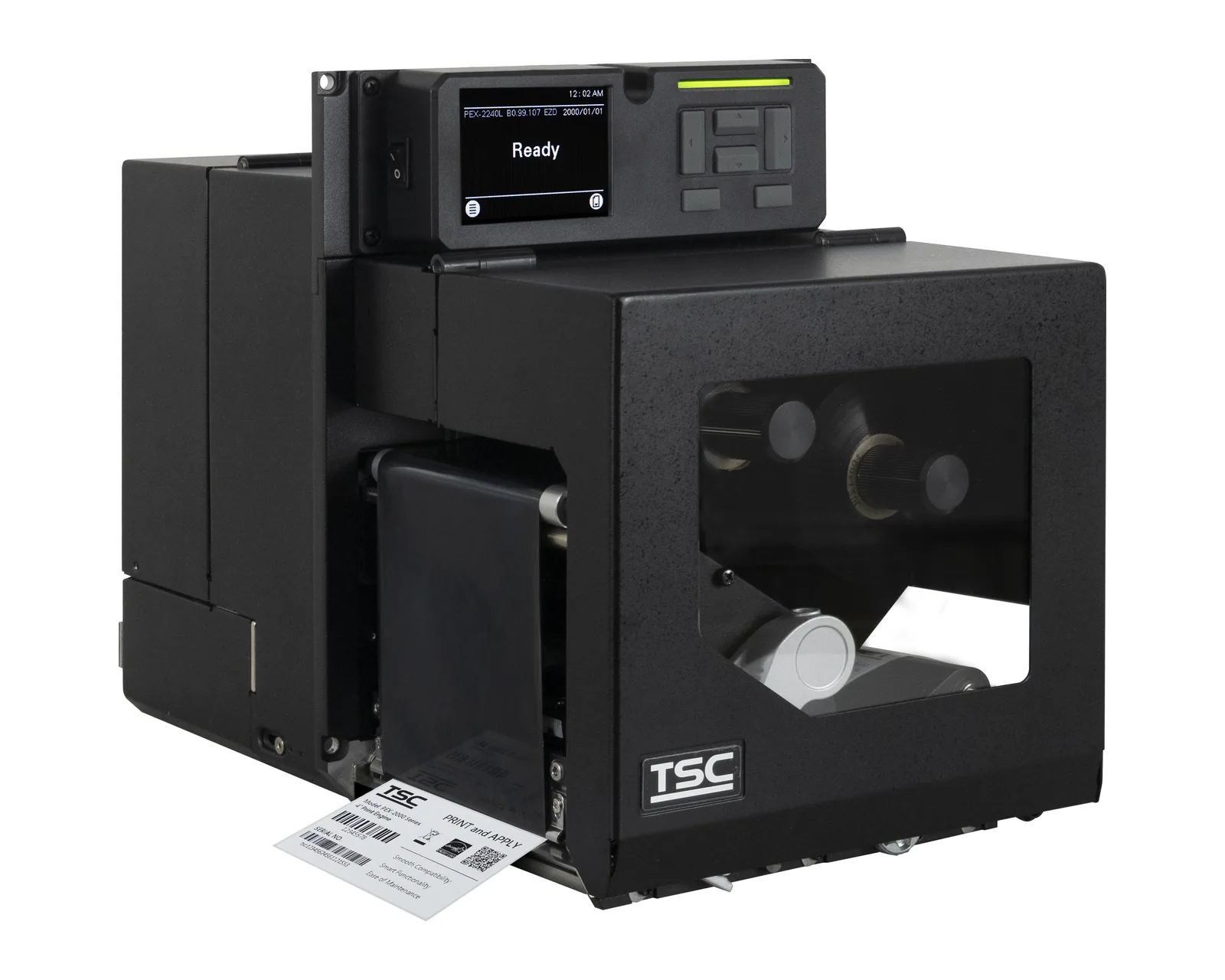
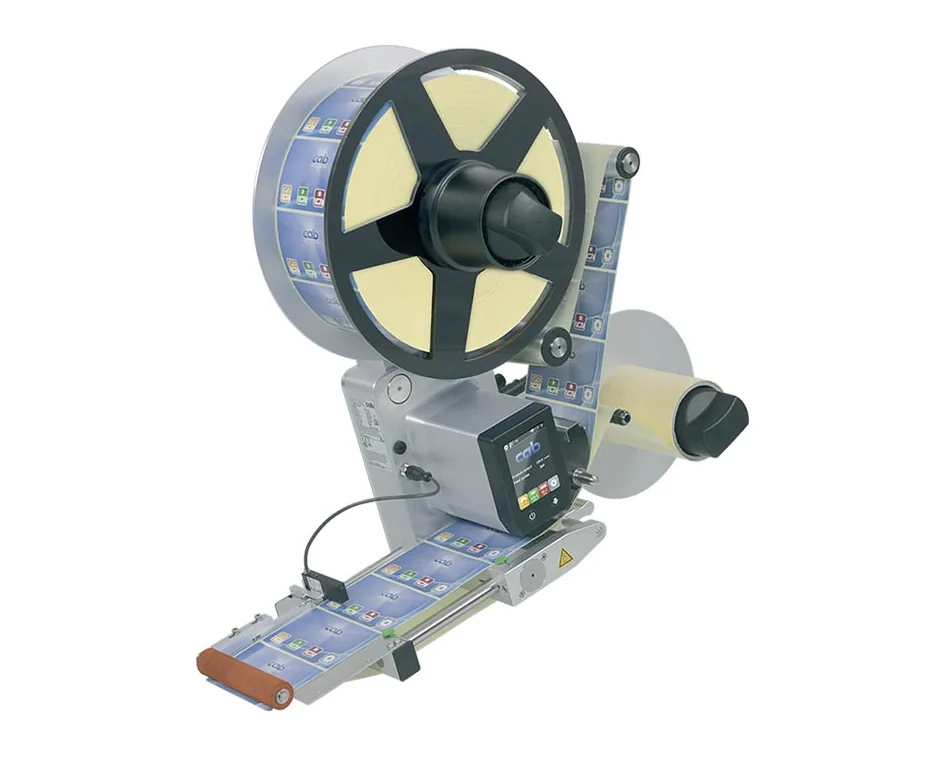
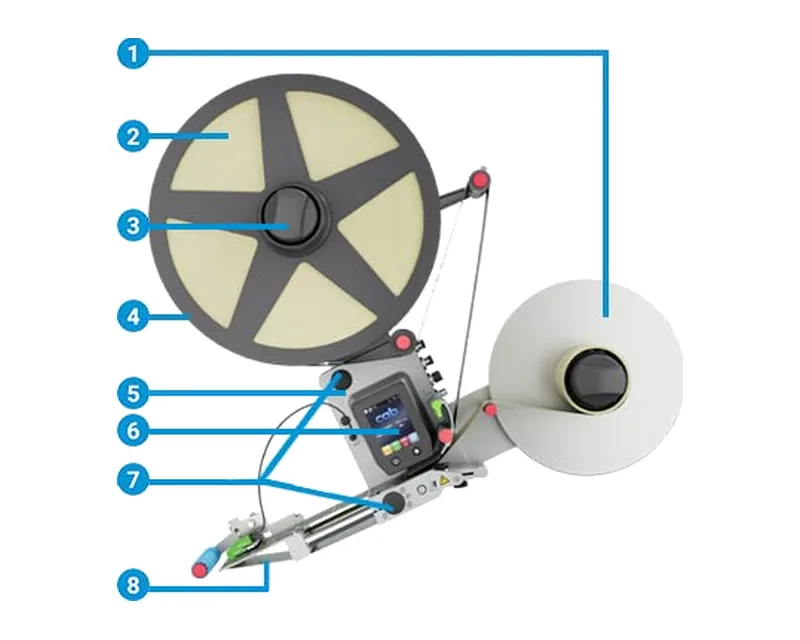
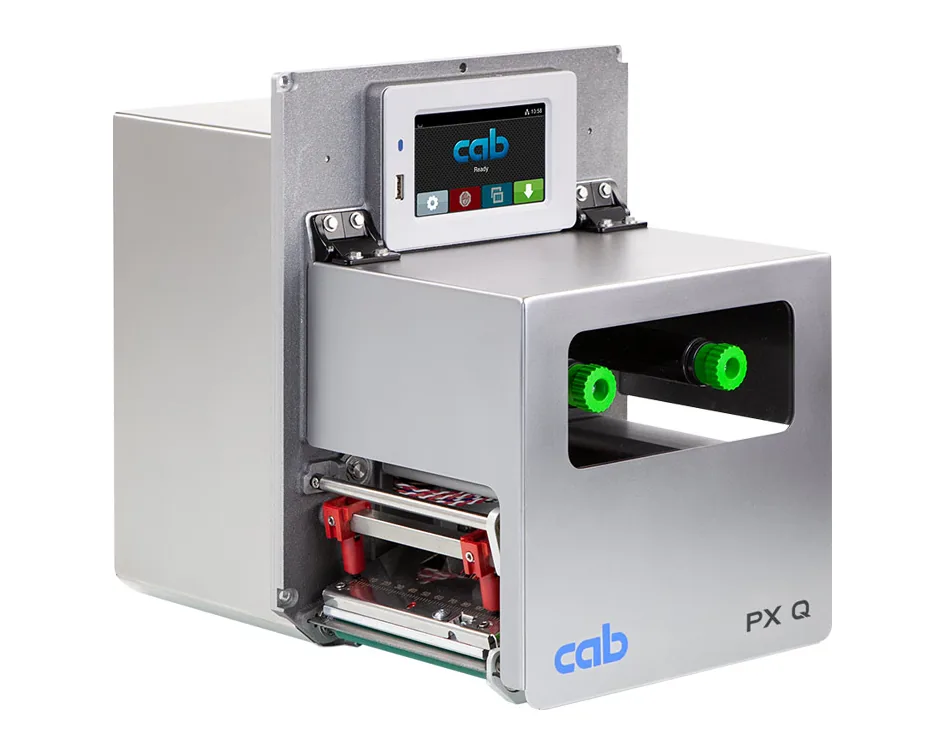
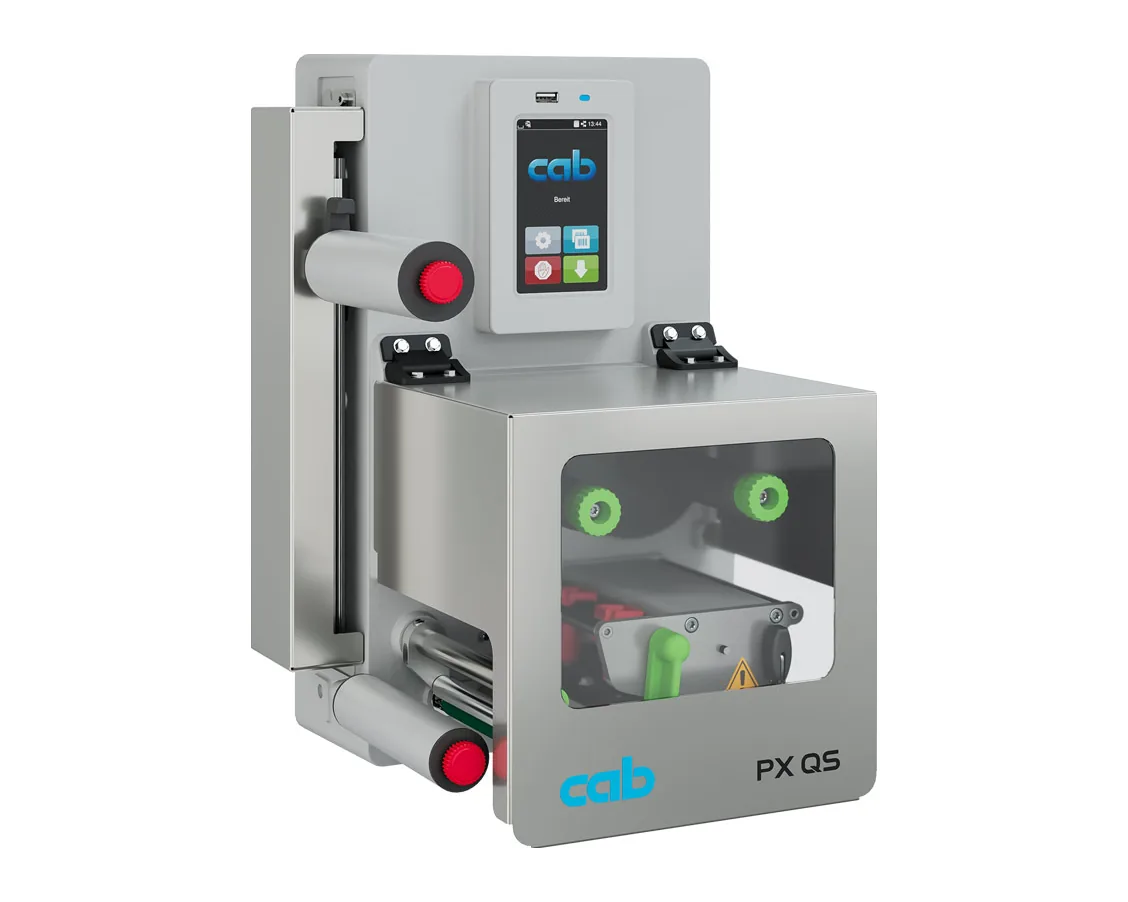
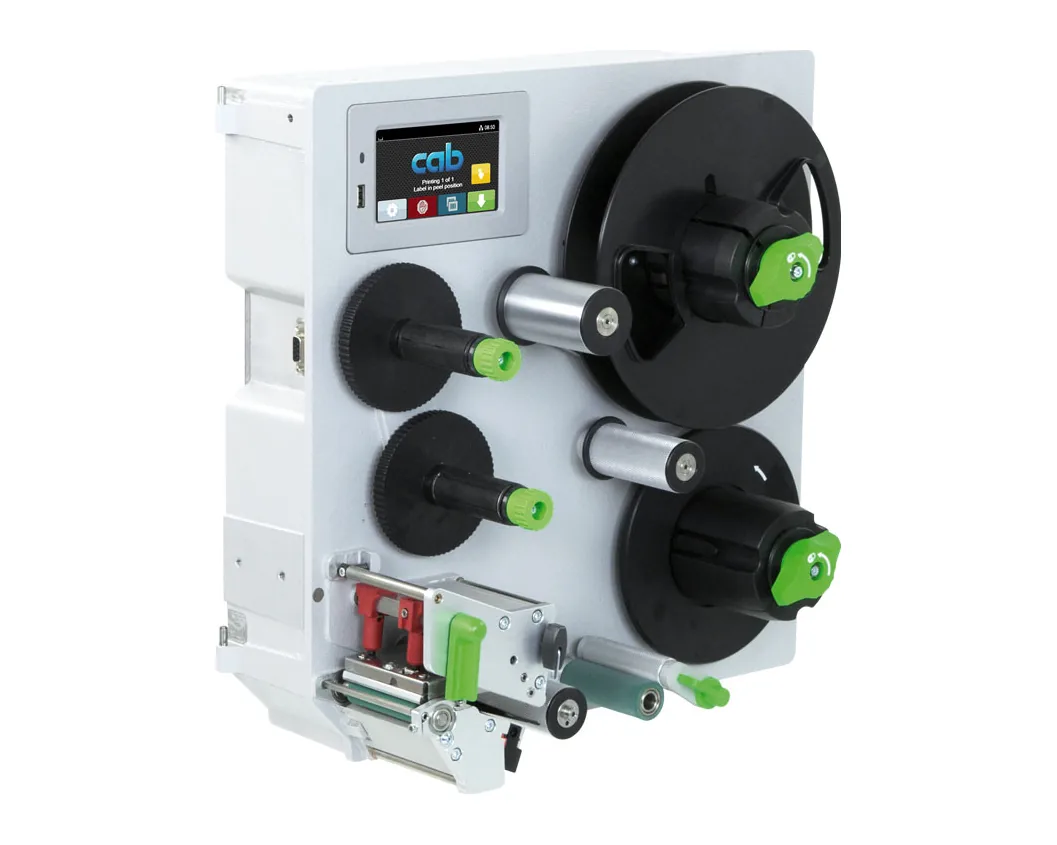
A print module is built into a packaging or production line. A print&apply system prints the label and applies it to the box or pallet by itself, for example CAB Hermes.
The label and the ribbon are chosen together, by surface and working conditions. The roll must fit the printer, and the sensor must recognise the media: labels with gaps, with a black mark, or continuous media. For thermal transfer there are three ribbon families:
The ribbon must be at least as wide as the label.
An RFID printer prints the label, writes data to its UHF chip and verifies the result. RFID UHF tags are read without line of sight and several at once, so they are used on pallets, in fixed asset inventories and in apparel retail. RFID versions exist in several lines; availability is checked for the specific model.
Each manufacturer has its own command language: ZPL for Zebra, TSPL for TSC, and CAB has a language of its own. Many printers support emulations, for example EPL or ZPL, so they can replace another model without rebuilding templates. Ordinary applications print through the Windows driver, while WMS and ERP systems usually send commands directly in the printer language over the network. Connectivity depends on the model: USB, Ethernet, Wi-Fi, Bluetooth or RS-232.
In the warehouse, the WMS prints labels at receiving, pallet building and dispatch, including GS1-128 labels with SSCC; see GS1 labels for warehouses and pallets and the system at wms.md. An online shop prints the AWB received from the courier: a label printer for AWBs. Labels are read with scanners, see scanere.md, and for field work with a mobile computer and mobile printer, see terminale-mobile.md.
Start from the label: size, material, content and service life. That gives you the technology, width and resolution, while the volume sets the printer class.
| Task | Typical printer | What to look for |
|---|---|---|
| Price and shelf labels: Retail | Desktop, direct thermal or thermal transfer | Small labels, link to the till |
| Receiving, pallets, dispatch: Warehouse | Industrial and mobile | GS1 pallet labels, volume, work in the cold |
| Marking products and parts: Production | Industrial, 300 or 600 dpi, print&apply | Durable materials, 2D codes, automated line |
| Courier shipping and dispatch: Logistics | 4 inch desktop or industrial, mobile | AWB, dispatch pace, link to the courier |
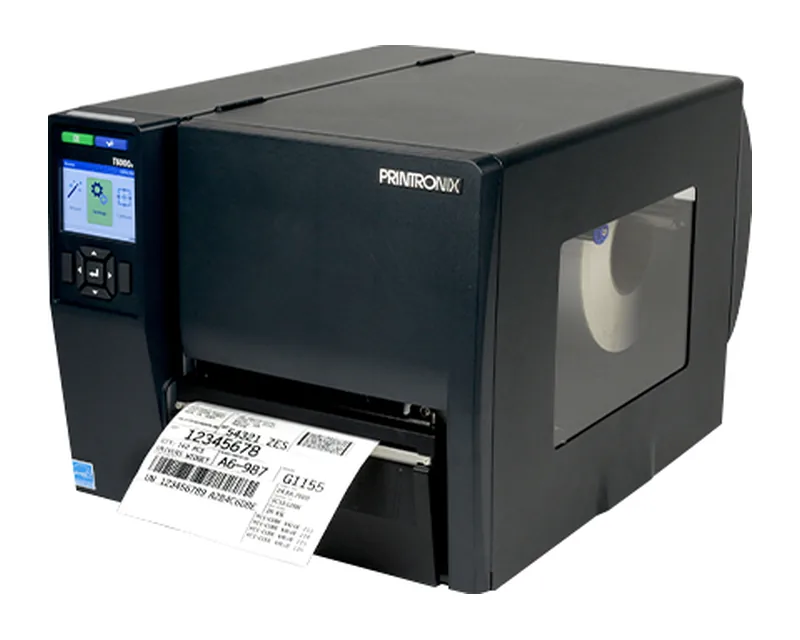
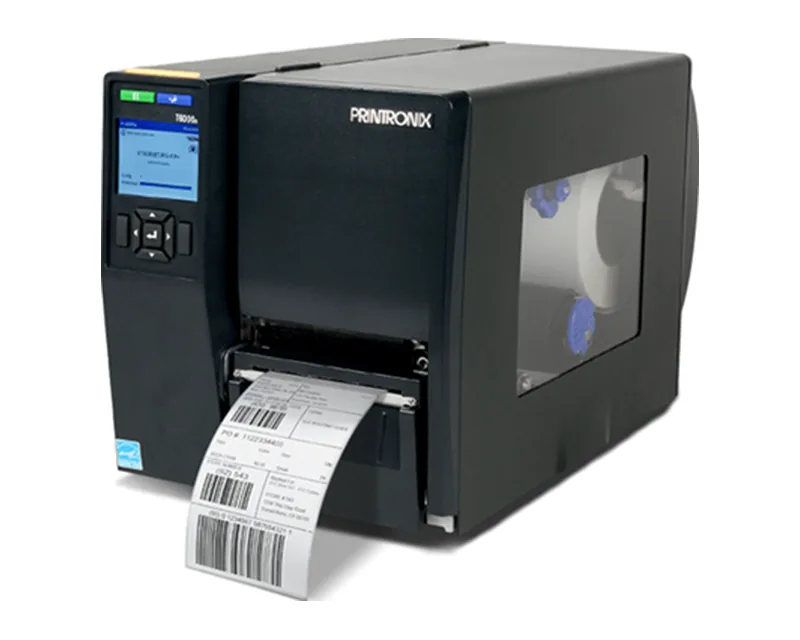
We offer label printers from three manufacturers. Zebra has the widest range: ZD desktop, ZT industrial and ZQ mobile printers. TSC, from Taiwan, covers all three segments and, as TSC Printronix Auto ID, also offers Printronix printers. CAB, from Germany, makes industrial printers, print modules and print&apply systems. You can compare models in the catalogue.
Direct thermal prints without a ribbon, on thermal paper, but the label fades over time. Thermal transfer uses a ribbon and gives a durable print, including on synthetic materials.
For shipping and pallet labels 203 dpi is enough, for small labels and 2D codes choose 300 dpi, and for very small markings 600 dpi.
A 4 inch desktop printer with direct thermal printing that receives the label from the courier platform. For high volumes, an industrial printer of the same width.
Often yes, if the new model emulates ZPL. Before replacing it, test your existing templates on the specific model.
Usually yes: the system sends commands in the printer language or prints through the driver. Test on a real template before going live.
Prices are given on request and depend on the class, resolution, interfaces and options. Describe your task on the Contacts page, and we will propose suitable models.
Tell us which labels you print, on what material and in what volume, and we will prepare a proposal for Moldova. Write to us via Contacts.
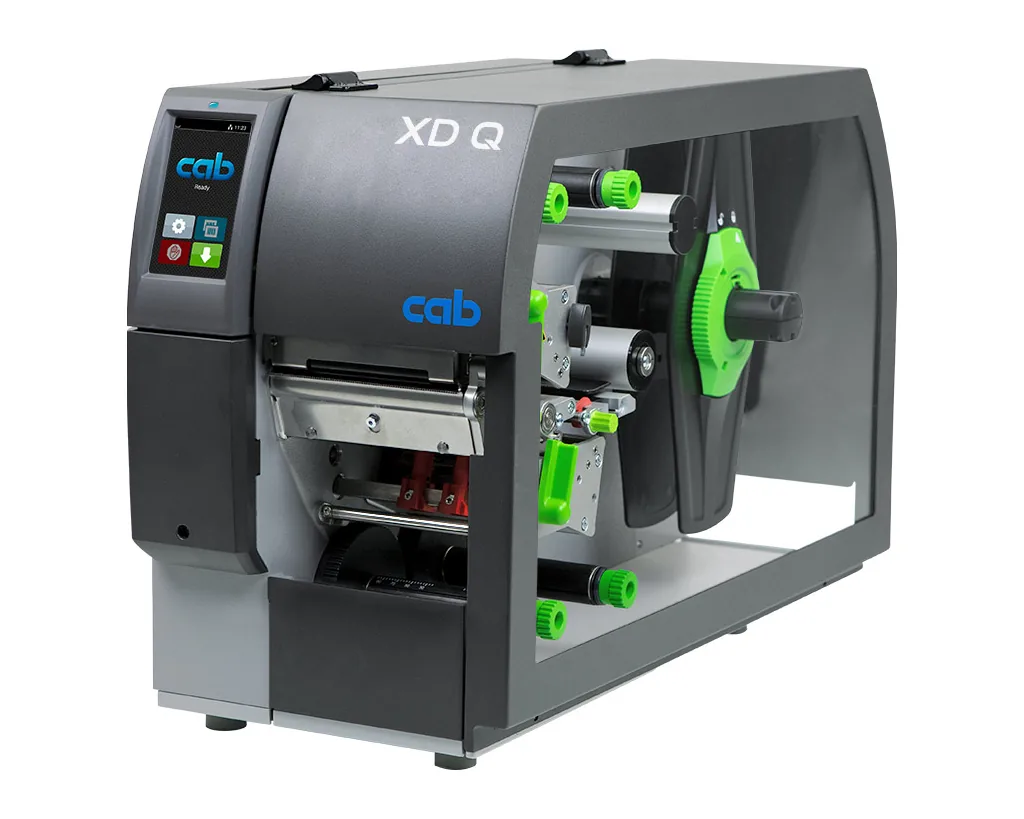
Industrial printer for textile tapes, with a draw roller that separates the ribbon after high-heat printing
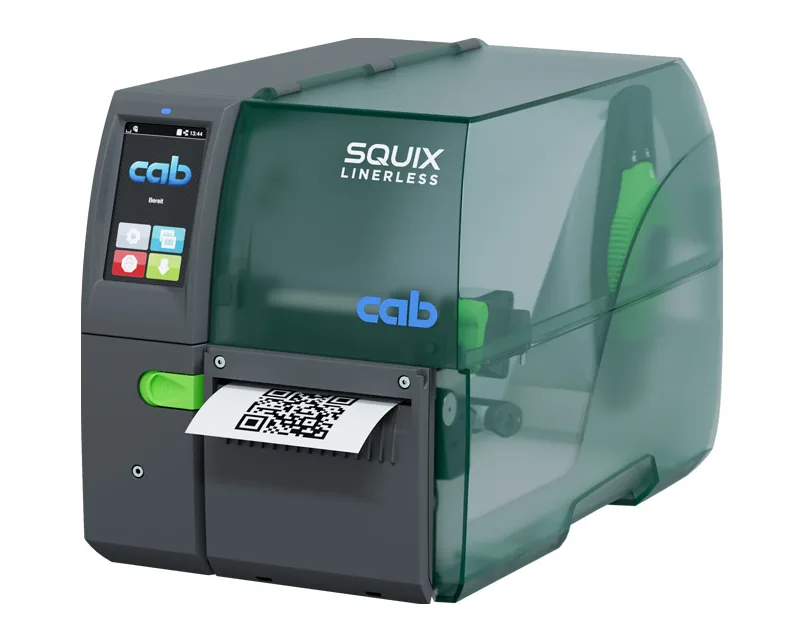
Industrial direct-thermal printer for linerless material, with a built-in cutter
Industrial SQUIX printer with an integrated UHF RFID module for smart labels
Compact 3-inch mobile printer for receipts and labels, with Bluetooth 5.0 and USB-C charging
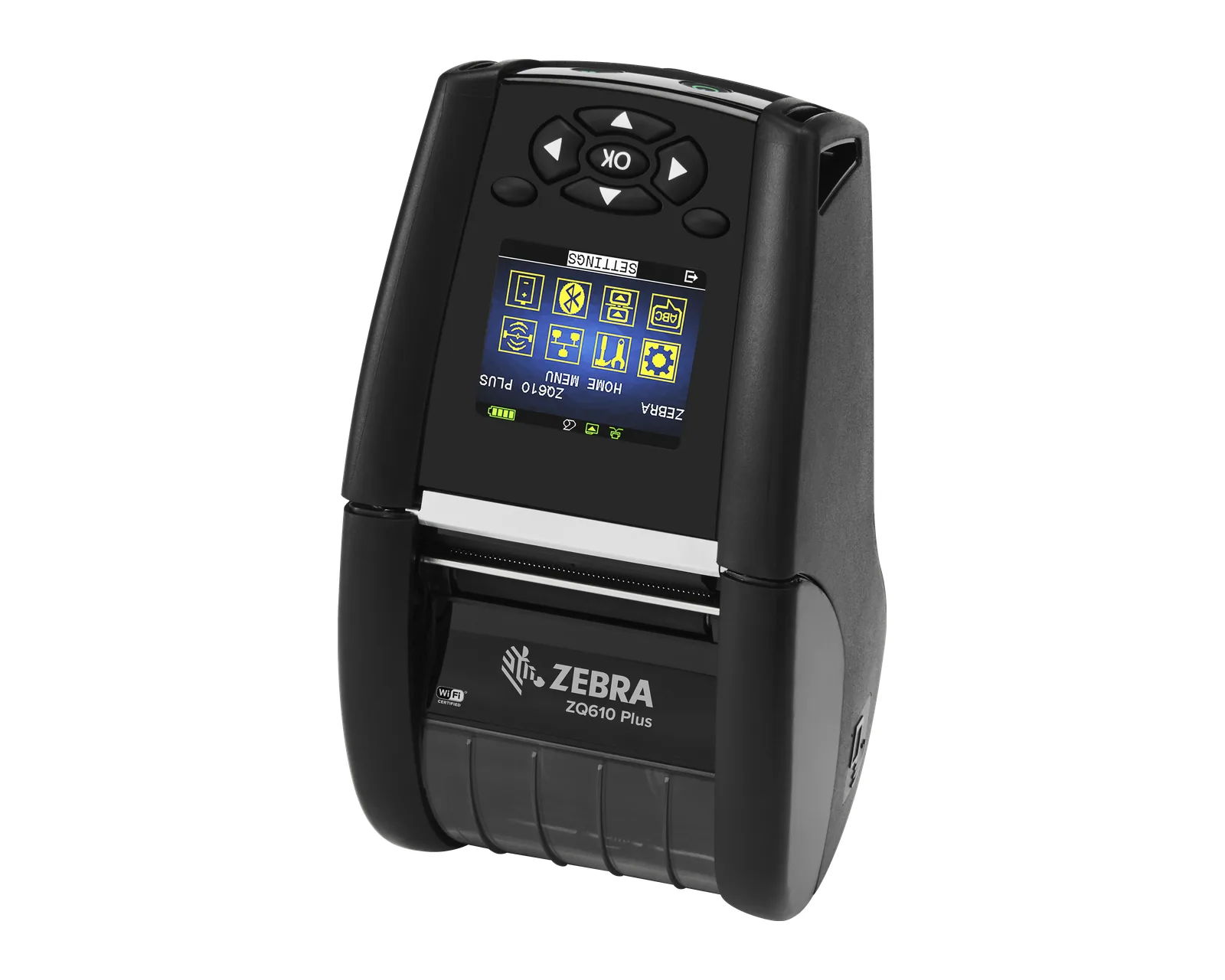
Lightweight rugged 2-inch mobile printer for receipts and labels, with Link-OS and optional Wi-Fi
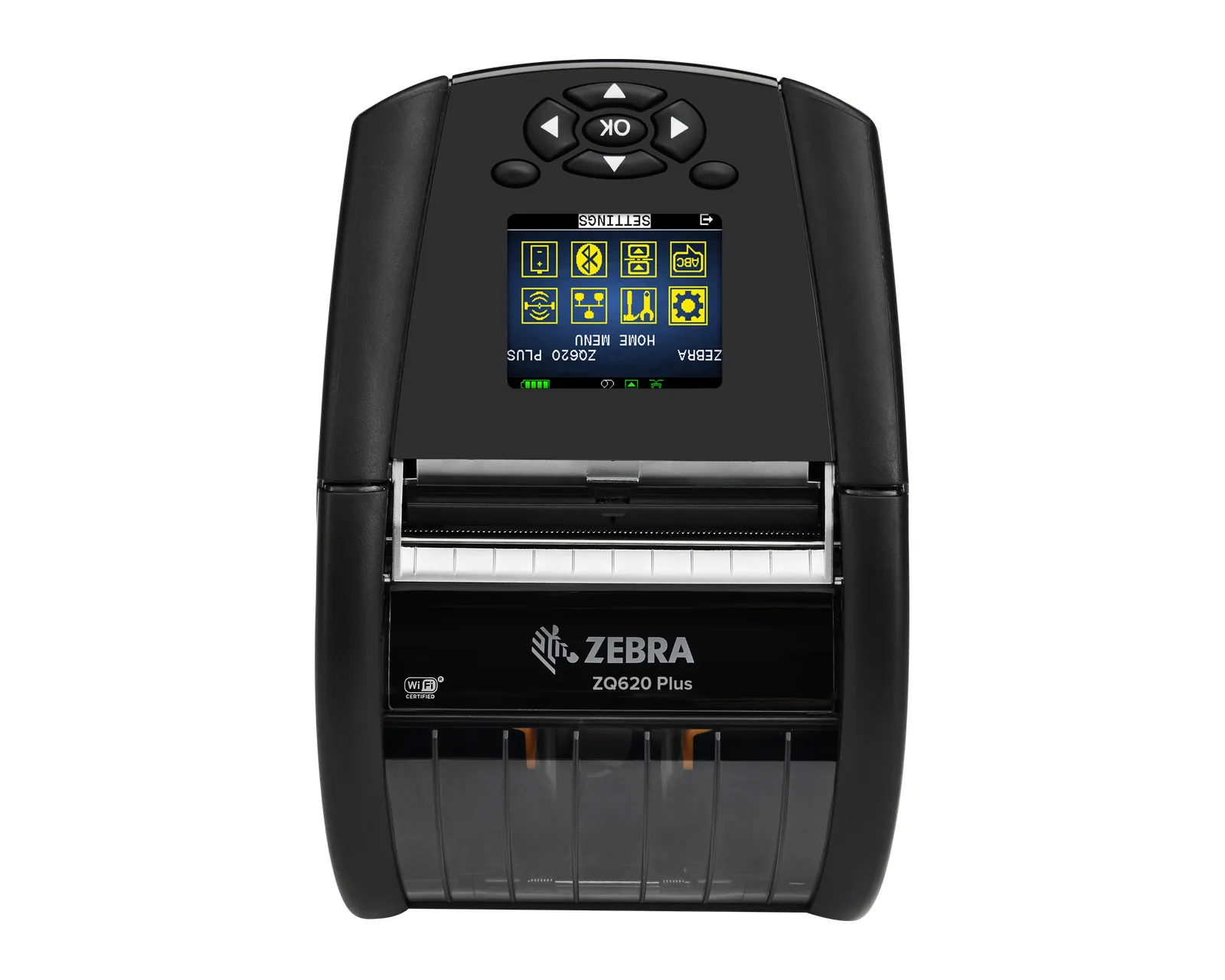
Lightweight rugged 3-inch mobile printer for receipts and labels, with Link-OS and optional Wi-Fi
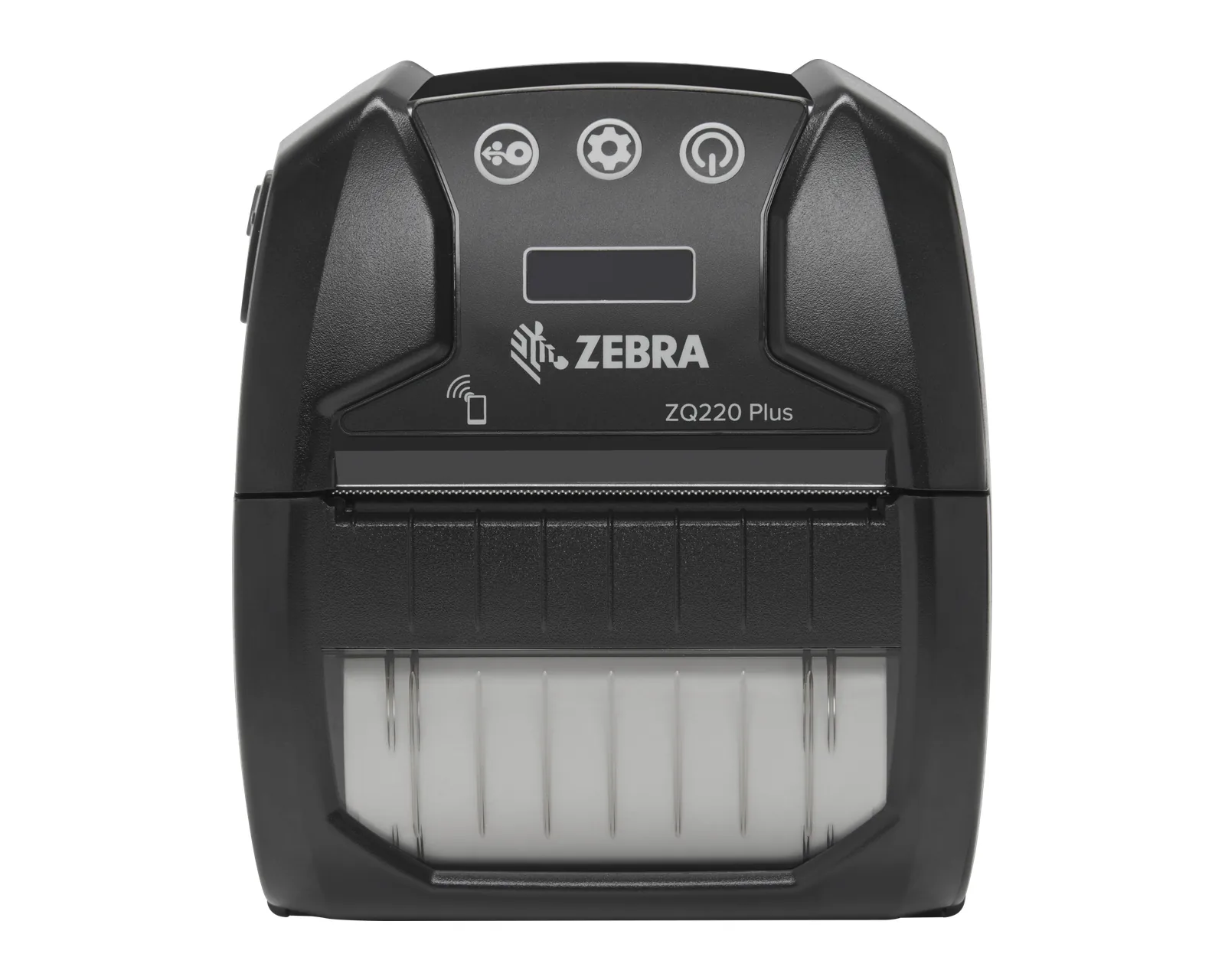
Lightweight 2-inch mobile printer with Wi-Fi 6 and Bluetooth for receipts and small labels
3-inch mobile printer with Wi-Fi 6 and Bluetooth for receipts and labels
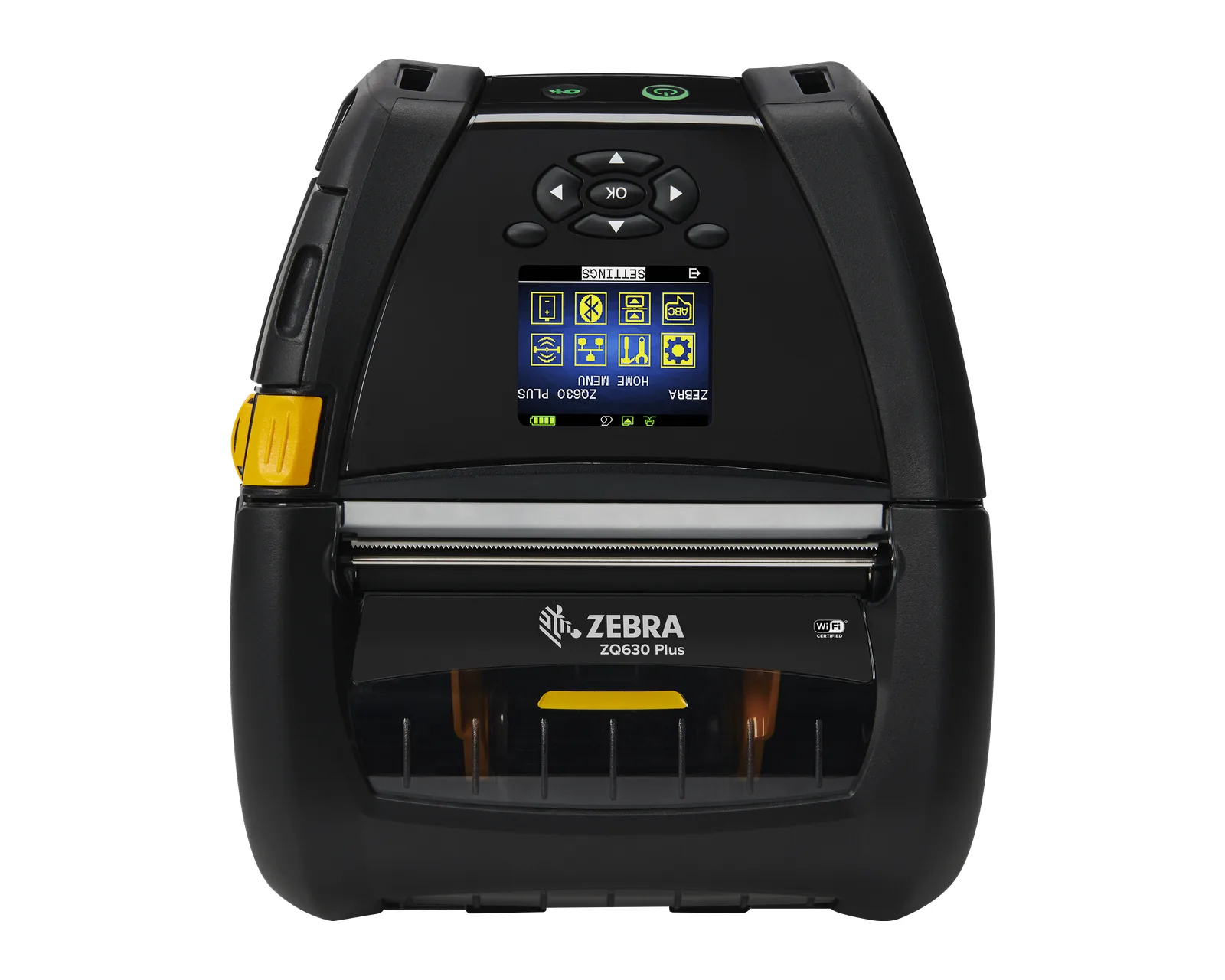
Premium 4-inch mobile printer with a 6600 mAh battery and 1.83 m drop rating
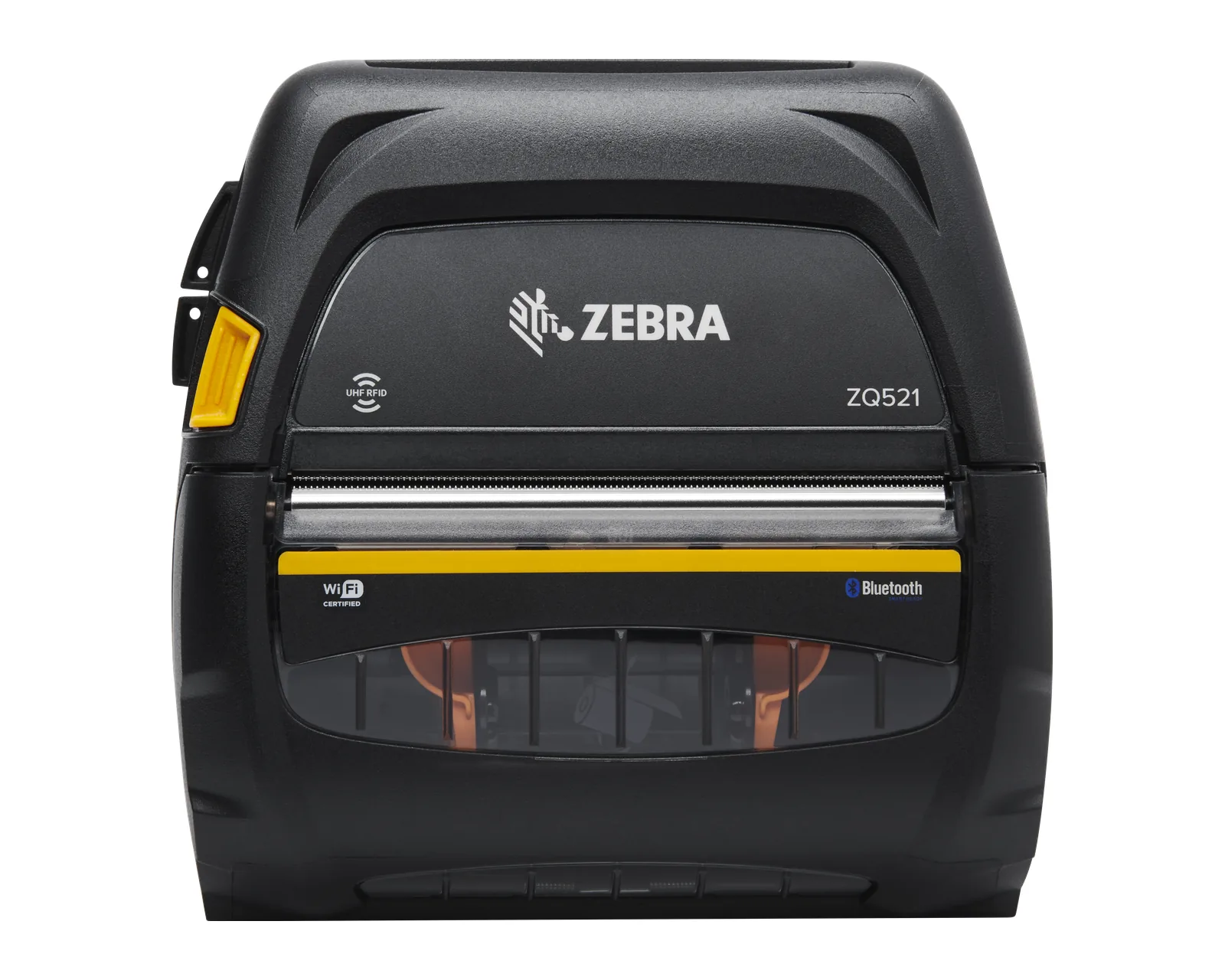
4-inch mobile printer with a built-in UHF RFID encoder for RFID labels and tags on the spot
Label printers
Describe which labels you print and where: store, warehouse, production or logistics. We will help you choose the printer and consumables and prepare the quote.