Labels for WMS and stocktaking: what to print and what reads it
Location, pallet, carton and item labels: what goes on each, who prints and when, what reads them and which material survives in a warehouse.
In a warehouse running a WMS, the label is the link between the physical goods and the record in the system. If it is missing, unreadable or stuck on the wrong object, the system "sees" something other than what sits on the shelf. So before choosing a printer, decide which objects you label, what goes on each one, and what reads it.
Four kinds of warehouse labels
Every object the WMS tracks gets its own identifier.
| Label | What it identifies | What it usually holds | When it is printed |
|---|---|---|---|
| Location (bin, rack, zone) | The address where goods sit | Location code, large readable text | Once when the warehouse is set up, then on changes |
| Pallet | The transport and storage unit | Pallet number, contents, batch | At receiving or when the pallet is built |
| Carton or parcel | The picking or shipping unit | Parcel number, order, recipient | At receiving, packing, dispatch |
| Item or asset | A product or a piece of equipment | Item code, serial, inventory number | On arrival or when entered in inventory |
For pallets that move between companies, GS1 is the usual standard; its structure is explained in the article on GS1 labels for warehouses and pallets. Here we stay with what remains inside the warehouse: locations, internal parcels and stocktaking.
What goes on the label
A label has two layers: one for the machine and one for the person.
- The barcode or 2D code, read by a scanner or a terminal
- Large text, readable from a distance: the bin address, the pallet number
- Supporting data: batch, date, quantity, in small print
The code should never be the only information. If the scanner fails, the operator must be able to key in the address, and for that the text has to be legible at standing height, not only under a magnifier.
1D or 2D code
For locations and pallet numbers a short linear code is enough. A 2D code such as QR fits on a small label and tolerates minor damage better. The choice depends on the reader: modern imager scanners read both, while an older fleet of laser scanners needs 1D. For checking legibility across the whole printer-label-scanner chain, see the article on scanere.md about barcodes that scan first time.
Who prints, and when
Pick the print point from the process, not the other way round.
At receiving
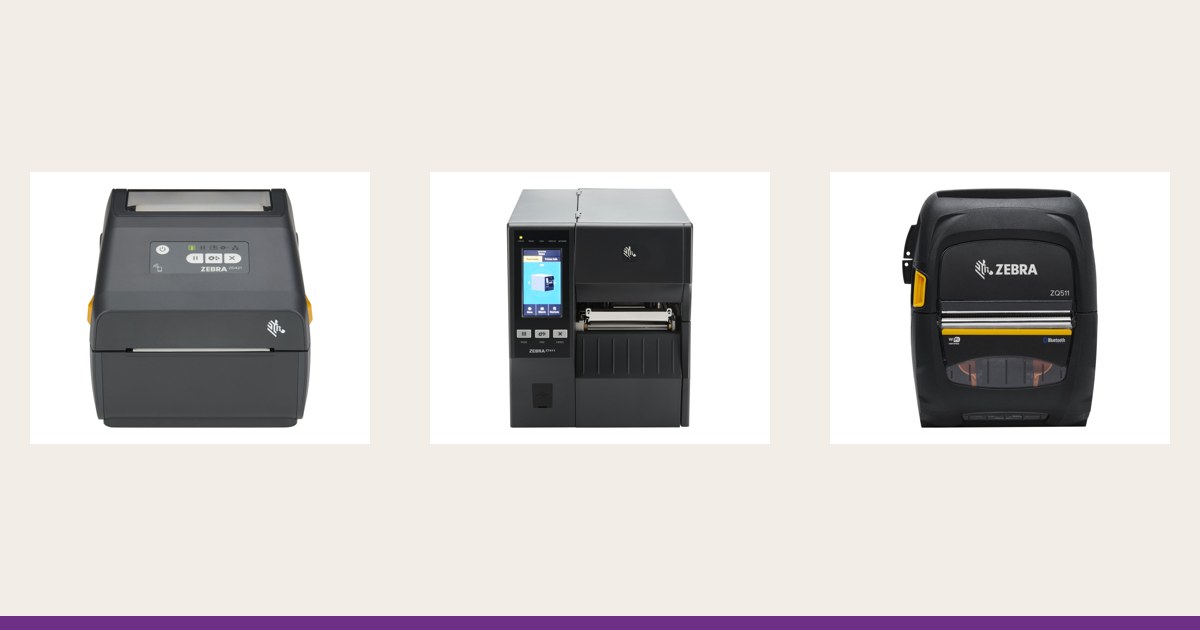
Goods arrive with no label of their own or with the supplier's. The operator scans, the system assigns a pallet number, and the printer produces the label on the spot. At the dock this is usually an industrial or desktop printer, see the industrial printer catalogue. On the receiving module of a WMS: goods receiving in Synngate WMS.
At the point of work
If the label has to be applied out on the floor, during relabelling or replenishment, the terminal sends the job to a mobile printer worn on the belt. The scenarios are described in mobile label printing in the warehouse and on delivery.
Centrally, in advance
Location labels are printed in batches, in the office or at one station, before they are mounted. One well-tuned printer for all the fixed labels gives a uniform look.
What reads them
Distance and position decide the reader.
- Handheld scanner: for labels at hand height; simplest at receiving and packing
- Mobile terminal with built-in scanner: when the operator also needs the data from the system
- Finger-worn scanner: when both hands are busy picking; see wearable scanners on scanere.md
- Extended-range scanner: for location labels up high
A bin label on a top beam is read from several metres. That takes either an extended-range reader or a label with a large code; the same size as on the bottom shelf is not enough.
Material and environment
Ordinary paper on a metal rack, in a cold room or a damp hall, peels or smudges. For long-lived locations pick a durable material such as polypropylene or polyester with an adhesive suited to the temperature, and print by thermal transfer with a suitable ribbon, see direct thermal or thermal transfer. Test cold-room and freezer location labels in real conditions, not only in the office. Short-lived labels, such as carton labels, can be direct thermal.
Stocktaking and labels
During a count, the location label and the item label are scanned as a pair: the system confirms the operator reached the right place and counted the right goods. Without clear labels on both, stocktaking falls back to paper lists. On the stocktaking module: inventory counts in Synngate WMS.
The right printer for each task
- Locations in large batches: industrial or 4-inch desktop printer, durable ribbon
- Pallets at the dock: industrial printer, sometimes 6 inches for large labels
- Cartons and packing: 4-inch desktop
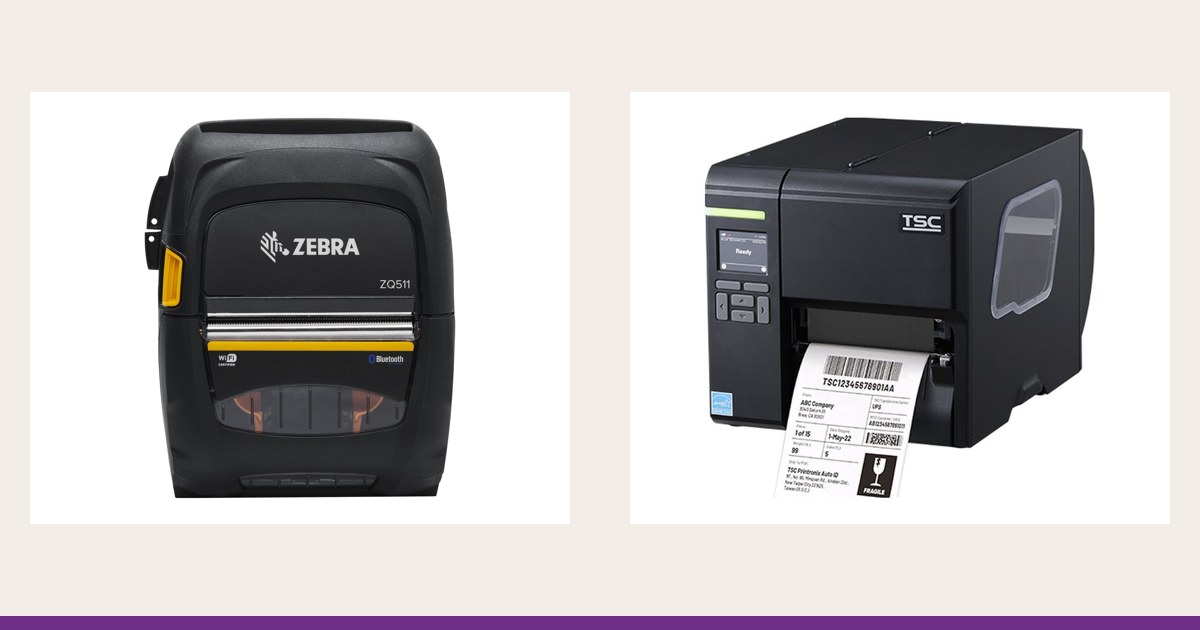
- Labels at the point of work: a mobile printer, for example the Zebra ZQ511 or TSC Alpha-30L
Conclusion
Start from the objects: location, pallet, carton, item. For each, define the label content, the place and moment of printing, the reader and the material. Only then choose the printer. Suitable models are in the label printer catalogue. Request a quote, describe your receiving flow, locations and warehouse conditions, and we will help choose the printer and consumables.