Direct thermal or thermal transfer: which to choose
Direct thermal or thermal transfer: how each method works, how long the label lasts, which ribbons exist, how to calculate the real cost and when to choose each option.

The first question when choosing a label printer is not the brand or the speed but the printing method. It determines the consumables, how long the label lasts and the cost per label. Below: how the two methods differ and how to decide for your process. All equipment types are on the label printers page.
1. How each method works
Both methods start from the same principle: a printhead with many tiny dots that heat up and build the image dot by dot. The difference lies in what actually turns dark.
Direct thermal. The label is made of thermal paper with a heat-sensitive coating. The head heats the paper directly and the coating darkens where it is heated. There is no ribbon; the only consumable is the label roll.
Thermal transfer. A ribbon, a thin film coated with solid ink, runs between the head and the label. Heat melts the ink, which bonds to the label surface. There are two consumables: the labels and the ribbon.
2. A quick comparison
| Criterion | Direct thermal | Thermal transfer |
|---|---|---|
| Consumables | Thermal labels only | Labels and ribbon |
| Label life | Short: fades with heat, light and friction | Long, depending on the ribbon and label combination |
| Materials | Thermal paper | Paper, coated paper, polypropylene, polyester, textile |
| Resistance to water, oils, chemicals | Low | Medium to high, depending on the ribbon |
| Maintenance | Simpler, no ribbon changes | The ribbon is changed and matched to the label |
| Typical uses | AWB, scale labels, receipts, temporary labels | Pallets, products, asset tags, durable shelf labels, production marking |
3. When direct thermal is enough
Direct thermal suits labels that need to last days or a few weeks, not years:
- Shipping labels and AWB for parcels
- Scale labels for fresh food
- Receipts, queue tickets, kitchen order labels
- Sorting, order picking and internal movement labels
The main advantage is simplicity: there is no ribbon to order, change or match. For an online shop printing AWB labels this is usually the natural choice; see the guide label printer for AWB.
4. When you need thermal transfer
Thermal transfer is chosen where the label must stay readable for a long time or in harsh conditions:
- Pallet and logistics labels that stay in the warehouse for months
- Product labels and barcode labels that are scanned many times
- Fixed asset tags, shelf labels and warehouse location labels
- Products kept in the cold, in humidity, in sunlight or in contact with oils
- Labels on synthetics, textiles or packaging that gets washed
On GS1 logistics labels see GS1 labels for warehouses and pallets.
5. Ribbons: wax, wax-resin, resin
Wax
The most common type, for paper labels. Suitable for product, shipping and warehouse labels that are not exposed to heavy friction or chemicals.
Wax-resin
A compromise between durability and price. Used on coated paper and some synthetic materials when the label has to withstand friction and moisture better.
Resin
The highest durability: against scratching, solvents and temperature. Used on synthetics, for industrial marking, component labels and chemical products.
The ribbon is chosen together with the label, not separately. The ribbon should be slightly wider than the label so that no areas are left unprinted, and the ink side must suit the printer, because models differ in how the ribbon is loaded. Before a large order, test the combination on your own printer.
6. The real cost per label
The claim “direct thermal is cheaper because there is no ribbon” is incomplete. The calculation includes:
- The price of a thermal label roll compared with standard labels
- The price of the ribbon and how many labels one roll covers
- Printhead wear, since the head is replaced periodically with either method
- Operator time spent changing rolls and ribbons
- The cost of a label that faded too early: returns, reprints, scanning errors
A cheap label that cannot be scanned at the customer's goods-in costs more than the ribbon you saved.
7. Printers that work in both modes
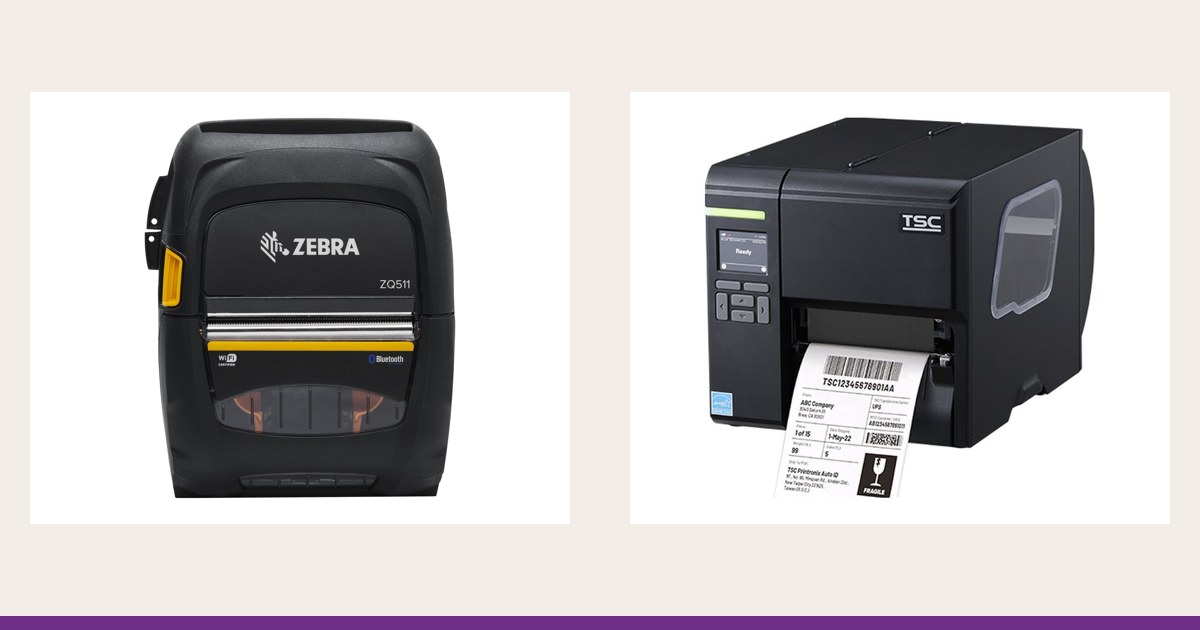
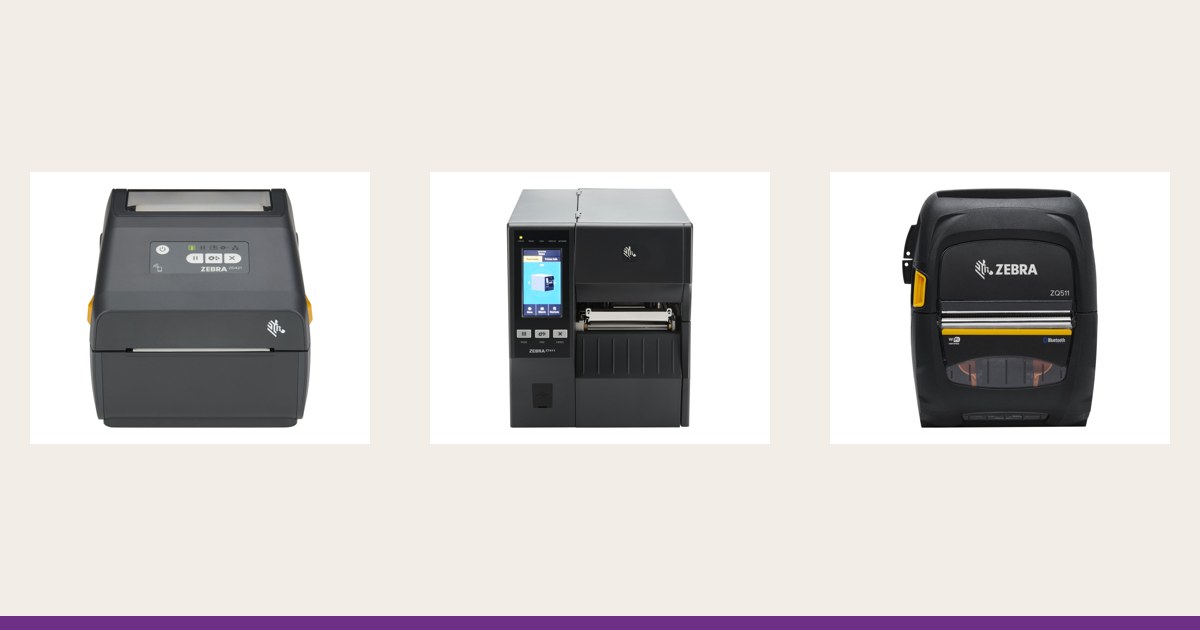
Many thermal transfer printers can also run in direct thermal mode: you remove the ribbon and change a setting. The reverse is not possible, because a direct thermal only model has no ribbon mechanism. With desktop printers the same line is often available in two versions, so check the exact version in the specification. Example lines: Zebra ZD220 and ZD421 (desktop), ZT231, ZT411 and ZT610 (industrial); TSC TE and TC (desktop), MB and MH (industrial); CAB EOS, MACH, SQUIX (from compact to industrial). Details on the Zebra, TSC and CAB pages.
If you do not yet know how long the label has to last, choose a thermal transfer printer. It keeps both options open, and switching to direct thermal needs no other equipment.
8. Resolution and label storage
The printing method does not replace resolution. For ordinary codes on AWB or pallet labels 203 dpi is usually enough; for small codes, DataMatrix and fine text, 300 or 600 dpi is the choice, see 300 or 600 dpi. Thermal rolls are sensitive even before printing: keep them away from heat, sunlight and solvents, otherwise the background may darken.
How to proceed
1. Decide how long the label must last
Days, months or years, and in what conditions: cold, outdoors, water, chemicals.
2. Choose the label material
Thermal paper, plain or coated paper, or a synthetic, to suit the surface.
3. Match the ribbon
For thermal transfer: wax, wax-resin or resin, tested on the chosen label.
4. Choose the printer
Desktop or industrial, by volume and workplace.
Industry solutions are on the warehouse, retail, manufacturing and logistics pages. For a specific recommendation, write to us about the labels you print and in what volume.