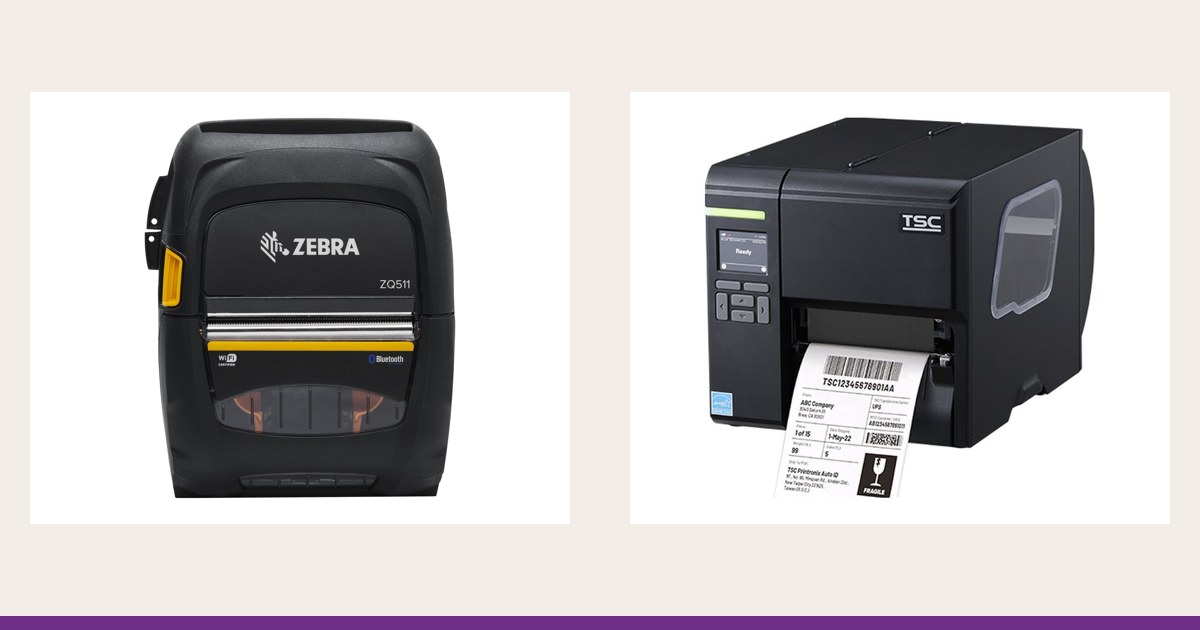
How to choose a label printer for the warehouse: desktop, industrial or mobile
Choosing the printer class by volume, width, roll size and connectivity: when a desktop is enough, when you need industrial and when mobile makes sense.
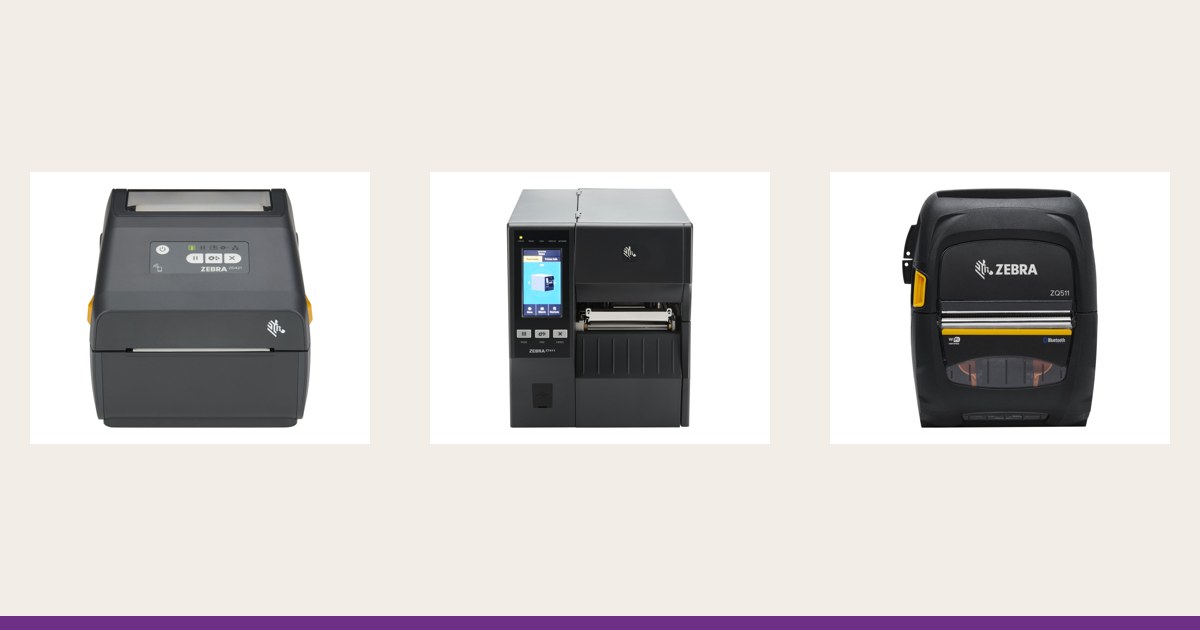
Most label printer mistakes come from sizing for the wrong day. A model that is fine for a packing bench struggles on a distribution-centre dock, and an industrial machine in a small office is money spent for nothing. This guide picks the printer class from volume and location, with examples from the range listed on this site.
Start with volume and rhythm
Write down three figures: labels printed per shift, whether printing is continuous or in bursts, and what a stoppage costs. The class follows from them.
| Class | Typical rhythm | Where it sits | Examples from the range |
|---|---|---|---|
| Desktop | Hundreds to a few thousand labels a day, in bursts | On a bench: receiving, packing, dispatch desk | Zebra ZD421, ZD621, TSC TE210, CAB MACH 4S |
| Industrial | Continuous printing, several shifts, large rolls | At the dock, on the line, by the palletiser | Zebra ZT411, ZT610, TSC ML241P, CAB SQUIX 4 |
| Mobile | Labels on demand, at the point of work | On a belt or in the hand | Zebra ZQ511, ZQ630 Plus, TSC Alpha-30L |
A working rule: if the printer runs without a break for a good part of the shift, step up to the industrial class. These models are built for big rolls and line pace; the Zebra ZT411, for instance, prints at up to 356 mm/s. For short bursts a desktop is enough.
Width: 2, 3, 4 or 6 inches
Choose print width by the widest label you will ever print, not the most common one. A 100 x 150 mm shipping label, common on cartons and pallets, needs 4 inches (about 104-108 mm).
- 2 inches (about 56 mm): shelf, bin and small product labels, such as the Zebra ZD411 among desktops
- 3 inches (about 72 mm): receipts and small labels on mobile printers, such as the ZQ511 or Alpha-30L
- 4 inches (about 104-108 mm): cartons, receiving, packing; the most common width on desktop and industrial models
- 6 inches (about 168 mm): large pallet and transport labels, on industrial models like the Zebra ZT620 or CAB SQUIX 6.3
A 4-inch printer also prints narrower labels; a 2-inch one cannot print a wider label. When in doubt, take the next width up.
Roll, ribbon and stops
The bigger the roll, the less often you change it. The Zebra ZD421 takes rolls up to 127 mm in outer diameter and the ZT411 up to 203 mm, and the ZT411 uses 450 m ribbon rolls. At high volume that means fewer stops per shift. For the printing method and ribbon type, see direct thermal or thermal transfer; for resolution, 300 or 600 dpi.
Connectivity
Match the connection to the spot in the warehouse:
- USB: a fixed workstation next to a computer
- Ethernet: printers at the dock and on the line, with a fixed address; the fewest network surprises
- Wi-Fi: where a cable will not reach or the printer is moved; needs solid coverage on the floor
- Bluetooth: the link to a mobile terminal, mainly for mobile printers
What comes standard and what is an add-on module differs from model to model, so check each model's page.
Options that change the class
Cutter and dispenser
A cutter trims continuous media to length, and a dispenser (peeler) presents the label already off the liner. The Zebra ZD421, TSC TE210 and ML241P offer them as options.
Applicator and rewind
On automated lines the printer works with an applicator that places the label on a pallet or carton. The Zebra ZT411 lists an applicator interface, rewind, peel and cutter among its options, so it fits such a line.
Battery
If a printer is moved now and then, some desktop versions have an optional battery. If it moves all the time, go straight to a mobile printer.
The mobile printer: when it makes sense
A mobile printer earns its place when the label must be applied where the work happens: receiving, relabelling, courier rounds. It does not replace the dock printer at high volume; it complements it. The Zebra ZQ511 prints 72 mm wide, has Bluetooth and Wi-Fi and a 3250 mAh battery, while the ZQ630 Plus reaches 104 mm. Scenarios and the link to the terminal are covered in mobile label printing in the warehouse and on delivery. Pairing a printer with a handheld is discussed in depth on terminale-mobile.md, and the devices themselves can be compared in the mobile data-collection terminals section.
Labels also have to be read
Printer and reader are chosen together. For 1D codes on long rolls at the dock, industrial barcode scanners are the usual match; if resolution and material are wrong, even a good scanner will not save the read.
Checklist
- Labels per shift, in bursts or continuous
- Widest label: the printer width
- Roll and ribbon diameter
- Location and connection (USB, Ethernet, Wi-Fi, Bluetooth)
- Cutter, dispenser, applicator, if needed
- Which command language your system speaks (for example ZPL or TSPL)
Conclusion
Class follows volume and workplace: desktop for bursts, industrial for a steady flow, mobile for labels at the point of work. Width follows the largest label, and options follow the process. The models under desktop printers, industrial printers and mobile printers can be filtered by width and connectivity. Request a quote and tell us your labels per shift and where the printer will stand; we will help you choose the configuration.